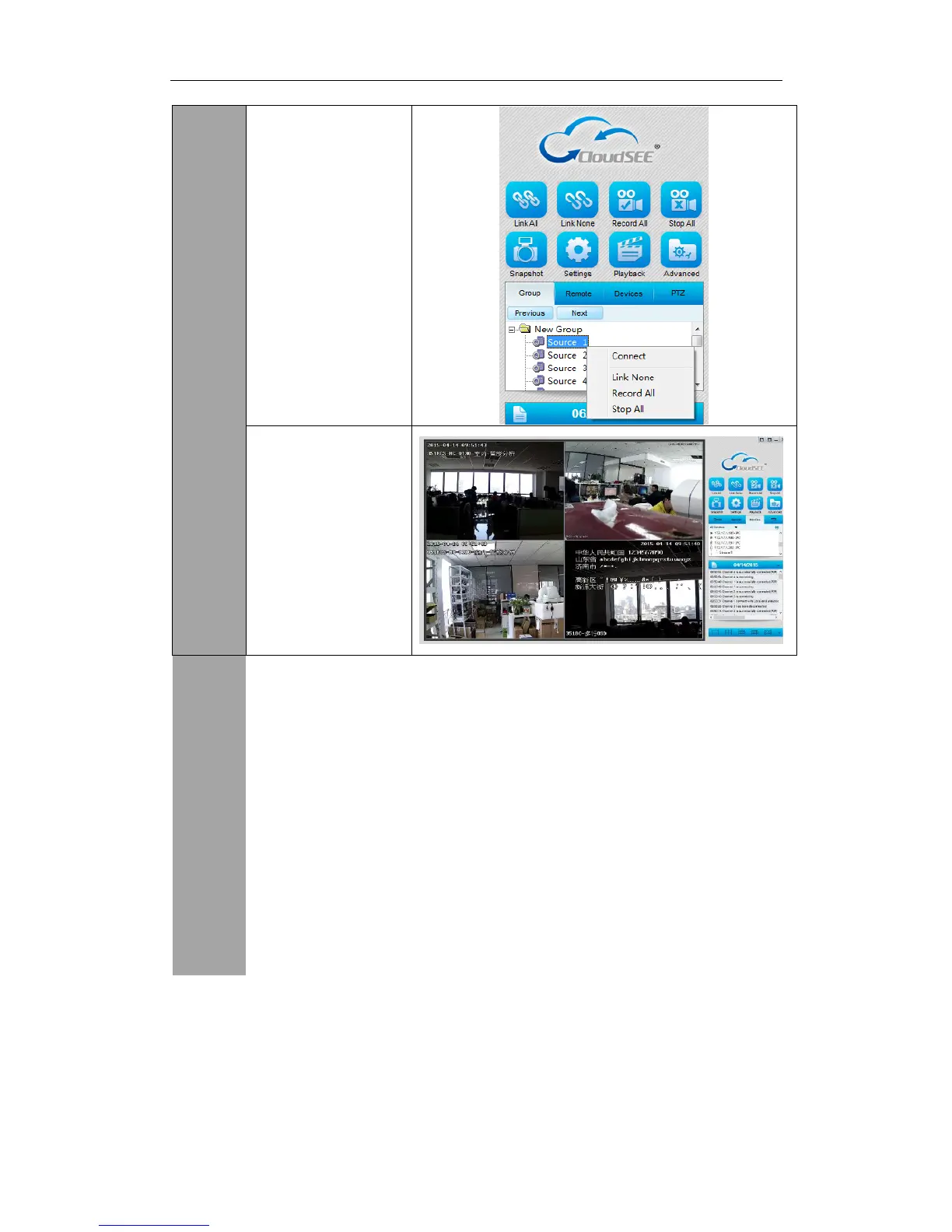
Also you can adjust the settings of any dvr, nvr or ip camera remotely this can be done by clicking
the right button on the mouse and clicking remote settings in the menu. When in the menu you
can adjust settings such as time, date, time zone, device name, setup user accounts, update the
device by web or file update, check event logs, setup motion detection, alarm parameters, image
adjust, audio adjust, bit rate, frame rate, resolution, network settings, ptz functions, IVA
intelligent analysis function for 1.3mp ip cameras and nvr(setup trip wires and place boxes
around objects).


 To Next Page