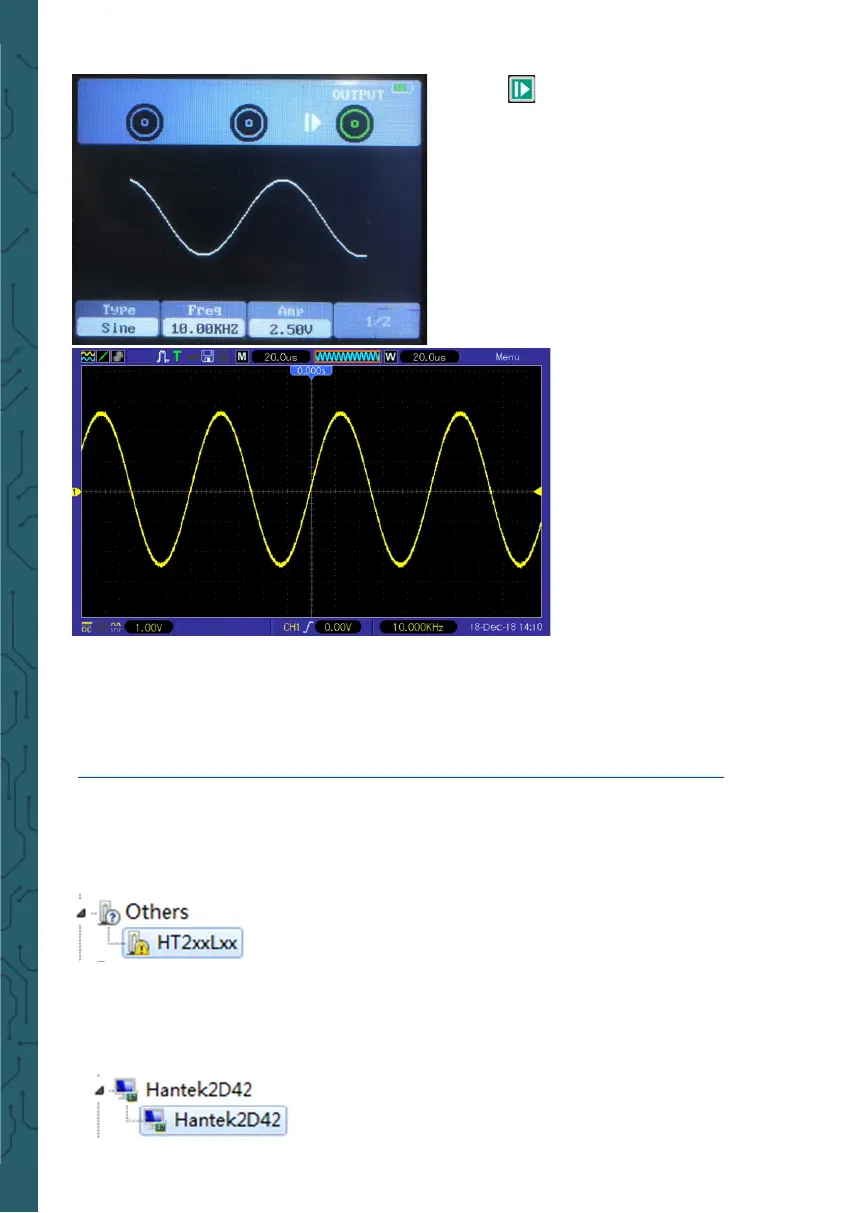
6. Press button, the backlight of
the button turns green, i.e. output
sine waveform.
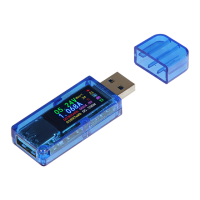
7. The waveform obser-
ved by an oscilloscope is
as follows:
• Output the arb waveform
1. Install the soware
Download the latest soware on the oicial website, double click Setup.exe to install.
The link is as follows:
https://joy-it.net/files/files/Produkte/JT-DMSO2D72/DMSO2D72_Soware.zip
2. Install the driver
Connect the oscilloscope to the computer via the USB cable. Open the device manager
of the computer and find the device. If the device icon is shown
in the following picture, you need to install the driver manually.
The drivers are located in the soware package in the Driver folder.
Right click the device, and select “Update the driver soware”, and select the driver
files path to install.
Aer successful installation of the driver, it is shown as follows:


 To Next Page