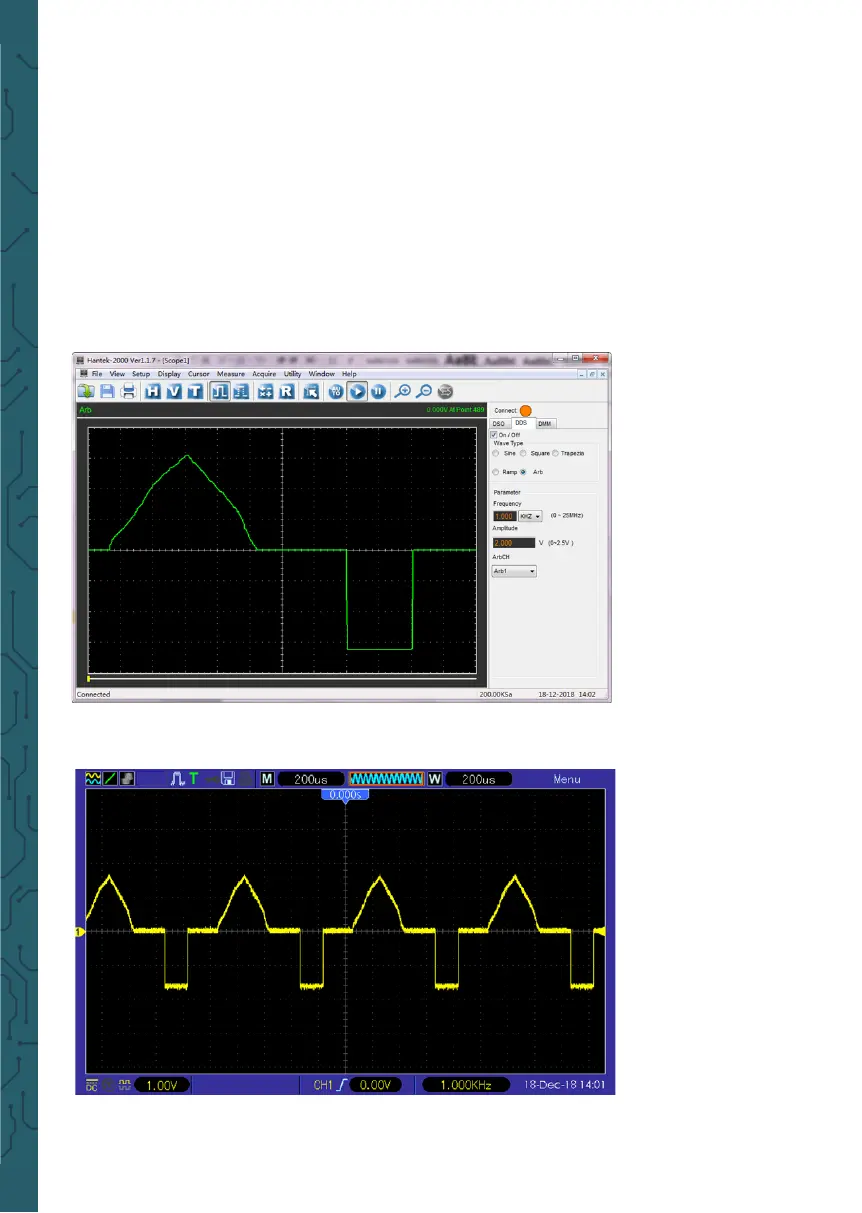
3.Double-click the Hantek2xx2 icon to open the soware and select "DDS" in the
right control bar to enter the signal generator control bar.
4. Put "√" in the box in front of "on/o" to open the signal output.
5. Select "signal type" as "arb", and set the corresponding frequency and amplitude.
6. Select "Arb Channel" as Arb1/Arb2/Arb3/Arb4. Each arb channel can save only one
arbitrary waveform which was downloaded last time. Turn on again aer shutdown,
and automatically recall.
7. Draw arbitrary waves in waveform area with mouse.
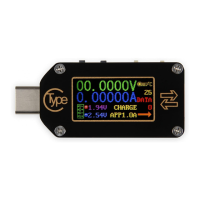
8. Connect Gen Out connector to oscilloscope for observation.


 To Next Page