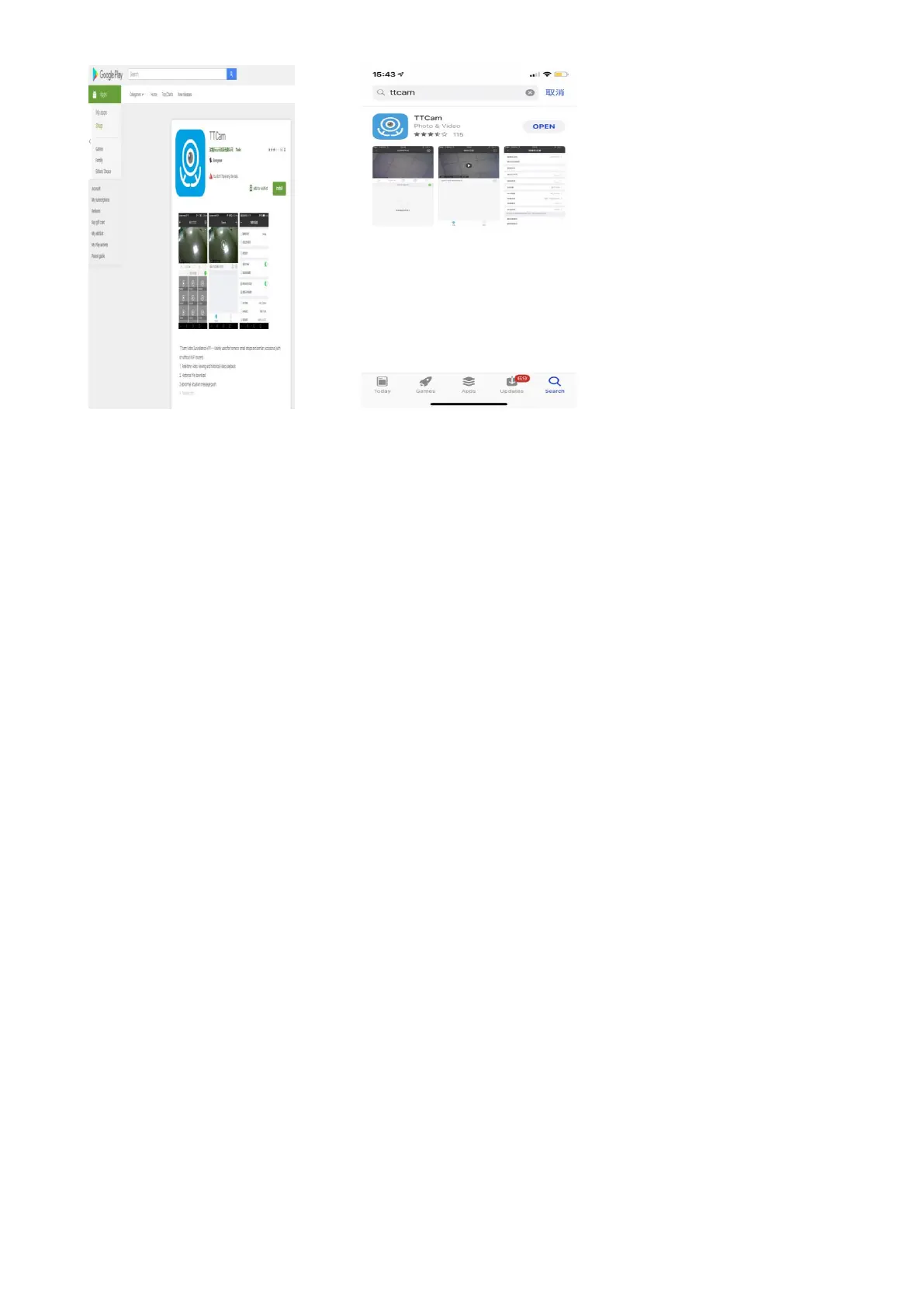
(figure 1) (figure 2)
四、Short-range point-to-point mode
Step 1: Turn on the camera and then dial the MODE button to 1, the blue light on the left is on after wait
about 40s.
Step 2: Open your phone and find the phone’s Setting, then enter the WiFi setting page.
Step 3: Find the camera's hotspot “ HDQ21”(the original password is 12345678) and connect it.
Step 4: Open the APP “TT Cam”(figure 3). You may see the picture of live-stream directly (figure 4). At
the condition, it is short-range point-to-point mode. The camera is not connected with the network.
Only the blue indicator light on the camera back is on.
Note : The signal effective distance of the camera's hotspot is within 10 meters. If the phone
is outside this range, it will automatically disconnect.


 To Next Page