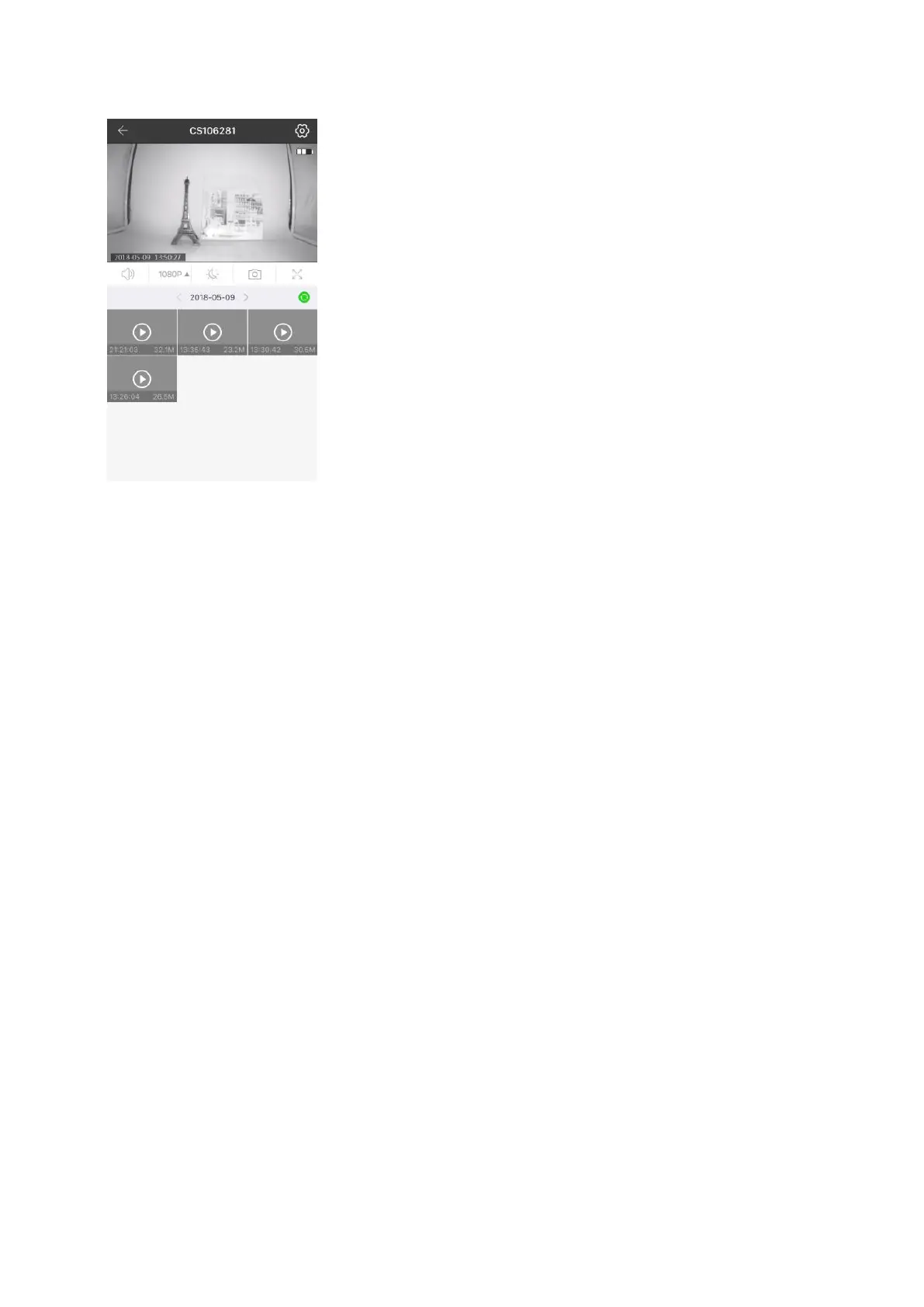
(figure 7)
九、Motion detection and push notification
• It is necessary to enable “activity detection prompt” in “Camera setting” and enable “Push notify” in
“My” of APP main interface (figure 8). Moreover, the mobile phone setting permits APP to give out
notification.
• After the activity is enabled, when the activity is found on monitoring picture, prompt information will be
pushed to the mobile phone. (figure 9)


 To Next Page