NXU-2A Operations Manual
4-6 Interoperability Now
4.6.2 Web Access with Password Protection
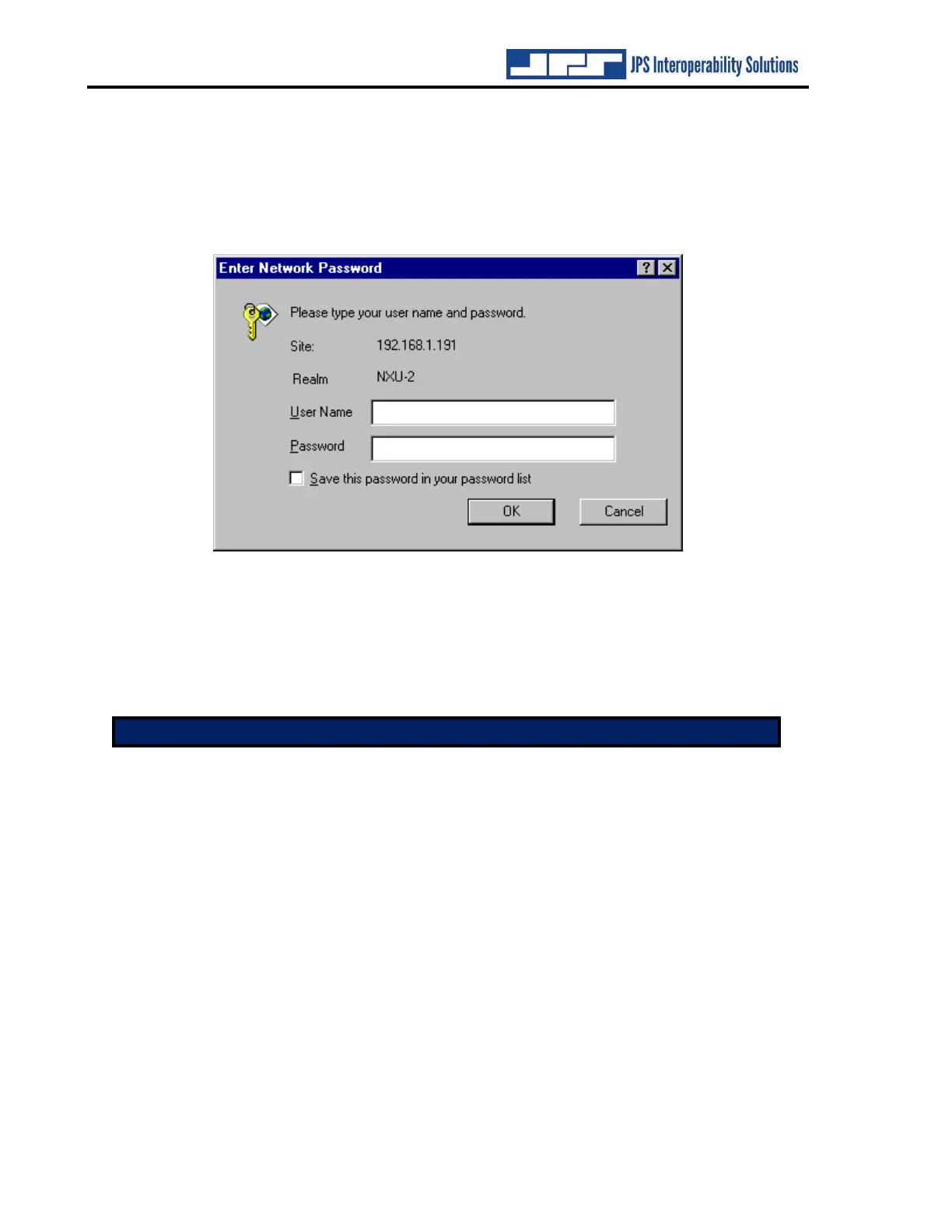
When the NXU-2A security level is set to require a password, any attempt to access the unit via
HTTP will result in the web browser displaying the following dialog:
Figure 4-2 Network Password Dialog
In order to access the NXU-2A you must enter the password that was previously programmed
using the PASS command. The User Name is not required – you may enter anything or nothing
in this field, but the password must be entered correctly in order to access the unit. Once you
have entered the password you will not need to enter it again unless you exit your web browser.
Note: The security level and password must be programmed via the serial port.


 To Next Page