13
Or:-
Setting Chime when some Areas are Set (continued)
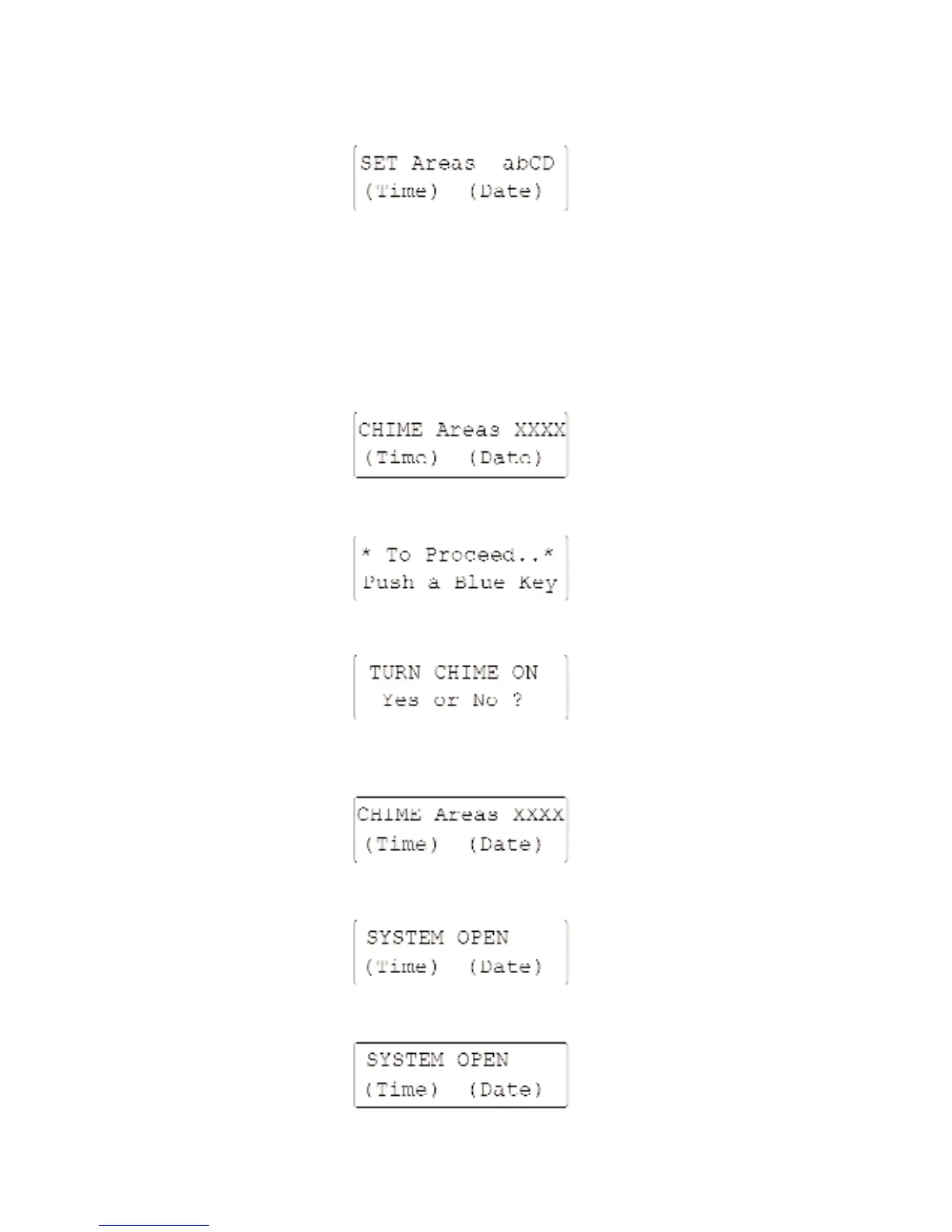
The display will now be of the form:-
Areas in CAPITALS are set as a Guard system which will produce an Intruder Alarm.
Areas in lower case are set as a Chime system which will produce a Chime Alarm.
Unsetting Chime
If you have set Chime mode you will find that this is automatically cleared next time the system is
Set; however you may wish to change the existing settings without changing the Guard system. To
do this starting with:-
Enter your Access Code. The display will read:-
Press the [0/CHIME] key. It may be that not all chime areas are set, in that case the display will read:-
Continue with the dialogue using the [YES/OPTIONS] or [NO/QUIT] keys until you have covered
all available areas; the display will then read:-
Or:-



 To Next Page