2
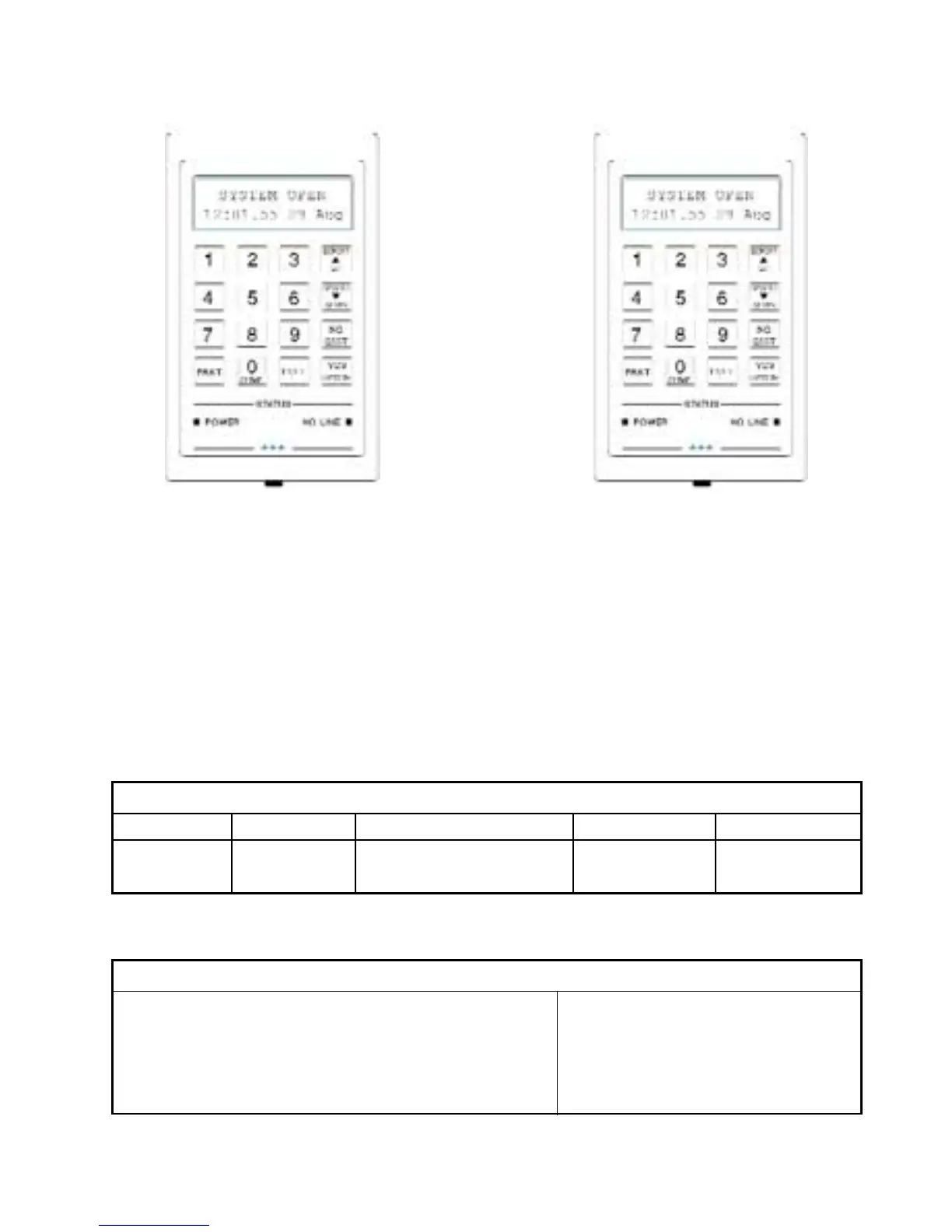
Numeric Keys and Text Window
The numeric keys are used for entering
your Access Code to turn the system
On and Off. If you enter a wrong code,
enter the code again. The Text Window
can show a wide variety of messages
which in most cases are self explanatory.
Function Keys and Status Display
The Blue Function keys are used to
operate the security system and to
answer questions. The Scroll keys are
used to move up and down a Menu or
list. The No Line light will only be
functional if a Communicator is fitted.
The Remote Keypad
Note: The [0/CHIME] Key has a Dual Function.
The Keypad is also used for other operations which are explained later.
The Remote Keypad contains a loudspeaker which can produce the following sounds
STATUS LIGHTS
LABEL ON OFF FLASH COLOUR
POWER Power OK System Set/No Power Mains Fault Green
NO LINE N/A Tel. Line OK Tel. Line Fault Amber
DESCRIPTION OF SOUNDS
Keypad press - Quick blip Fire sound - Two tone sound
Entry sound - Solid tone pulsed on and off slowly Night setting - Soft clicking
Exit sound - Solid tone Chime - Warble
Tamper sound - Fast broken tone Fault sound - Fast broken tone
Alarm sound - Wailing tone Error tone - Buzz



 To Next Page