GuestCall Paging, Coaster Pagers
Model Number: J1707, J1708
Components
Your GuestCall
®
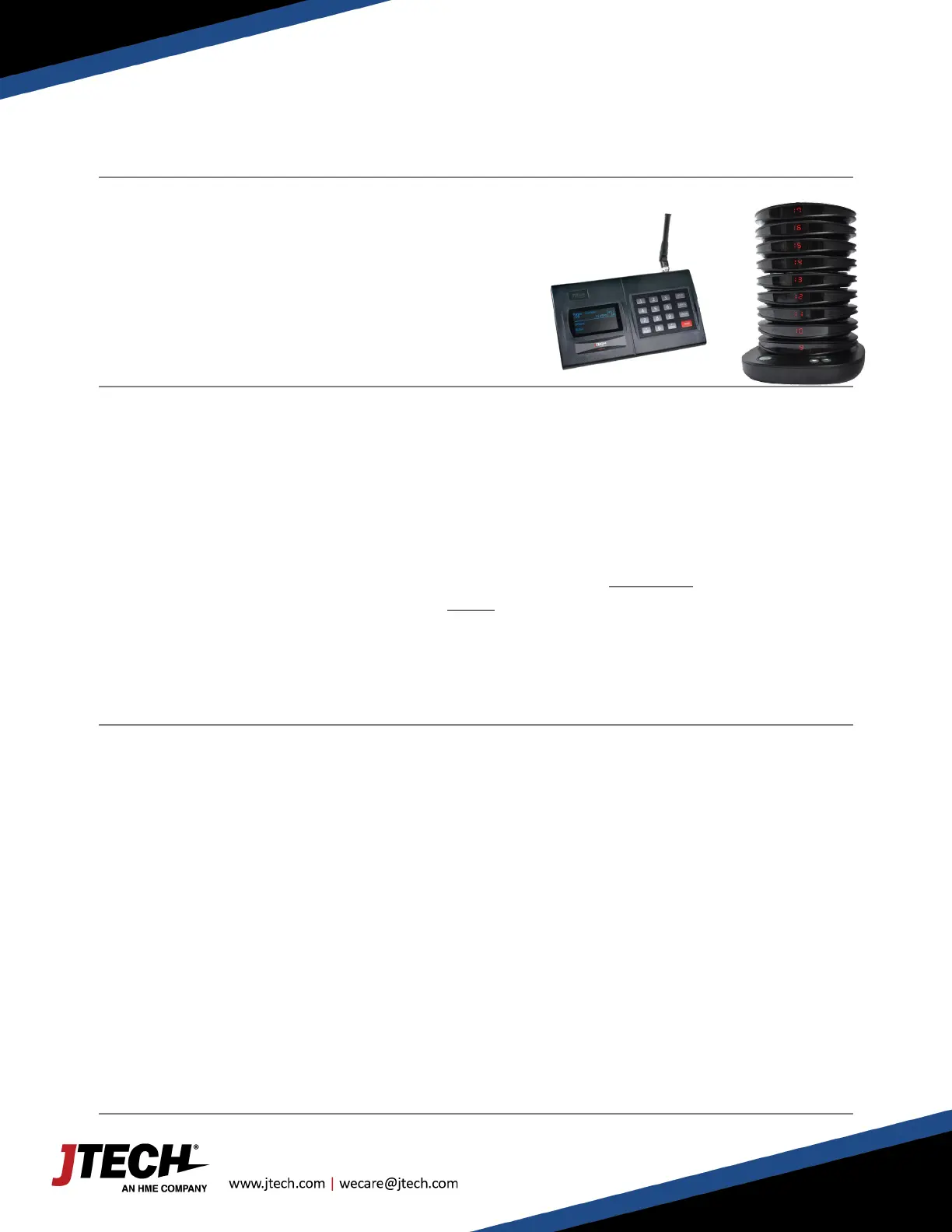
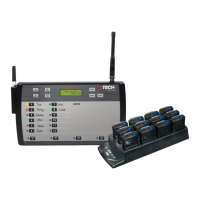
Coaster paging system is comprised of:
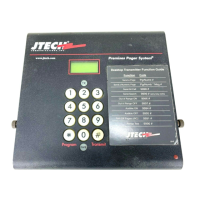
> Transmitter (IQ Base / Istation)
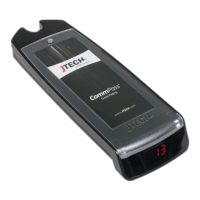
> The GuestCall Coaster Pagers
> The GuestCall Coaster Pager Charger
Quick Setup
> Lock the antenna to the connector on the transmitter by placing the antenna on the connector and twisting
left to lock in place.
> Plug the power supply into the transmitter and then into a standard 110-240v outlet. A surge protector is
recommended.
> Compile charger bases and plug charger power supply into charger and then into a standard outlet. Surge
protection is recommended for charging bases.
> Add pagers to charger slots. You will see a BLUE light on each pager. This light indicates the charging status.
o ‘LO’ on the number display: Battery is below 20% charged and SHOULD NOT currently be used.
o Flashing BLUE: Pager is charging and CAN BE available for use.
o Solid BLUE: Pager is fully charged.
o Allow 4 hours for a complete charge of the pagers.
System Use
Distributing a Pager
> Remove a pager from the charger.
> The pager will flash and vibrate to preview what the alert will look like for the guest.
> Hand the pager to the guest, stating that the pager will go off with they have been paged.
Paging a Guest
> To page a guest, enter the 1 to 4-digit pager number into the transmitter and press SEND.
> The pager will alert until it is returned to the charger.
Setup is Complete
If you have any additional questions, please contact us at the addresses below.
System Configurations


 To Next Page