GuestCall Paging, CommPass Pagers
Model Number: J1701, J1702
Components
Your GuestCall
®
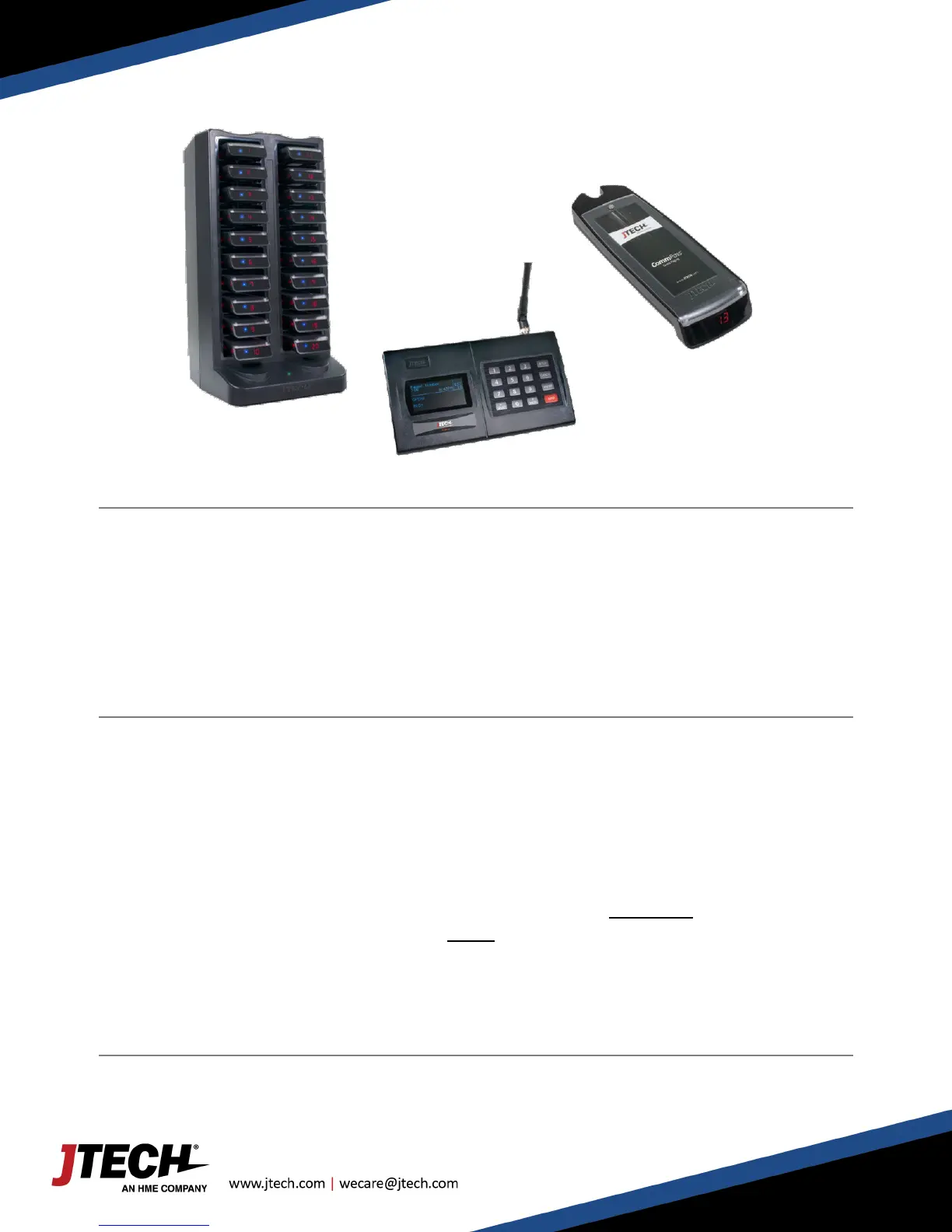
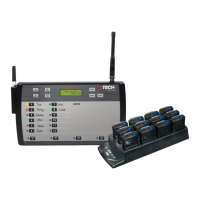
CommPass paging system:
> IQ Base / ISTATION Transmitter
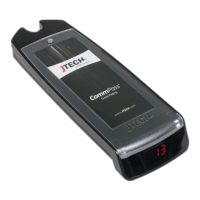
> The CommPass Pagers
> The CommPass Charger
Quick Setup
> Lock the antenna to the connector on the transmitter by placing the antenna on the connector and twisting
left to lock in place.
> Plug the power supply into the transmitter and then into a standard 110-240v outlet. A surge protector is
recommended.
> Compile charger bases and plug charger power supply into charger and then into a standard outlet. Surge
protection is recommended for charging bases.
> Add pagers to charger slots. You will see a BLUE light on each pager. This light indicates the charging status.
o ‘LO’ on the number display: Battery is below 20% charged and SHOULD NOT currently be used.
o Flashing BLUE: Pager is charging and CAN BE available for use.
o Solid BLUE: Pager is fully charged.
o Allow 4 hours for a complete charge of the pagers.
System Use


 To Next Page