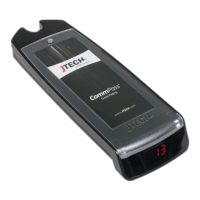
GuestCall Paging, CommPass Pagers
Model Number: J1701, J1702
Range Test
Turning this feature on and walking around with your pagers will give you an idea of the range of your transmitter.
Transmitter will send a signal to the pagers for this range test. Pagers will light up each time that the pagers receive
the message from the transmitter.
When testing range, use 3 pagers to ensure that you have the most accurate reading. When you have reached a point
where ALL 3 pagers do not receive 2 consecutive pages then you are out of range.
Performing Range Test
> Scroll to RANGE TEST.
> Press ENTER key. Transmitter will send page to all pagers every 10 seconds.
Audible On/Off
This will enable or disable the pager voice or beep alert if available.
> Remove all the pagers from the charging rack or unplug the power supply that is connected to the first
charging rack.
> Scroll to AUDIBLE ON or OFF menu, press the #/Select key to turn audible ON or OFF.
> Press # key to toggle between ON or OFF.
> Press ENTER key. Transmitter will send signal to all pagers to enable or disable the voice or tone.


 To Next Page