Cryo-Compact Circulators
29
7.3. Setting the temperatures
Factory setting:
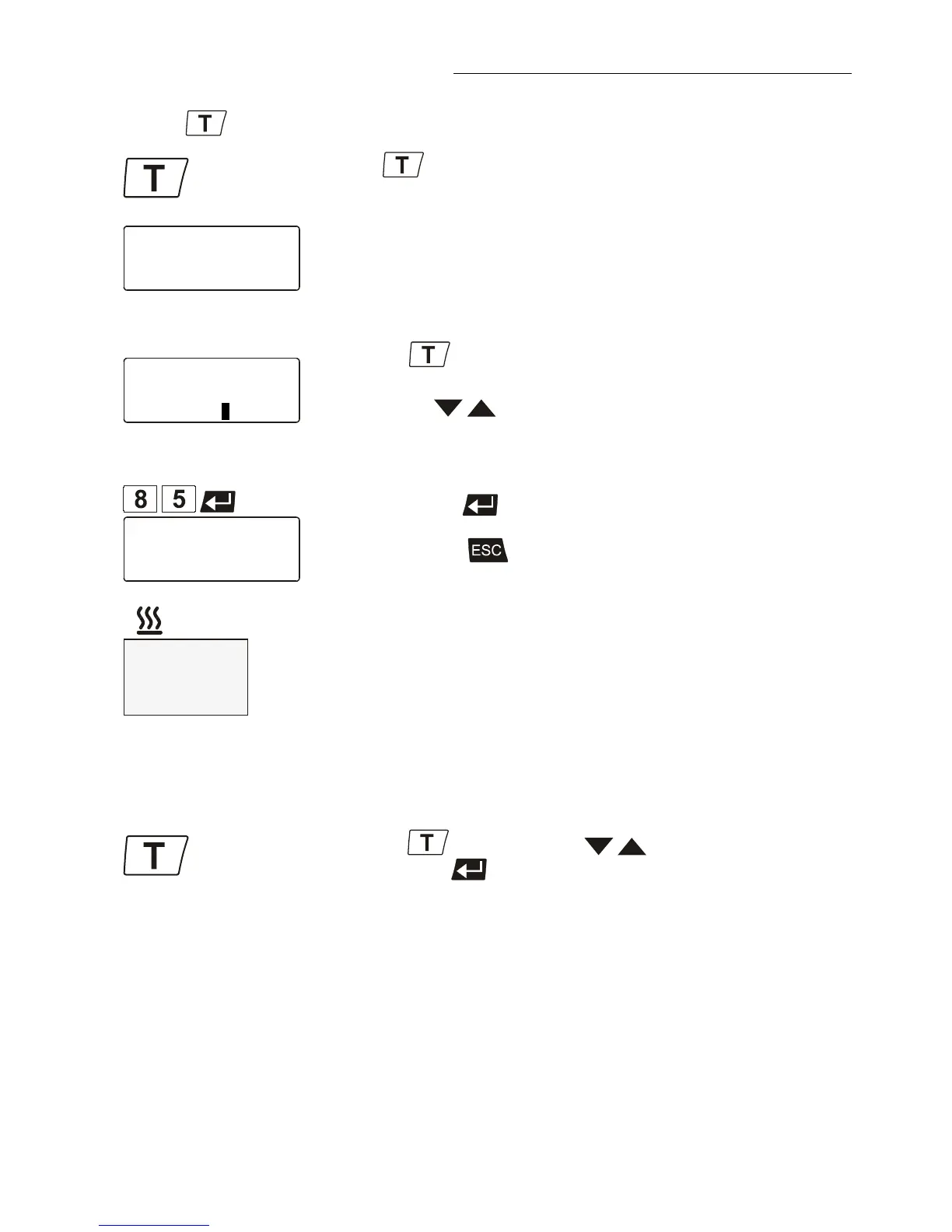
Press the key to call up the menu for temperature selection.
3 different working temperatures are adjustable. Their values are freely
selectable within the operating temperature range.
This setting may be carried out with the circulator being in the Start or
Stop condition!
Example: Setting working temperature „Setpoint 3“
Press the key.
The LCD DIALOG-DISPLAY indicates the valid settings.
Use the keys to select Setpoint 3.
(One segment of the line blinks)
Change the value to 85 °C.
Use the numeral keypad to enter 8 and 5.
Then press enter
to store the value.
The value remains visible on the LCD DIALOG-DISPLAY for about 10
seconds, or press
to update the display immediately.
In the >Start< condition this value is immediately used for controlling the
working temperature.
The indication on the VFD COMFORT-DISPLAY is updated.
The heater control indicator blinks.
Notice: See SetMax: and SetMin:
in chapter 8.6. Limits on page 59
Example: Selecting the working temperature
• Press the key. Use the keys to select setpoint 1, 2 or 3
and press enter
.
The Cryo-Compact Circulator uses the new working temperature value









 To Next Page