JUNCTEK
JDS8000 Series User’s Manual
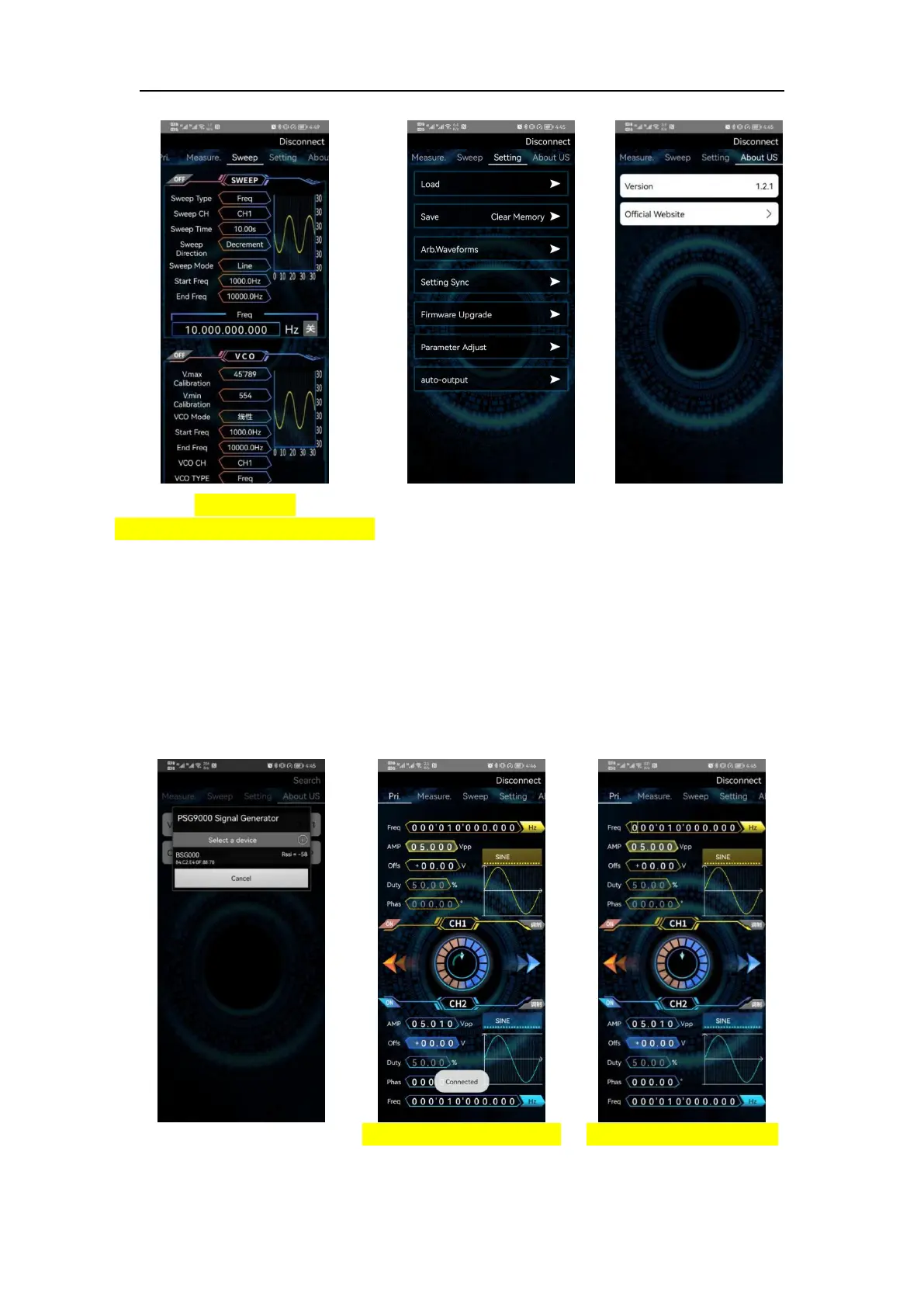
Figure 3-9-7
Sweep/voltage control interface
Figure 3-9-8
System setting interface
Figure 3-9-9
About us interface
(6) Brief introduction to Android APP
On-line
On the home of the app click search in the upper right corner to search for the
corresponding Bluetooth. After clicking the corresponding Bluetooth, the
interface will pop up "connected", and the search in the upper right will become
disconnected and the machine model will appear, indicating that the
connection has been completed.
As shown in the following figure 3-9-9, figure 3-9-10, figure 3-9-11.



 To Next Page