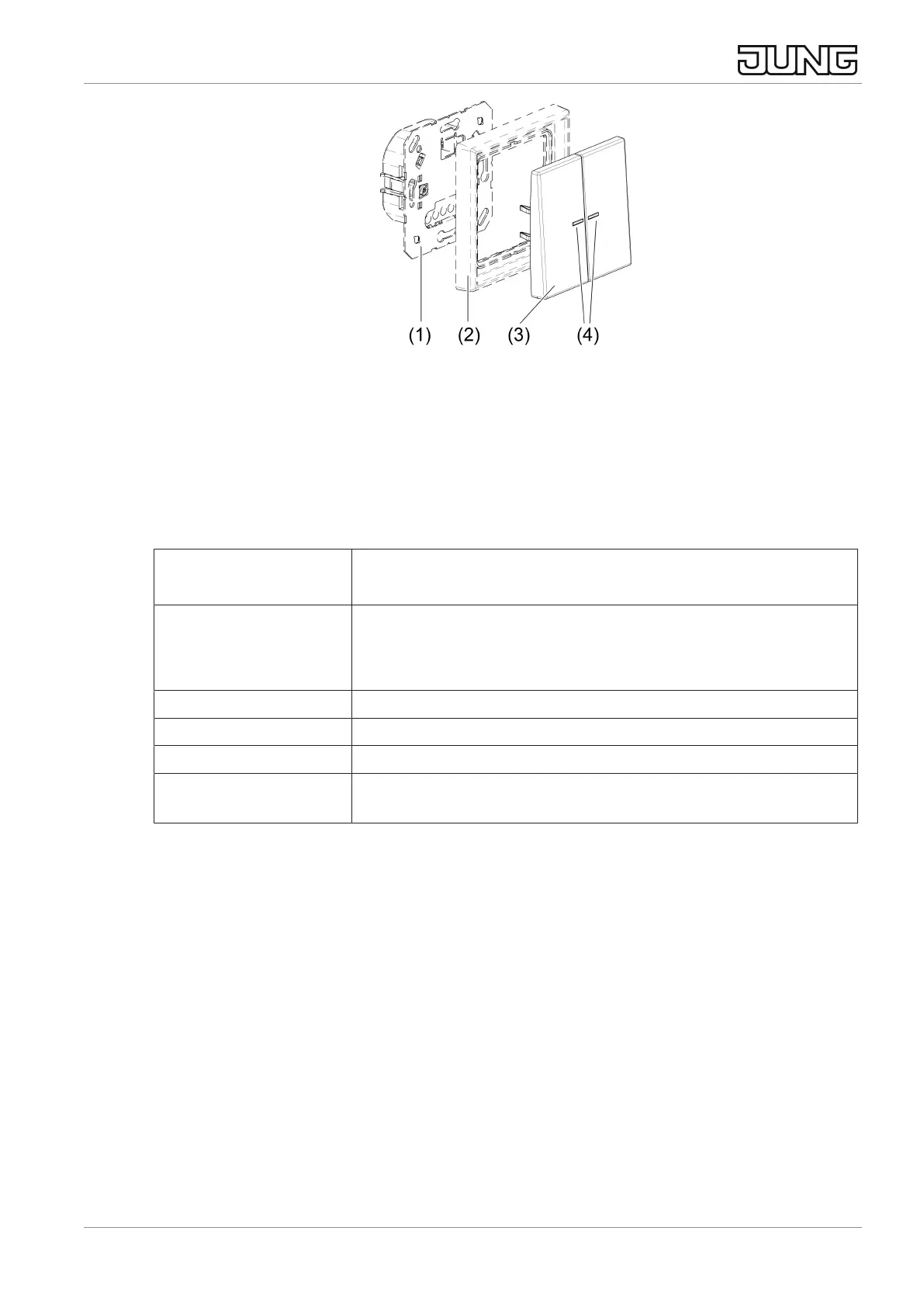
Image2: JUNG HOME push-button 2-gang
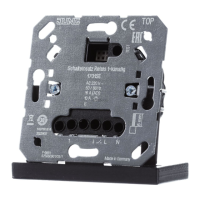
(1) System insert
(2) Design frame
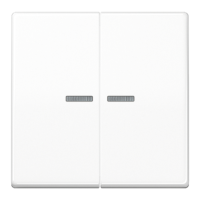
(3) Operating cover
(4) Status LED
LED indication during operation
Green* Output is switched on
Venetian blind, shutter, awning moving
Orange* Output is switched off (rocker operating concept)
Venetian blind, shutter, awning stationary
Orientation LED (button operating concept)
Red Disabling function active, e.g. continuously on/off
Blue, triple flashing Time has not been set, e.g. due to extended power failure
Flashing green/red Device update is being performed
Red, triple flashing Error message (cover was previously connected to another
system insert)
* Colour adjustable
3 Intended use
– Manual and automatic operation of e.g. venetian blinds, shutters, awnings
lighting or fans
– Wireless connection to devices from the JUNG HOME system
– Operation with system insert for dimming, switching, Venetian blind or 3-wire
extension
4 Product characteristics
– Commissioning and operation using JUNG HOME app on mobile end device
(smartphone or tablet) via Bluetooth
JUNG HOME push-button 1-gang, JUNG HOME push-button 2-gang
4 / 26
32405203 24.02.2023
J0082405203


 To Next Page
 Loading...