5.1 Operation via extensions
Precondition:
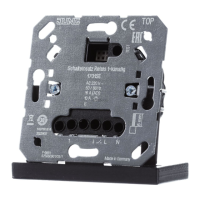
A push-button, an Satellite insert 2-wire with an LB Management push-button 1-gang
or an Satellite insert 3-wire, power supply with an LB Management push-button 1-
gang or LB management motion detector is connected. Multiple extensions can be
combined with each other. Operation with the Rotary satellite insert 3-wire is de-
scribed in the rotary extension instructions.
If no run-on time (load) is set, the load either switches alternately ON/OFF or specific-
ally ON at the top and OFF at the bottom, depending on the extension used.
Switching on a load for the duration of the run-on time
■ Press the operating cover at the top or the push-button briefly or LB manage-
ment motion detector detects a movement.
The run-on time is restarted by pressing again or detecting the movement again.
If the load is supposed to be able to be switched off manually, the parameter "Manual
switch-off of run-on time" must be activated.
Setting the brightness, only in combination with dimming insert
■ Press and hold the operating cover at the top or bottom or the push-button. In
the case of a push-button, the dimming direction is changed with each new
long actuation.
JUNG HOME push-button 1-gang, JUNG HOME push-button 2-gang
8 / 26
32405203 24.02.2023
J0082405203


 To Next Page
 Loading...