4948
5.4 2
nd
time
The 2
nd
time function gives you the option, independent of the analogue time,
to have another time shown on the LCD display (e.g. if you are on holiday in
another time zone and want to see the time at home).
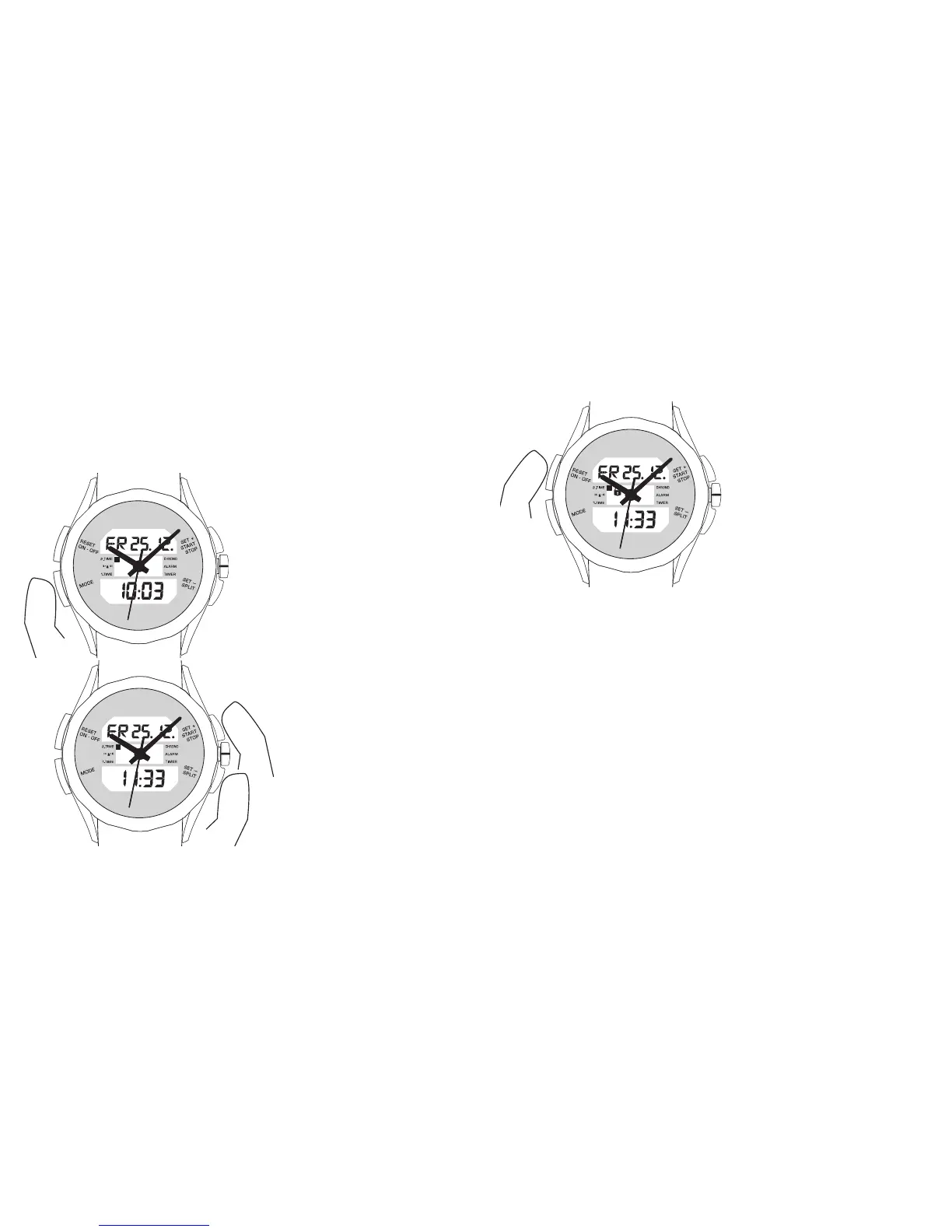
Press the ‘MODE’ button repeatedly
until you reach ‘2
nd
TIME’ mode.
Second time is set in 30-minute
steps using the ‘SET+’ and ‘SET–’
buttons.
You can protect this function from
accidental adjustment by pressing
the ‘RESET’ button for more than
3 seconds. A ‘lock symbol’ on the
LCD display then indicates that the
function is ‘protected’.
To enable yourself to make a new setting, press the ‘RESET’ button for over
3 seconds.













 To Next Page