18
2 Operation of the Easy Access Transponder Stand-Alone
Module
2.1 General Information about the Use of the Keyless Access System
The default code is to be found on a sticker. When using for the first time, change
the set-up code and remove the sticker!
– Default code: 1-2-3-4
– Factory set-up code: 2-4-1-2
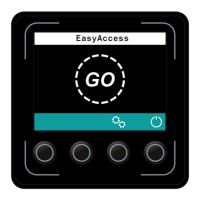
When a valid code is entered or a valid transponder used, a green tick appears on
the display unit.
When an invalid code has been entered or an invalid transponder used, a red cross
is displayed, and the entry must be repeated.
Once a certain length of time has elapsed without entry of a code or use of a
transponder, the display unit switches to standby mode. Pressing any key cancels
standby mode.
The following additional settings can be performed by the manufacturer’s customer
service department.


 To Next Page
 Loading...