66 Archer 2 Rugged Handheld Owner’s Manual
Take Photos and Select Photo Options
Press the camera button to turn the camera on. Frame
the photo as desired (a portrait orientation works best) and
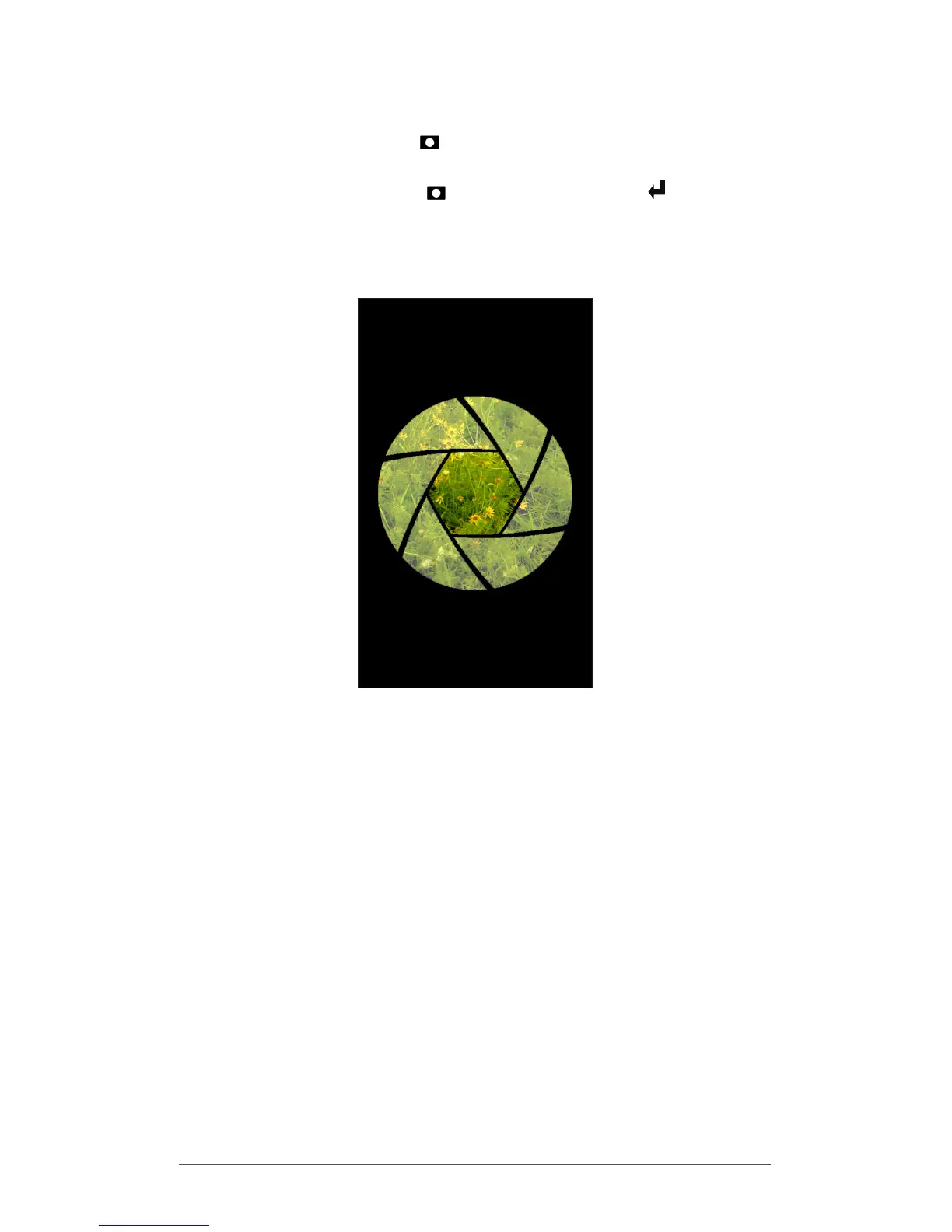
press the camera button or the return button . A screen
like the following is shown for a few seconds. Hold the
handheld steady until you hear a click indicating that the
photo has been taken.
While the photo is being saved, a disk symbol is shown
briey. The full photo is then shown on the screen.



 To Next Page