7
8
11
12
13
14/15
16
17
18
4
3
2
1
5
6
9
10
19
20
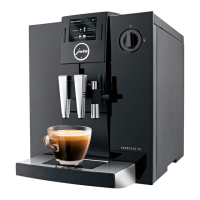
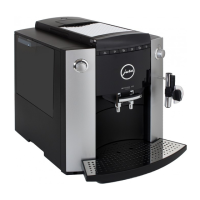
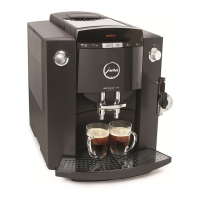
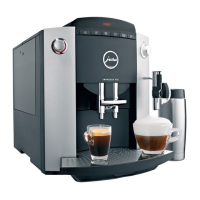
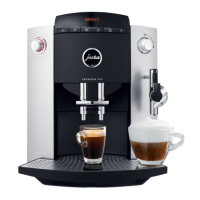
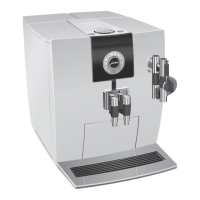
Control elements
A) Display dialog system
B) Symbols (navigation in programming mode)
C) Large cup
D) Coffee
E) Espresso
F) Start (to start the draw-off operation)
G) Coffee strength «mild»
H) Coffee strength «Normal»
I) Coffee strength «strong»
1 Programming key
2 Selection key for pre-ground coffee
3 Draw-off key 1 cup
4 Draw-off key 2 cups
5 ON/OFF key
6 Maintenance key
7 Connectivity socket
8 Control panel
9 Filler funnel key for pre-ground coffee
10 Bean tank cover
11 Water tank with handle
12 Water portion draw-off key
13 Steam portion draw-off key
14 Professional Cappuccino Frother with milk pipe
15 Interchangeable hot water nozzle (see Fig. 7)
16 Height-adjustable coffee spout
17 Cup illumination (Fig. 10)
18 Coffee grounds container
19 Drip grate
20 Drip tray
21 Power switch
Sensitive Touch Screen TechnologyPROGRAMMATION
B)
8
A)
8
C) D) E) F) G) H) I)
21


 To Next Page
 Loading...