67
Button Functions
The RETURN+/TV button has three functions:
Return - Returns to the channel viewed just before the channel currently onscreen.
Return+ - Lets you program a specific channel to return to while scanning through the
channels using the CH+ and CH– buttons.
TV - Returns to the TV mode.
Press the R
ETURN+/TV and hold for three seconds
The channel currently active has been programmed as your return+ channel. Now scan
through the channels using the CHANNEL+/– buttons.
Press the RETURN+/TV
You will return to your programmed channel.
• To cancel your return+ channel, press and hold the R
ETURN+ button for three seconds. The
message “RETURN CHANNEL CANCELLED!” will appear.
• Return+ works only with the Channel+/– buttons. Pressing any number key will cancel
return+.
Return +/TV
RETURN CHANNEL
PROGRAMMED!
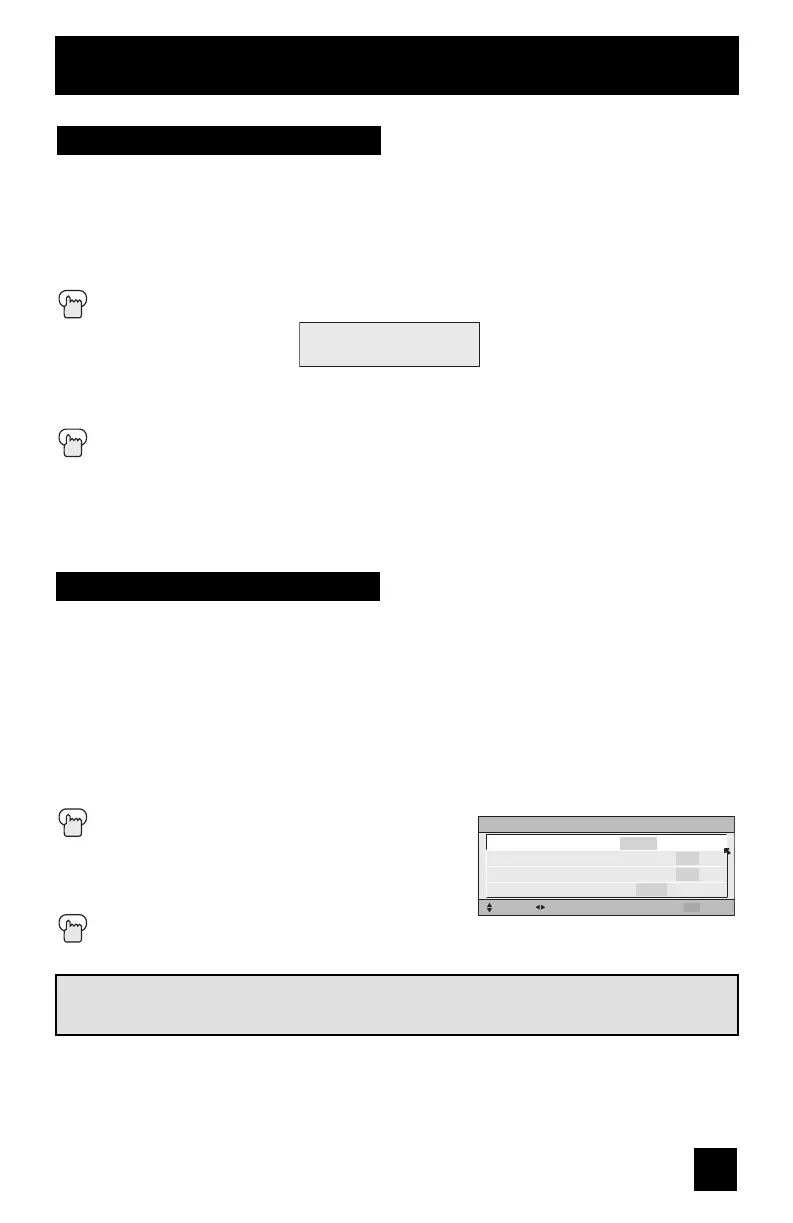
By pressing the SOUND button, you can change the A.H.S.+ (Advanced Hyper Surround plus)
mode, VOICE ENHANCEMENT, SMART SOUND or MaxxBass on or off.
A.H.S.+ - Adds a more spacious surround sound. Music gives basic effect and movie for more
effect.
VOICE ENHANCEMENT - Gives a clearer sound quality of the voices in what you are
watching.
SMART SOUND - Decreases high sound levels, giving a regulated sound level.
MaxxBass - Emphasizes the bass sound
Press the S
OUND button
π†
To select A.H.S.+, VOICE ENHANCEMENT,
SMART SOUND or MaxxBass
è
To choose the setting
Press the M
ENU when finished
Sound
SOUND EFFECT
SELECT
OPERATE EXIT
MENU
A.H.S.+
VOICE ENHANCEMENT
SMART SOUND
MaxxBass
MOVIE MUSIC OFF
ON OFF
ON OFF
HIGH LOW OFF
MaxxBass is a registered trademark of Waves Audio Ltd. in the USA, Japan and other
countries.
Notes:
• Smart Sound may become an unnatural effect, depending on the signal source.
• You can adjust BALANCE only when A.H.S.+ is off.
• When headphones are being used, MaxxBass can not be selected.
LCT2128-001B-A English.indd 67LCT2128-001B-A English.indd 67 7/6/06 9:37:34 AM7/6/06 9:37:34 AM


 To Next Page
 Loading...