74
Others
Changing the Signal System (NTSC / PAL)
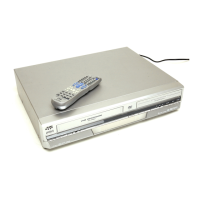
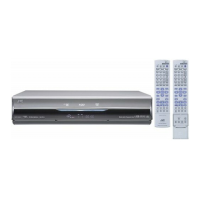
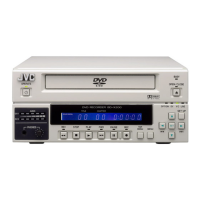
This DVD recorder supports both the NTSC and PAL signal systems.
The signal system can be altered at the TV TYPE item on the SYSTEM(2/2) menu screen, or via the following procedure.
The signal system can be changed even when the monitor is not connected.
Operation Procedure
1.
Set this unit to the Stop mode.
2.
Press and hold the SETUP and STOP buttons simultaneously for approximately 3 seconds.
● This changes the signal system. When this is done, the unit will turn off automatically and rebooted.
This product uses partial third-party software.
For information concerning the software used, login via FTP by
inputting the following into the unit and view the readme.txt file:
User: anonymous
Password: None
(If the IP address of the unit is set to 192.168.0.2, FTP
connection can be established by entering ftp://196.168.0.2 in
the address bar of Internet Explorer.)
11_BD-X201M(58_75).p65 05.1.14, 4:37 PM74


 To Next Page