EasyManua.ls Logo

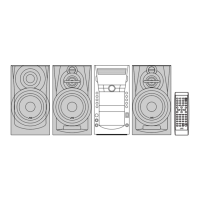
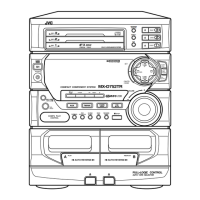
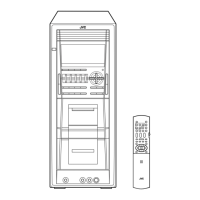
JVC CA-DXT99 - User Manual

JVC CA-DXT99
50 pages
Print Icon
To Next Page IconTo Next Page
Loading...
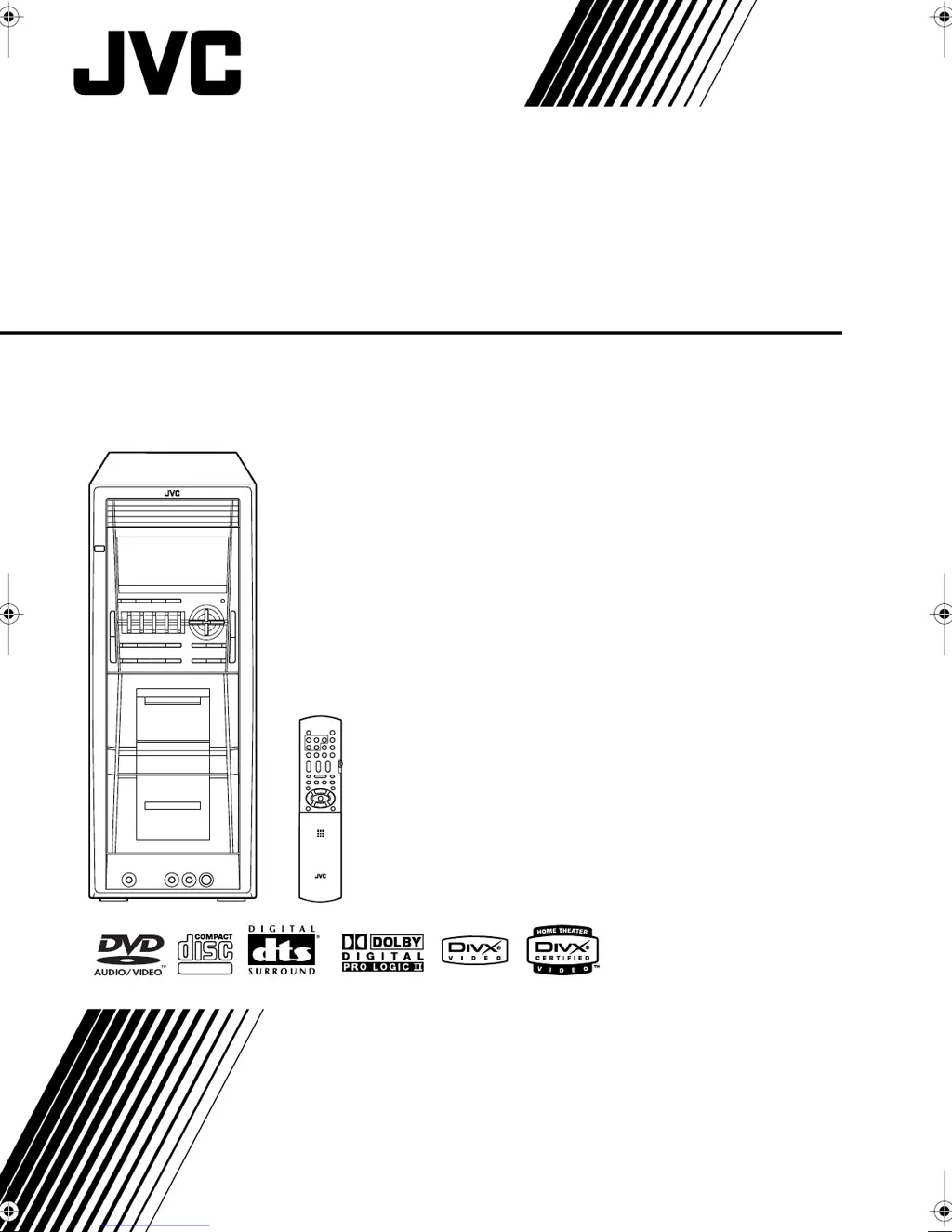
COMPACT COMPONENT SYSTEM
CA-DXT99
INSTRUCTIONS
GVT0166-005A
[A]
SUPER VIDEO
DXT99_Cover[A].fm Page 1 Friday, March 17, 2006 11:13 AM

Table of Contents

Other manuals for JVC CA-DXT99

Questions and Answers

  • D
    Deborah VillanuevaSep 9, 2025
    What to do if the cassette holder on my JVC Speaker System won't open?
    • T
      Timothy SilvaSep 9, 2025
      If the cassette holder on your JVC Speaker System cannot be opened, it may be because the power supply from the AC power cord was cut off while the tape was running. Turn on the System to resolve this.
  • R
    rlewisSep 12, 2025
    Why is the audio language wrong on my JVC Speaker System?
    • Y
      ykennedySep 12, 2025
      If the audio language on your JVC Speaker System is different from the one you selected as the initial audio language, it may be because some DVDs are programmed to always use the original language initially. If this happens, press AUDIO after starting play.
  • C
    Charles SmithSep 13, 2025
    Why is the disc sound discontinuous on my JVC CA-DXT99?
    • J
      Joseph ElliottSep 13, 2025
      If the disc sound is discontinuous on your JVC Speaker System, the disc may be scratched or dirty.
  • J
    Joseph SinghSep 15, 2025
    Why do settings get canceled on my JVC Speaker System?
    • T
      Thomas WaltonSep 15, 2025
      If adjustments or settings on your JVC Speaker System are suddenly canceled before you finish, it is because there is a time limit. Repeat the procedure again.
  • J
    Jillian RosarioSep 17, 2025
    Why isn't the timer working on my JVC Speaker System?
    • G
      Glenda CollinsSep 17, 2025
      The Daily Timer or Recording Timer on your JVC Speaker System will only work when the System is turned off. The timer will not start if the System is already on when the on-time arrives.

Summary

Safety and Warning Information

Laser Product Safety Guidelines

Information and cautions for operating a CLASS 1 LASER PRODUCT.

Proper Ventilation and Placement

System Precautions and Handling

Connecting Your System

Connecting Video and Audio Sources

Steps for linking video input devices and digital/analog audio components.

Speaker Setup and Voltage Selector

Instructions for connecting speakers and setting the correct voltage for operation.

Daily Operations: Basic Playback

Disc Playback Procedures

Navigating and Selecting Disc Content

Techniques for searching specific parts of a disc or selecting menu items.

Daily Operations: Sound and Picture Adjustments

Sound Mode and Bass Enhancement

Selecting preset sound modes or customizing your own sound profiles.

Adjusting DSP Effects and Picture Tone

Modifying digital sound effects and adjusting picture settings for clarity.

Advanced Disc Playback Features

Programming Playback Order (Program Play)

Arranging a custom sequence of tracks for playback.

Repeat Playback Modes

Repeating specific parts of a disc or the entire disc.

On-Screen Disc Operations

Controlling Playback via On-Screen Bar

Step-by-step guide to using the on-screen bar for playback control.

Time Search and Chapter;Track Search

Navigating to specific points on a disc by time or track number.

Recording Operations

Tape Recording and Dubbing Procedures

Guides for recording onto cassette tapes and copying between decks.

Enjoying Karaoke Features

Karaoke Singing and Sound Mixing

Connecting microphones, mixing audio, and adjusting levels for karaoke.

Timer Operations

System Setup Menu Operations

Troubleshooting Common Issues

General, Operation, and Display Problems

Solutions for issues related to system operation, display, and sound.

Disc, Radio, and Tape Playback Issues

Troubleshooting tips for problems encountered with discs, radio, and cassette tapes.

JVC CA-DXT99 Specifications

General IconGeneral
BrandJVC
ModelCA-DXT99
CategorySpeaker System
LanguageEnglish

Related product manuals