English
37
7 Changing the Time
Indication
You can change the time information in the on-screen bar and the
display window on the front panel.
& During playback
1
Press ON SCREEN twice.
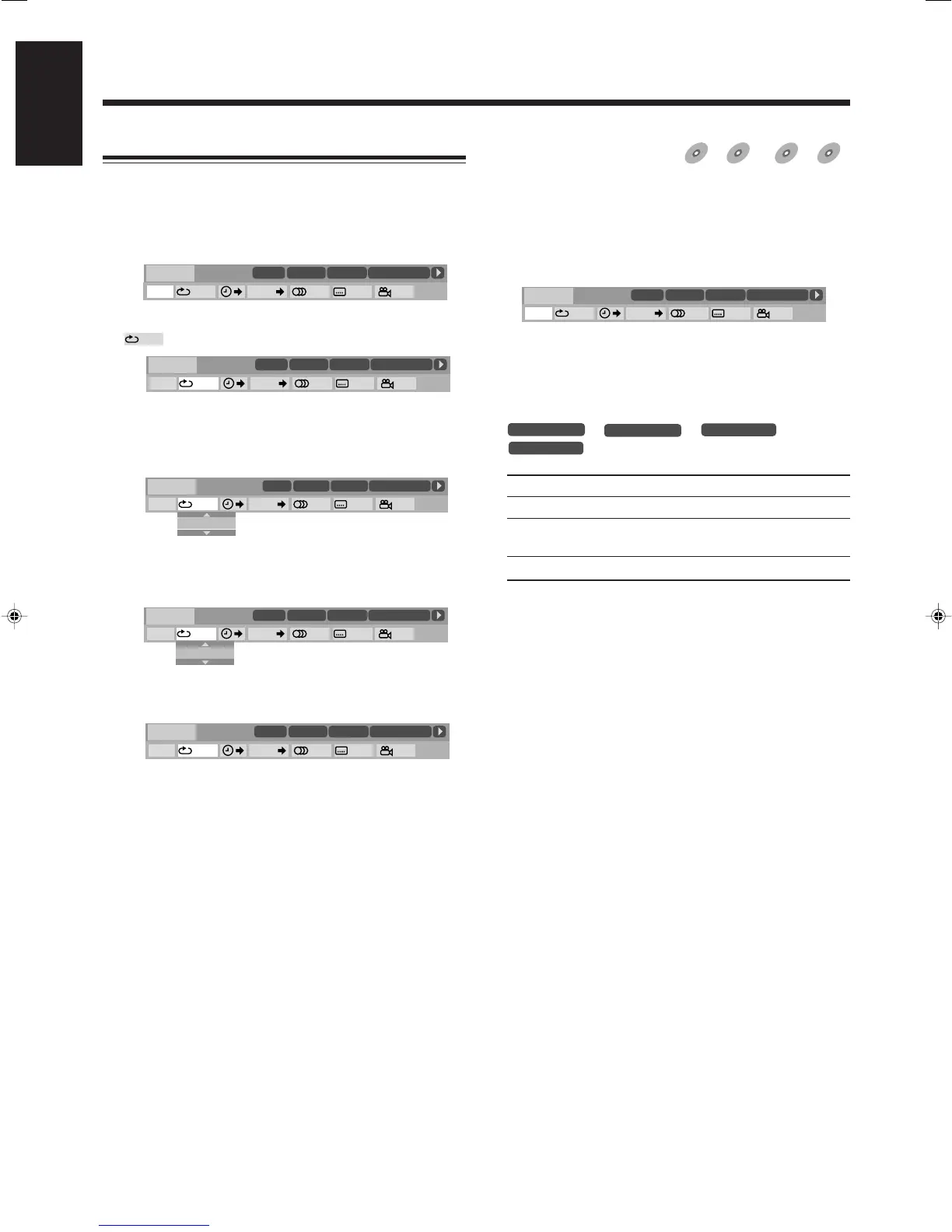
The on-screen bar with pull-down menu appears on the TV.
2
Press ENTER.
• Each time you press ENTER, the time indication in the on-
screen bar changes as follows:
Ex.: When playing a DVD
]
]
]
] (back to the beginning)
TOTAL Elapsed disc time
T. (total) REM Remaining disc time
TIME Elapsed playing time of the current chapter/
track
REM Remaining time of the current chapter/track
• The indication on the display also changes.
To turn off the on-screen bar
Press ON SCREEN.
Operation through the On-screen Bar
Ex.: When selecting Repeat Play for DVD.
1
Press ON SCREEN twice.
The on-screen bar with pull-down menu appears on the TV.
2
Press cursor 3 / 2 repeatedly to select (highlight)
on the pull-down menu.
• See the relevant page for the detail of each function.
3
Press ENTER.
The pop-up window appears under the pull-down menu.
4
Press cursor ∞ / 5 repeatedly to select the
desired option in the pop-up window.
• Each time you press the button, the options change.
5
Press ENTER.
The setting changes and the pop-up window goes off.
To turn off the on-screen bar
Press ON SCREEN.
OFF
1/3
1/3 1/3
TIME
CHAP.
DVD-VIDEO
TITLE 14
DISC 3
TOTAL 1:25:58
CHAP 23
8.5Mbps
OFF
1/3
1/3 1/3
TIME
CHAP.
DVD-VIDEO
TITLE 14
DISC 3
TOTAL 1:25:58
CHAP 23
8.5Mbps
1/3
1/3 1/3
TIME
CHAP.
OFF
OFF
DVD-VIDEO
TITLE 14
DISC 3
TOTAL 1:25:58
CHAP 23
8.5Mbps
1/3
1/3 1/3
TIME
CHAP.
TITLE
DVD-VIDEO
TITLE 14
DISC 3
TOTAL 1:25:58
CHAP 23
8.5Mbps
OFF
TITLE
1/3
1/3 1/3
TIME
CHAP.
DVD-VIDEO
TITLE 14
DISC 3
TOTAL 1:25:58
CHAP 23
8.5Mbps
Advanced Disc Operations (continued)
OFF
1/3
1/3 1/3
TIME
CHAP.
DVD-VIDEO
TITLE 14
DISC 3
TOTAL 1:25:58
CHAP 23
8.5Mbps
35-37HX-Z77&55[U]6.p65 03.8.18, 10:42 AM37


 To Next Page
 Loading...