Masterpage:Right+
EN 47
Filename [DX5SEU_10Timer Recording.fm]
TIMER RECORDING ON HDD/DVD DECK
Page 47Wednesday, 23 November 2005 14:13
Check Programmes
To check the whole list of programmes
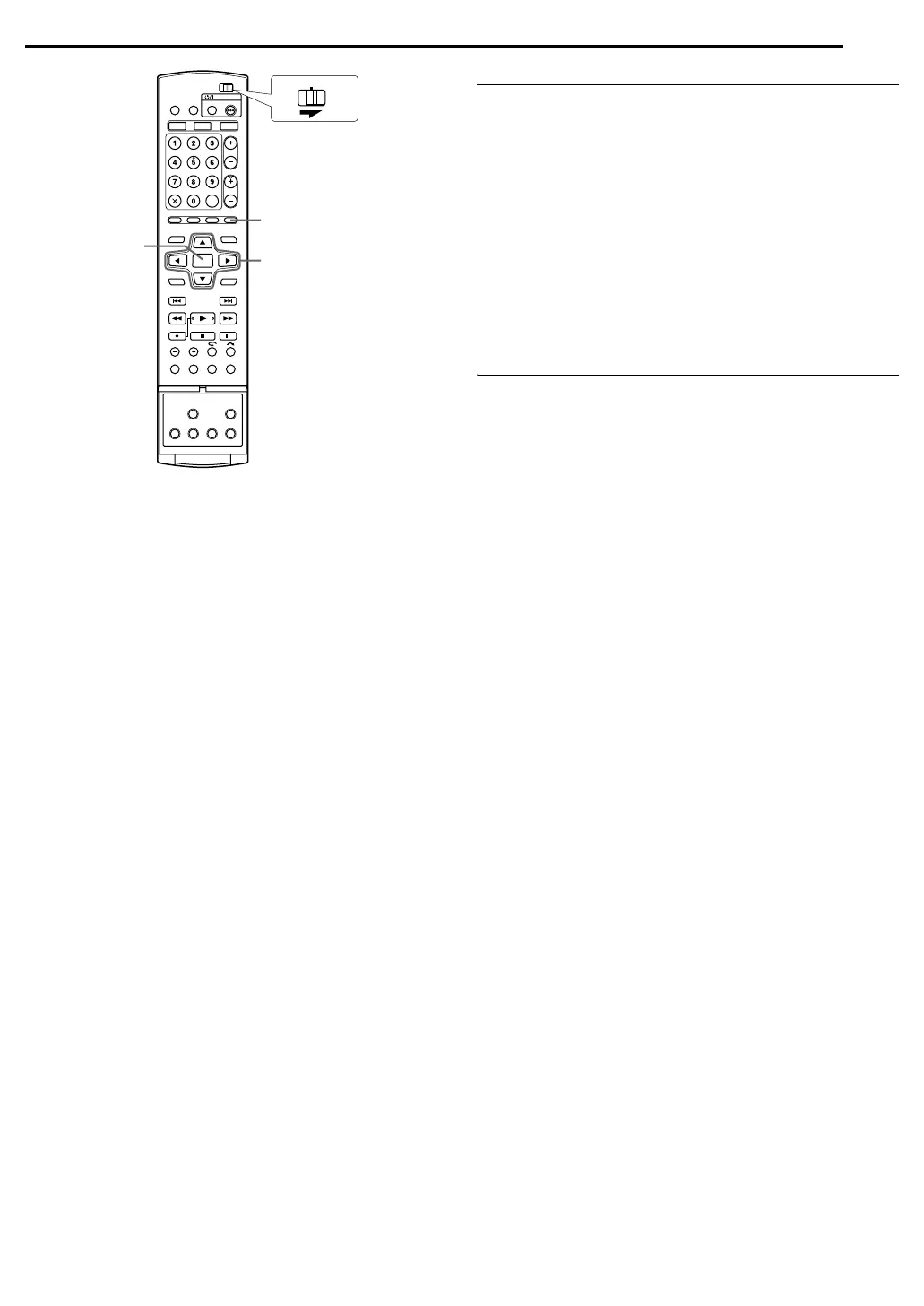
1 Press PROGRAMME to access the programme top screen.
2 Press selection keys to select APROGRAMME LISTB, then
press ENTER.
● The details of a selected programme appear on the top of the
screen.
● The daily programme of a title is listed as one programme.
To check the list of programmes by date
1 Press PROGRAMME to access the programme top screen.
2 Press selection keys to select ACALENDAR LISTB, then press
ENTER.
3 Press selection keys to select the desired date, then press
ENTER.
Cancel And Change Programmes
● Repeat steps in ACheck ProgrammesB to select a programme
before proceeding.
To cancel the programme
1 Press selection keys to select ACANCELB, then press ENTER.
To modify the programme settings
1 Press selection keys to select AMODIFYB, then press ENTER.
2 Change the settings of the desired recording options as
required.
● Refer to steps 4 – 12 in AManual Timer ProgrammingB
(A pg. 46).
To skip the weekly/daily programmes to the next week/day
It is easy to temporarily cancel weekly/daily programmes of a
week/day.
1 Press selection keys to select APROGRAMME SKIPB, then
press ENTER.
2 Press selection keys to select ASKIPB, then press ENTER.
To save the titles of weekly/daily programmes (HDD Deck
Only)
Use this function to avoid overwriting titles of weekly/daily
programmes of a previous week/day.
1 Press selection keys to select ATITLE SAVEB, then press
ENTER.
2 Press selection keys to select ASAVEB, then press ENTER.
NOTE:
This function is available only when the remaining capacity of the
hard disk is sufficient.
FGDE
PROGRAMME
ENTER
CABLE/SAT
DVDTV
Selection Keys
DX5SEU_00.book Page 47 Wednesday, November 23, 2005 2:13 PM


 To Next Page