EasyManua.ls Logo

JVC FS-Y1A - User Manual

JVC FS-Y1A
174 pages
Print Icon
To Next Page IconTo Next Page
Loading...
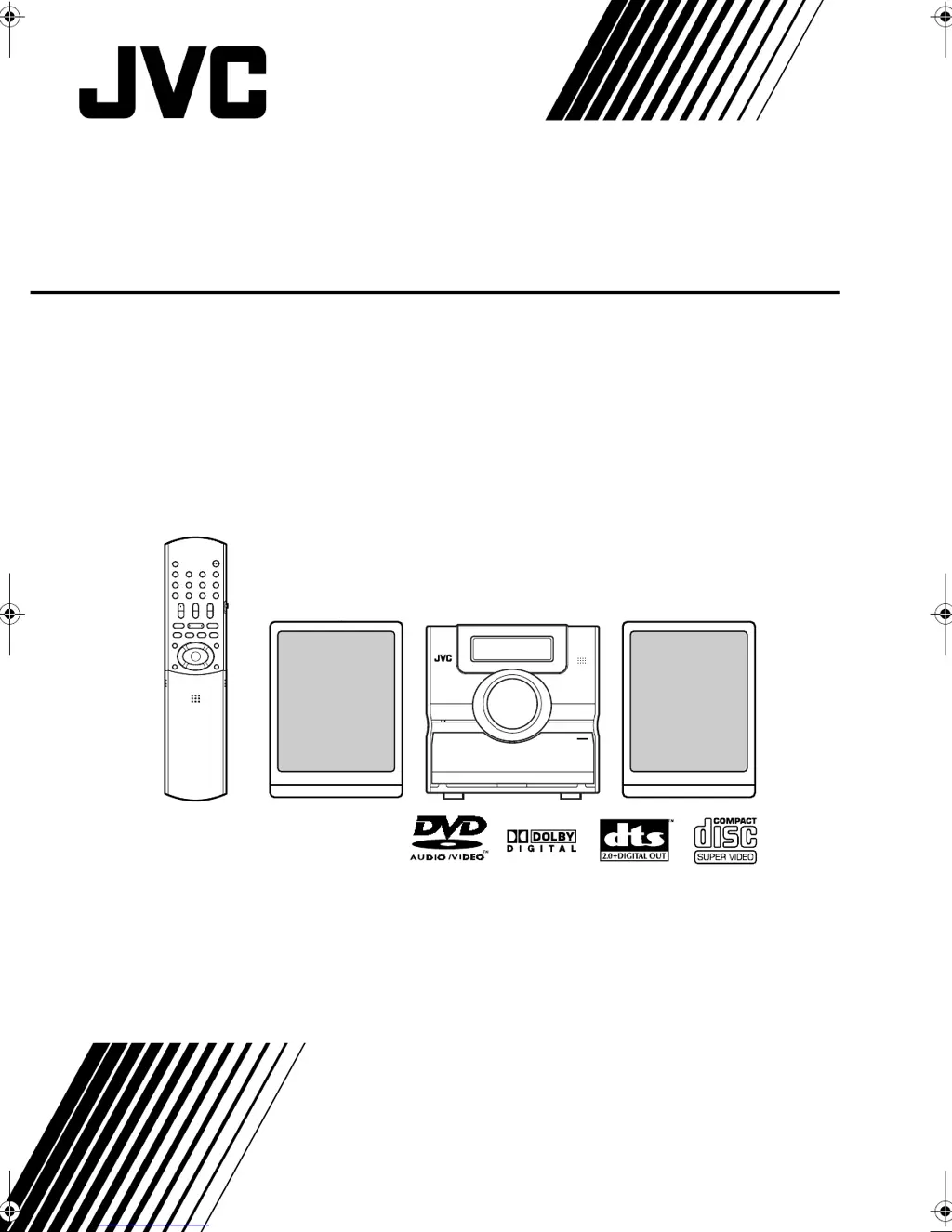
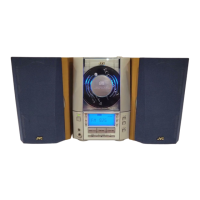
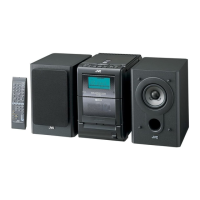
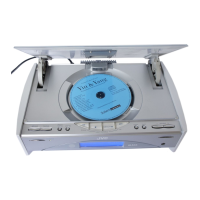
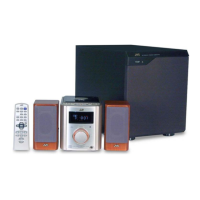
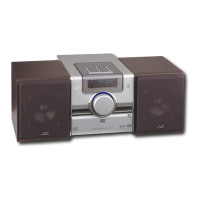
COMPACT COMPONENT SYSTEM
FS-Y1
Consists of CA-FSY1 and SP-FSY1
GVT0142-005A
[A]
INSTRUCTIONS
FS-Y1[A]main.book Page 1 Wednesday, March 30, 2005 4:49 PM

Table of Contents

Questions and Answers

  • D
    David WilliamsSep 2, 2025
    Why no subtitle is displayed on JVC Speaker System?
    • E
      Evan JohnsonSep 2, 2025
      If no subtitle is displayed on your JVC Speaker System, it could be that the DVD VIDEO does not contain any subtitles or the subtitle language is set to “OFF”. To resolve this, specify a language.
  • S
    Sarah JonesAug 31, 2025
    How do I fix abnormal screen size on JVC FS-Y1A Speaker System?
    • D
      darius67Aug 31, 2025
      If the screen size on your JVC Speaker System appears abnormal, the “MONITOR TYPE” setting may be incorrect. Adjust it according to the TV set you are using.
  • P
    Paul FrazierAug 29, 2025
    Why is JVC FS-Y1A sound noisy?
    • C
      Christy HernandezAug 29, 2025
      If you're experiencing noisy sound or disabled receiving on your JVC Speaker System, ensure the antenna is correctly connected.
  • R
    rsullivanAug 28, 2025
    How to fix distorted picture on JVC FS-Y1A?
    • B
      brandonvegaAug 28, 2025
      If the picture on your JVC Speaker System is distorted, and you have a VCR connected, try connecting the main unit directly to the TV. Also, if your TV is non-progressive, ensure the DVD's scan mode is set to “INTERLACE” and not “PROGRESSIVE”.
  • J
    John BoyleAug 26, 2025
    Why is the sound distorted on my JVC FS-Y1A Speaker System?
    • M
      Michael EdwardsAug 26, 2025
      If the sound from your JVC Speaker System is distorted, the volume may be too high. Try turning down the volume.
  • A
    acolemanAug 25, 2025
    What to do if no picture appears on JVC Speaker System?
    • T
      Tracy KiddAug 25, 2025
      If no picture appears on your JVC Speaker System, ensure the video cord is correctly connected. Also, avoid connecting both the component video jack and S-video jack simultaneously.
  • J
    Johnny GarciaAug 22, 2025
    How to fix JVC Speaker System when power does not come on?
    • J
      Joseph ScottAug 22, 2025
      If your JVC Speaker System isn't powering on, make sure the power cord is properly connected to both the main unit and a working AC outlet. Connecting the power cord correctly should solve the problem.

Summary

Introduction to the JVC FS-Y1 System

Description of Parts

Identifies and explains the function of each component on the front, display, and rear panels of the main unit.

Getting Started and Setup

Using the Remote Control

Explains how to insert batteries and operate the remote control, including range and light considerations.

Connecting Antennas

Provides instructions for connecting AM and FM antennas for optimal radio reception.

Basic Disc Playback Operations

Playing Discs

Step-by-step guide on how to load and start playback of various disc types, including on-screen messages.

Playback Controls

Covers essential playback functions like stop, pause, frame-by-frame advance, and fast search.

System Settings and Reference

Troubleshooting Guide

Provides solutions for common problems related to power, operation, images, sound, and radio reception.

JVC FS-Y1A Specifications

General IconGeneral
BrandJVC
ModelFS-Y1A
CategorySpeaker System
LanguageEnglish

Related product manuals