ENGLISH
5
Main elements and features
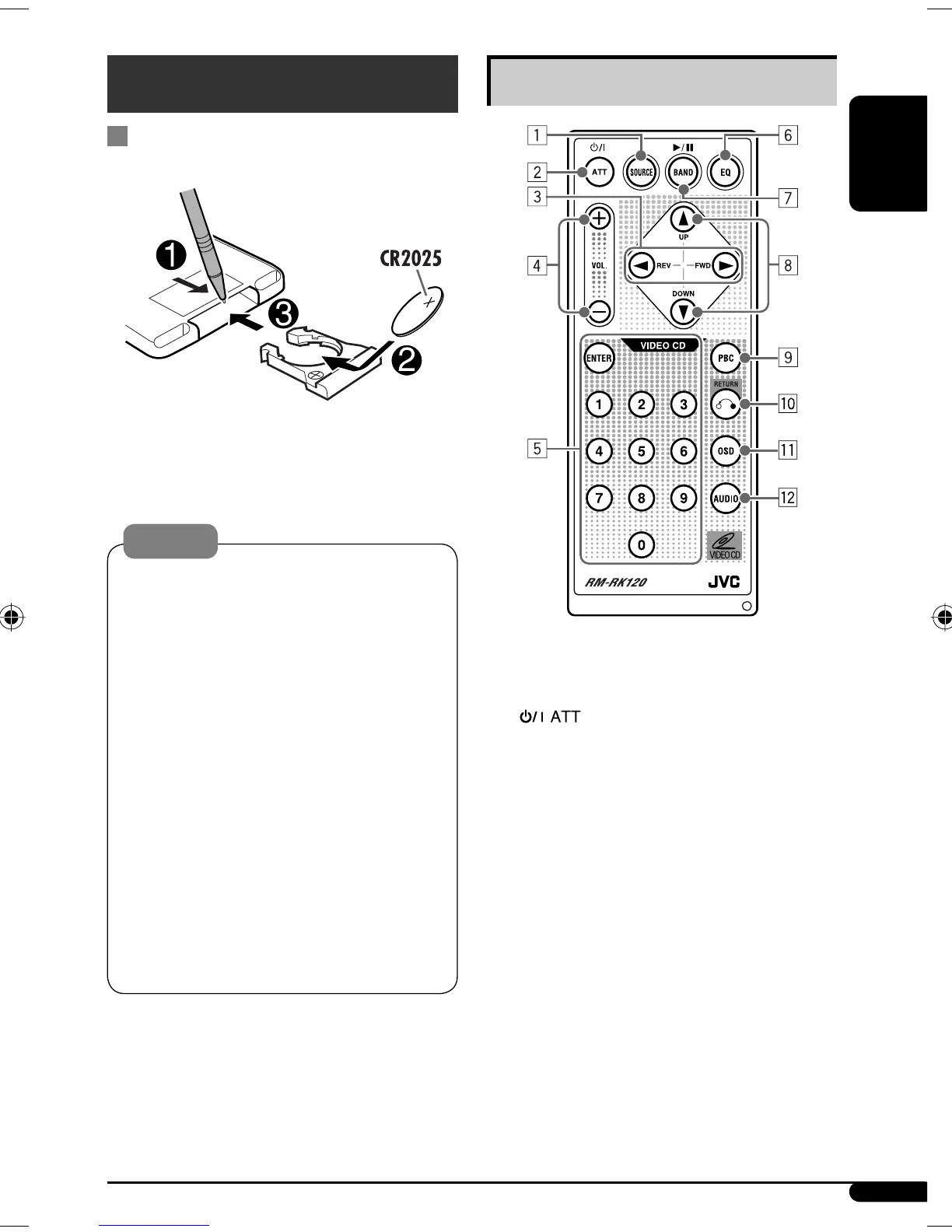
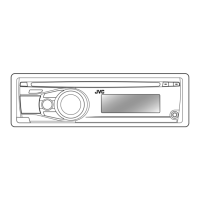
1 SOURCE button
• Selects the playback source.
2 (standby/on attenuator) button
• Turns the power on if pressed briefly or
attenuates the sound when the power is on.
• Turns the power off if pressed and held.
3 2 REV (reverse) / FWD (forward) 3 buttons
• Searches for stations if pressed briefly.
• Fast-forwards or reverses the track if pressed and
held.
• Changes the tracks if pressed briefly.
• While listening to an Apple iPod or a JVC
D. player (in menu selecting mode):
– Selects an item if pressed briefly. (Then, press
DOWN ∞ to confirm the selection.)
– Skips 10 items at a time if pressed and held.
Continued on the next page
Remote controller — RM-RK120
Installing the lithium coin battery
(CR2025)
Aim the remote controller directly at the remote
sensor on the unit. Make sure there is no obstacle
in between.
Warning:
• Do not install any battery other than CR2025 or
its equivalent; otherwise, it may explode.
• Do not leave the remote controller in a place
(such as dashboards) exposed to direct sunlight
for a long time; otherwise, it may explode.
• Store the battery in a place where children
cannot reach to avoid risk of accident.
• To prevent the battery from over-heating,
cracking, or starting a fire:
– Do not recharge, short, disassemble, heat the
battery, or dispose of it in a fire.
– Do not leave the battery with other metallic
materials.
– Do not poke the battery with tweezers or similar
tools.
– Wrap the battery with tape and insulate when
throwing away or saving it.
EN02-07_SV3305_007A_f.indd 5EN02-07_SV3305_007A_f.indd 5 1/11/07 9:08:29 AM1/11/07 9:08:29 AM


 To Next Page