ENGLISH
7
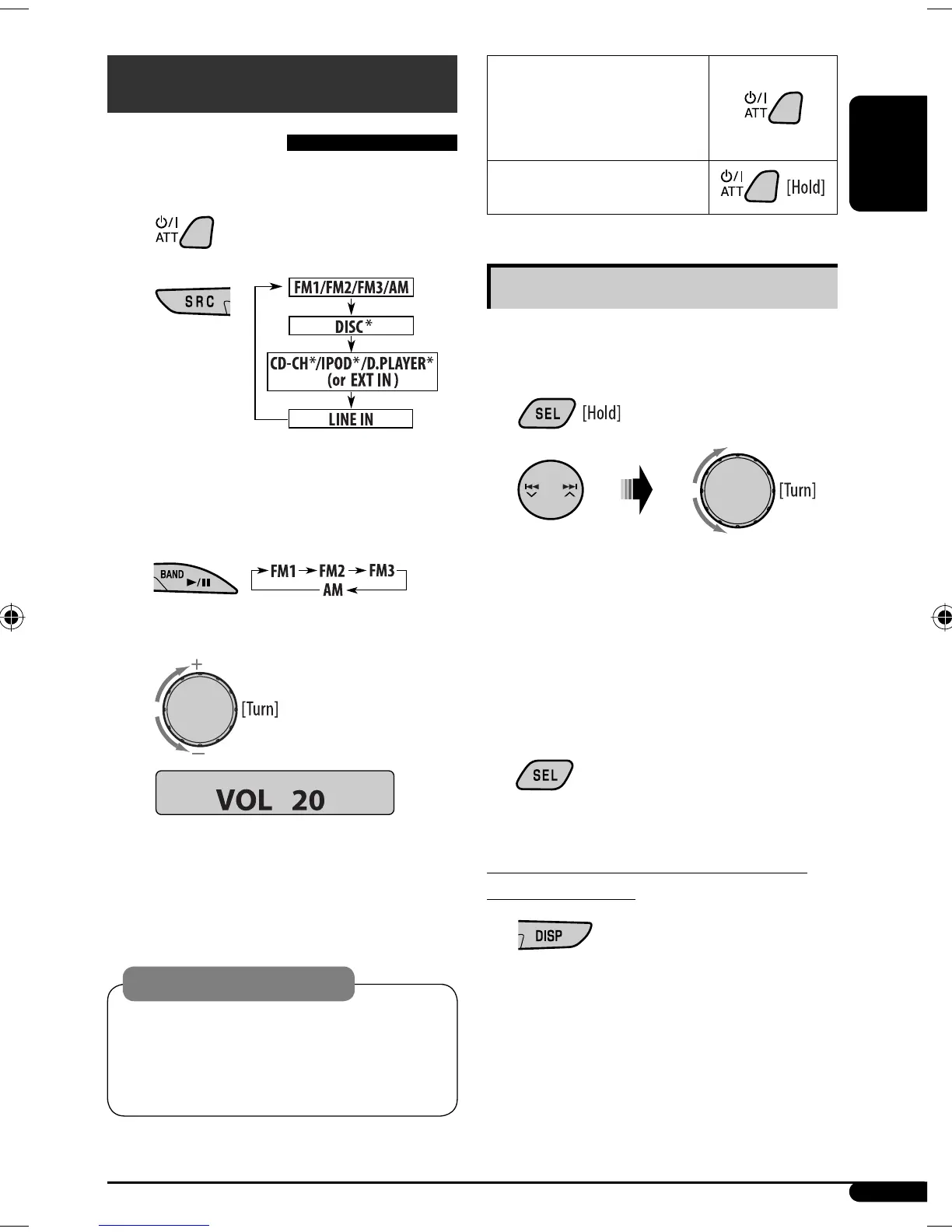
To drop the volume in a
moment (ATT)
To restore the sound, press the
button again.
To turn off the power
Basic settings
• See also “General settings — PSM” on pages 15 and
16.
1
2
1 Canceling the display demonstrations
Select “DEMO,” then “DEMO OFF.”
2 Setting the clock
Select “CLOCK H” (hour), then adjust the hour.
Select “CLOCK M” (minute), then adjust the
minute.
3 Finish the procedure.
To check the current clock time while the
power is turned off
Getting started
Basic operations
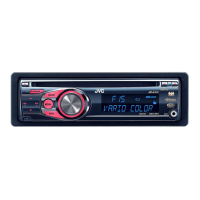
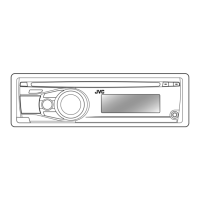
~ Turn on the power.
Ÿ
* You cannot select these sources if they are not
ready or not connected.
! For FM/AM tuner
⁄ Adjust the volume.
@ Adjust the sound as you want. (See
page 14.)
Caution on volume setting:
Discs produce very little noise compared with other
sources. Lower the volume before playing a disc
to avoid damaging the speakers by the sudden
increase of the output level.
Volume level appears.
EN02-07_SV3305_007A_f.indd 7EN02-07_SV3305_007A_f.indd 7 1/11/07 9:08:47 AM1/11/07 9:08:47 AM


 To Next Page