ENGLISH
15
Continued on the next page
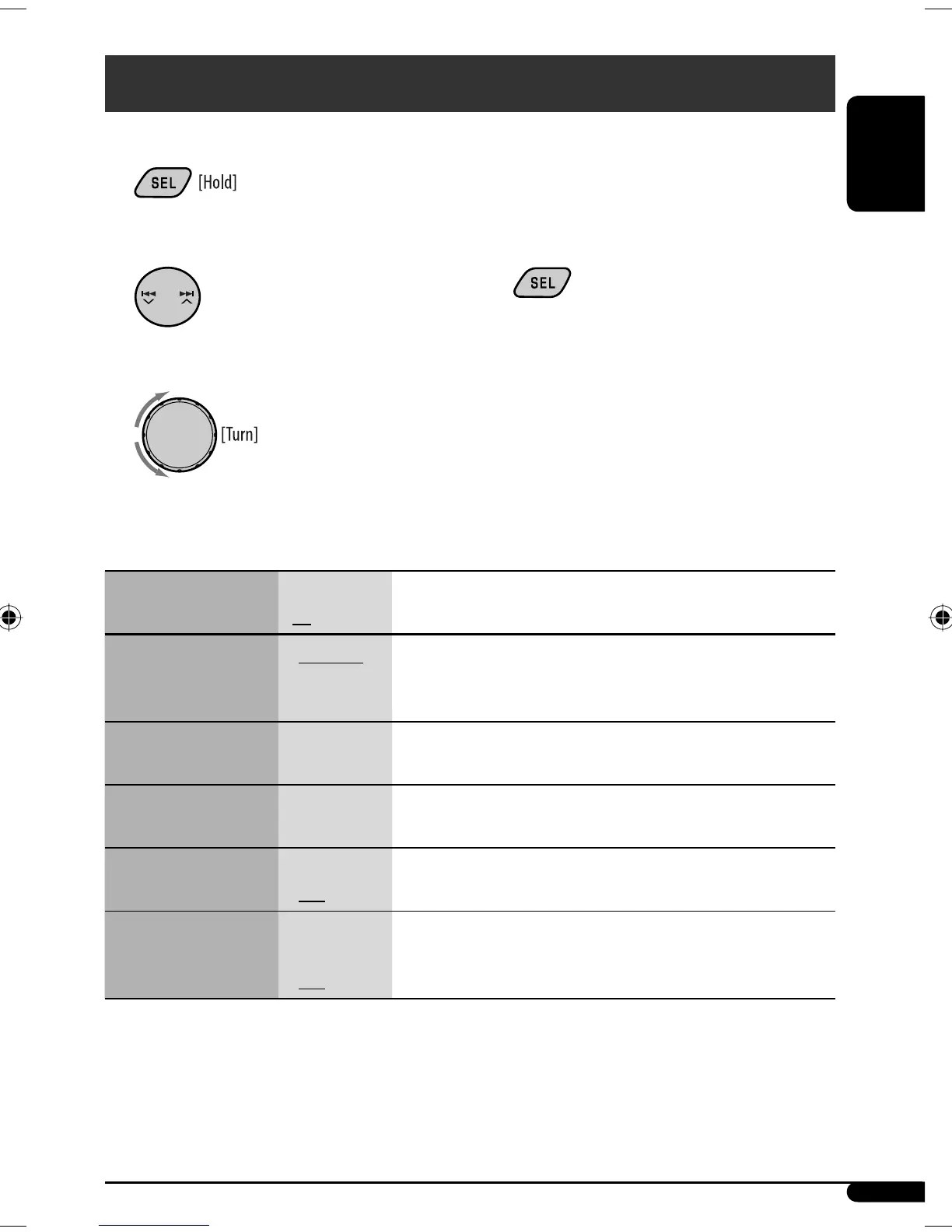
4 Repeat steps 2 and 3 to adjust other PSM
items if necessary.
5 Finish the procedure.
1
2 Select a PSM item.
3 Adjust the PSM item selected.
General settings — PSM
You can change PSM (Preferred Setting Mode) items listed in the table that follows.
Indications Item
( : Initial)
Setting, [reference page]
DEMO
Display demonstration
• DEMO ON
• DEMO OFF
: Display demonstration will be activated automatically if no
operation is done for about 20 seconds, [7].
: Cancels.
CLOCK H
Hour adjustment
1 – 12 [Initial: 1 (1:00)], [7]
CLOCK M
Minute adjustment
00 – 59 [Initial: 00 (1:00)], [7]
DIMMER
Dimmer
• ON
• OFF
: Dims the display illumination of this unit.
: Cancels.
TEL
Telephone muting
• MUTING 1/
MUTING 2:
• OFF
: Select either one which mutes the sounds while using a cellular
phone.
: Cancels.
EN14-19_SV3305_007A_f.indd 15EN14-19_SV3305_007A_f.indd 15 1/11/07 10:50:46 AM1/11/07 10:50:46 AM


 To Next Page