16
ENGLISH
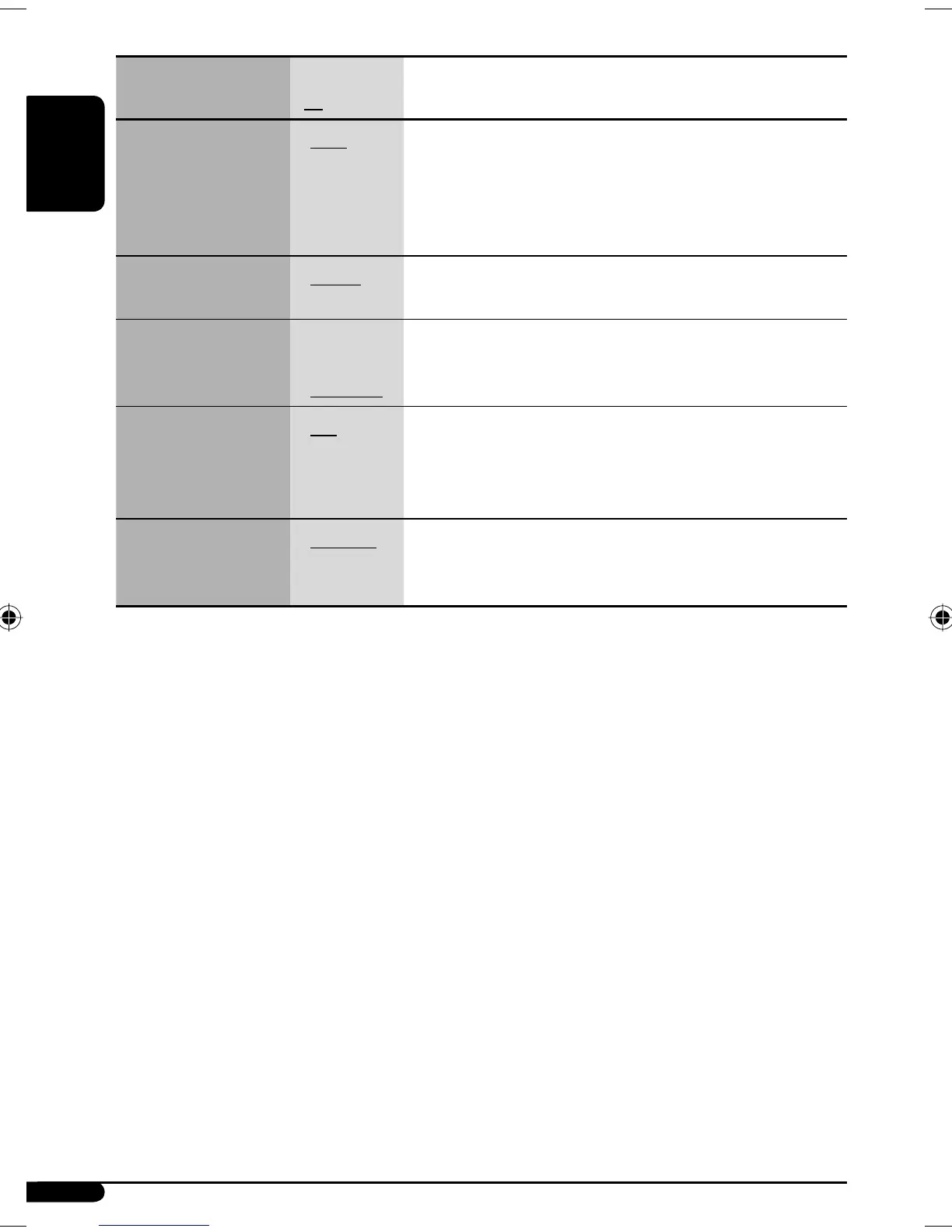
Indications Item
( : Initial)
Setting, [reference page]
SCROLL *
1
Scroll
• ONCE
• AUTO
• OFF
: Scrolls the track information once.
: Repeats scrolling (at 5-second intervals).
: Cancels.
• Pressing DISP for more than one second can scroll the display
regardless of the setting.
TAG DISP
Tag display
• TAG ON
• TAG OFF
: Shows the Tag information while playing MP3 tracks, [13].
: Cancels.
AMP GAIN
Amplifier gain control
• LOW PWR
• HIGH PWR
: VOL 00 – VOL 30 (Select this if the maximum power of the speaker
is less than 50 W to prevent damaging the speaker.)
: VOL 00 – VOL 50
VIDEO
Video system
• PAL
• NTSC
: Select this if your monitor is of the PAL color system.
: Select this if your monitor is of the NTSC color system.
• Press SEL to activate the selection before you select the other PSM
items to adjust.
EXT IN *
2
External input
• CHANGER
• EXT IN
: To use a JVC CD changer, [10], an Apple iPod or a JVC D. player,
[17].
: To use any other external component than the above, [19].
*
1
Some characters or symbols will not be shown correctly (or will be blanked) on the display.
*
2
Displayed only when one of the following sources is selected—FM, AM, DISC, or LINE IN.
EN14-19_SV3305_007A_f.indd 16EN14-19_SV3305_007A_f.indd 16 1/24/07 11:19:21 AM1/24/07 11:19:21 AM


 To Next Page