2 EN
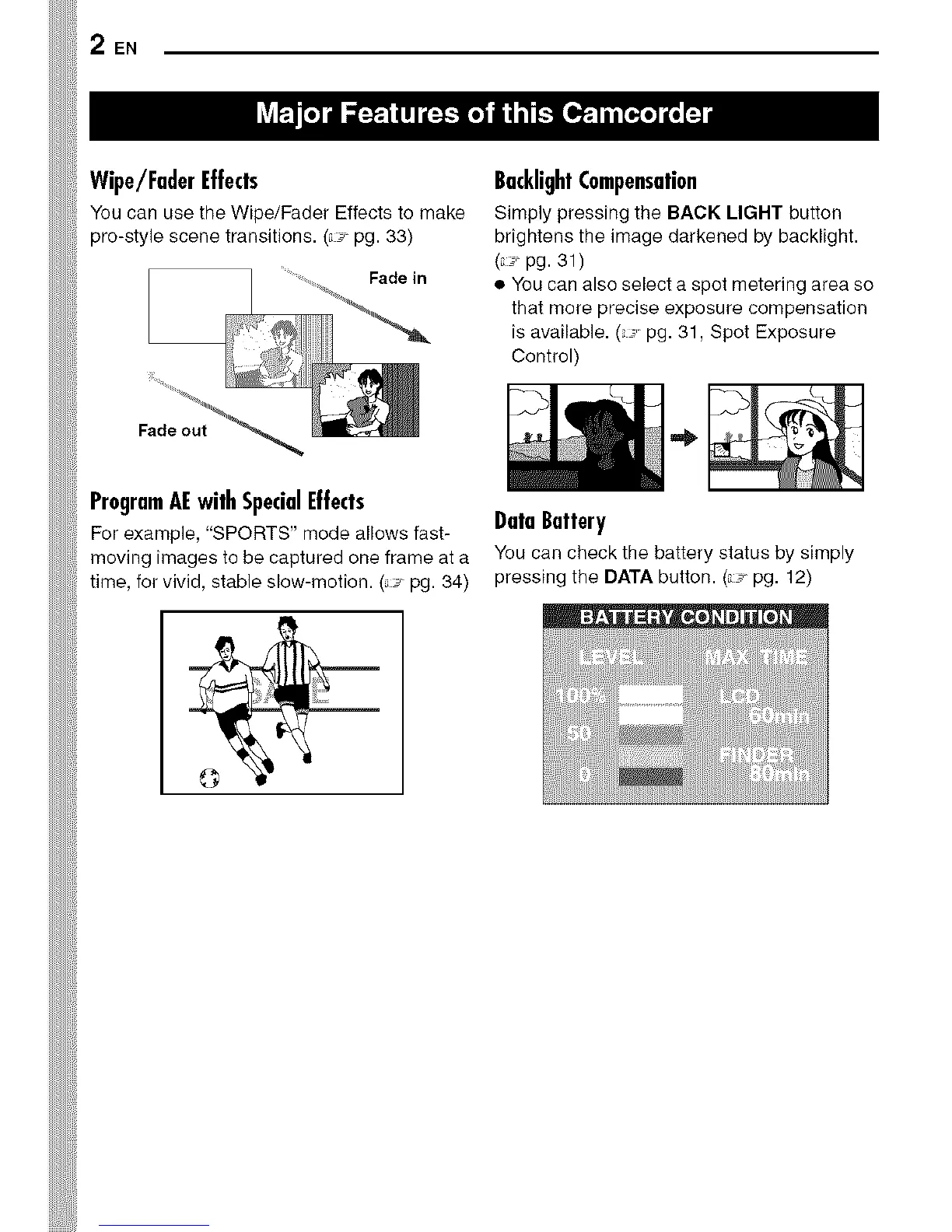
Wipe/FaderEffects
You can use the Wipe/Fader Effects to make
pro-style scene transitions. (_ pg. 33)
ProgramAEwithSpecialEffects
For example, "SPORTS" mode allows fast-
moving images to be captured one frame at a
time, for vivid, stable slow-motion. (_ pg. 34)
BacklightCompensation
Simply pressing the BACK LIGHT button
brightens the image darkened by backlight.
( i pg. 31)
• YOUcan also select a spot metering area so
that more precise exposure compensation
is available. ( i. pg. 31, Spot Exposure
Control)
DataBattery
You can check the battery status by simply
pressing the DATA button. (r pg. 12)


 To Next Page