12 EN
PLAYBACK (cont.)
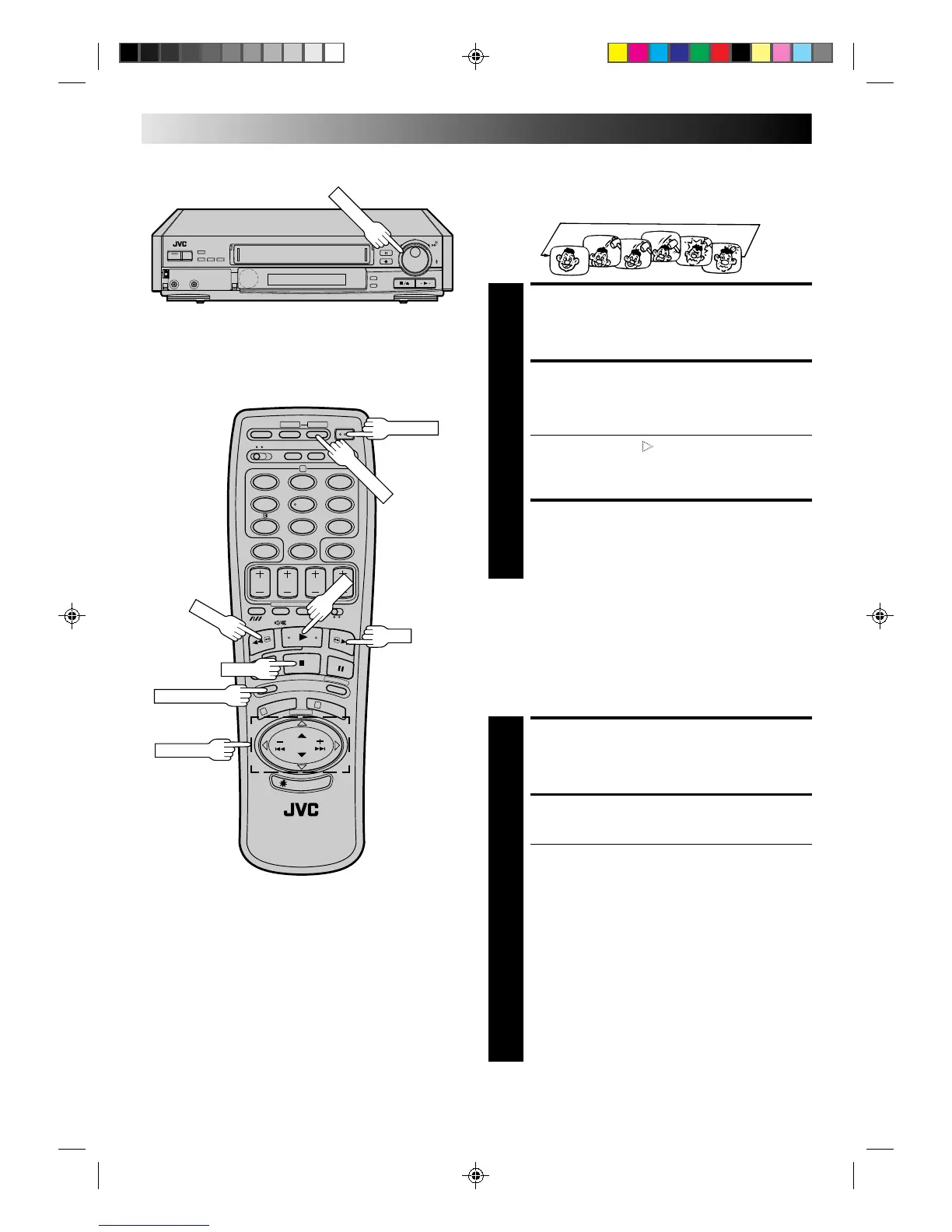
Your video recorder can automatically play back the whole tape
20 times repeatedly.
Repeat Playback
START PLAYBACK
1
Press PLAY.
ACTIVATE REPEAT
PLAYBACK
2
Press PLAY and hold for over 5 seconds, then release.
● The Play indicator ( ) on the display panel blinks
slowly.
● The tape plays 20 times automatically, and then
stops.
STOP PLAYBACK
3
Press STOP at any time to stop playback.
NOTE:
Pressing PLAY, REW , FF or PAUSE also stops Repeat Playback.
NTSC Playback
Your video recorder is equipped with NTSC circuitry that can
play back NTSC tapes.
LOAD A CASSETTE
1
Insert a cassette recorded in NTSC.
START PLAYBACK
2
Press PLAY. “NT” appears on the display panel.
● Some TVs shrink the picture vertically and place
black bars at the top and bottom of the screen. This is
not a malfunction on the part of either the video
recorder or the TV.
● The picture may roll up and down. This can be
corrected using the V-HOLD control found on some
TVs. (This cannot be corrected if the TV does not
have a V-HOLD control.)
● The counter and tape remaining time readings will be
incorrect.
● During search, still, or frame-by-frame playback, the
picture will be distorted, and there may be a loss of
colour.
● Depending on the type of TV, the top and bottom
portions of superimposed displays may be cut off
during NTSC playback.
12
45
3
6
8
0
7
9
1
3
2
+
–
0
0
0
0
0
0
0
0
0
0
0
0
0
0
0
0
0
0
0
0
0
0
0
0
0
0
0
0
0
0
0
0
0
0
0
0
0
0
0
0
0
0
PUSH JOG
FF
OPERATE



 To Next Page