15OPERATIONS
ENGLISH
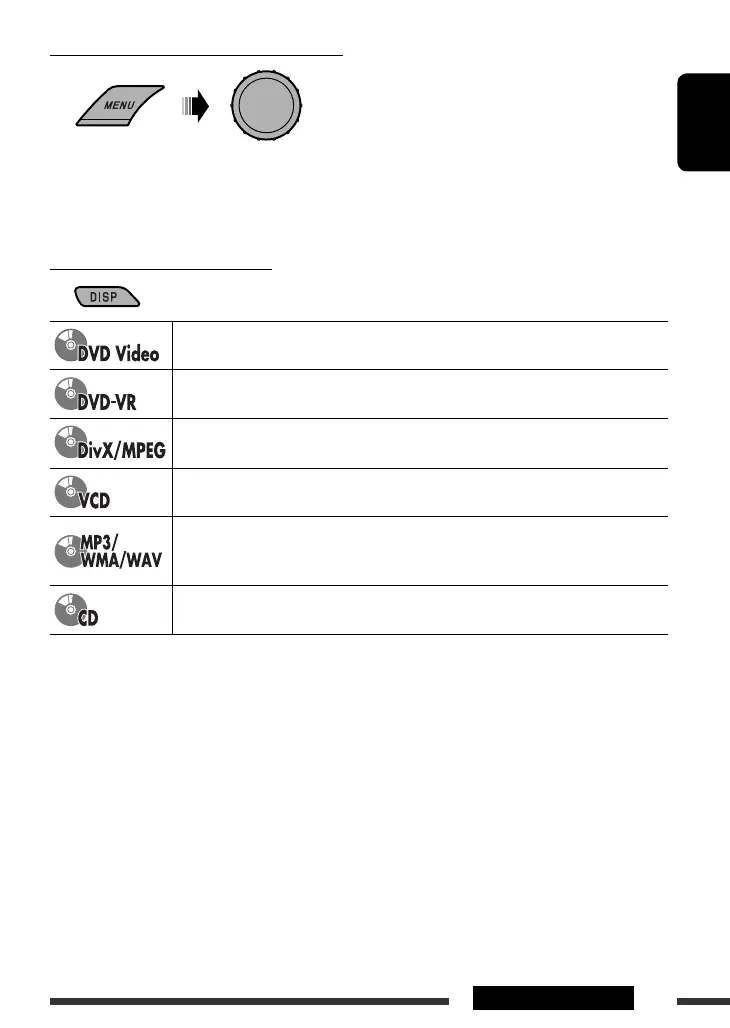
Selecting a track/folder (MP3/WMA/WAV/CD)
• For MP3/WMA/WAV discs, select the desired folder, then the desired track by repeating the control dial
procedures.
• To return to the previous menu, press BACK.
Changing the display information
Current chapter number and Elapsed playing time = Current chapter number and Clock =
Current title and chapter number = (back to the beginning)
Current chapter number and Elapsed playing time = Current chapter number and Clock =
Current program (or playlist) number and chapter number = (back to the beginning)
Elapsed playing time = Folder number and Clock = Folder name = Track title = (back
to the beginning)
Current track number and Elapsed playing time = Current track number and Clock =
(back to the beginning)
Current track number and Elapsed playing time = Current track number and Clock =
Album name/performer (folder name *
1
) = Track title (file name *
1
) = (back to the
beginning)
Current track number and Elapsed playing time = Current track number and Clock = Disc
title/performer *
2
= Track title *
2
= (back to the beginning)
*
1
If the file does not have Tag information or <TAG DISPLAY> is set to <TAG OFF> (see page 40), folder name and
file name appear. TAG indicator will not light up.
*
2
“NO NAME” appears for an audio CD.
[Turn] = [Press]
EN10-19_KD-DV5507[EE]1.indd 15EN10-19_KD-DV5507[EE]1.indd 15 2/6/09 11:19:47 AM2/6/09 11:19:47 AM



 To Next Page