39SETTINGS
ENGLISH
Menu operations
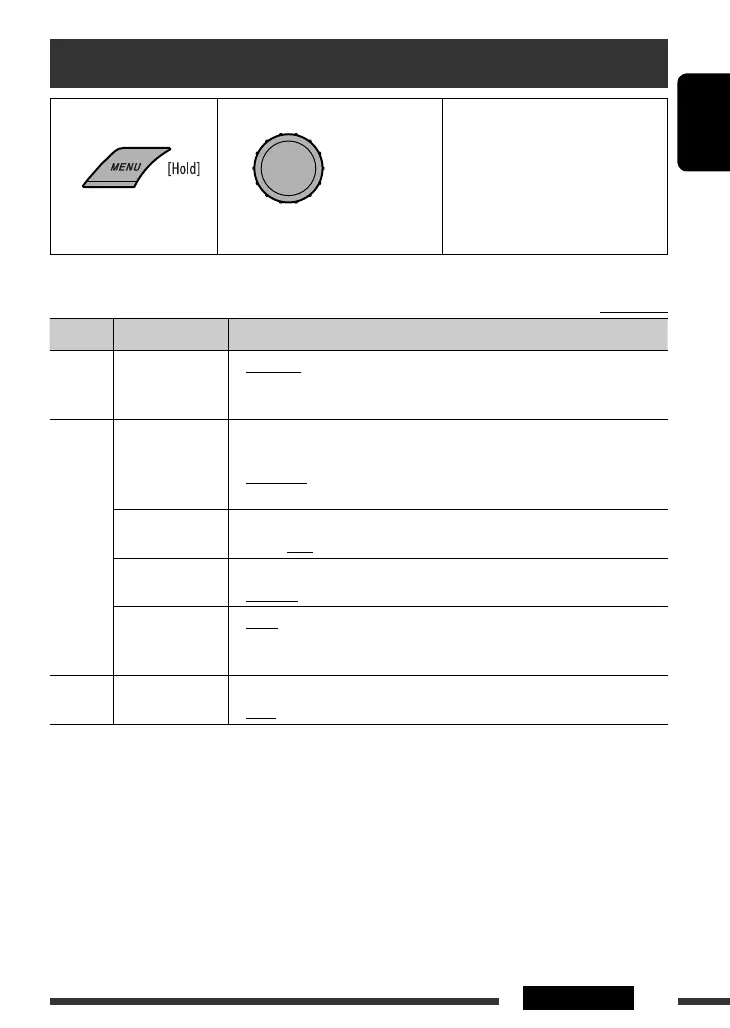
1 Call up the menu. 2 Select the desired item. 3 Repeat step 2 if necessary.
• To confirm the setting, press the
control dial.
• To return to the previous menu,
press BACK.
• To exit from the menu, press
DISP or MENU.
Initial: Underlined
Category Menu item Selectable setting, [reference page]
DEMO
DEMO
Display
demonstration
• DEMO ON
• DEMO OFF
: Display demonstration will be activated automatically if
no operation is done for about 20 seconds, [10].
: Cancels.
CLOCK
CLOCK DISP *
1
Clock display
• CLOCK ON
• CLOCK OFF
: Clock time is shown on the display at all times when the
power is turned off.
: Cancels; pressing DISP will show the clock time for about
5 seconds when the power is turned off.
CLOCK SET
Clock setting
: Adjust the hour, then the minute, [10].
(Initial: 0:00)
24H/12H
Time display mode
• 12 HOUR
• 24 HOUR
: Select the time display mode, [10].
CLOCK ADJ *
2
Clock adjustment
• AUTO
• OFF
: The built-in clock is automatically adjusted using the CT
(clock time) data in the Radio Data System signal.
: Cancels.
EQ
EQ
Equalizer
: Select a preset sound mode suitable to the music genre.
USER, ROCK, CLASSIC, POPS, HIP HOP, JAZZ
*
1
If the power supply is not interrupted by turning off the ignition key of your car, it is recommended to select
<CLOCK OFF> to save the car’s battery.
*
2
Takes effect only when CT data is received.
Continued on the next page
[Turn] = [Press]
EN38-47_KD-DV5507[EE]2.indd 39EN38-47_KD-DV5507[EE]2.indd 39 2/24/09 4:07:41 PM2/24/09 4:07:41 PM



 To Next Page