27EXTERNAL DEVICES
ENGLISH
Connecting a device
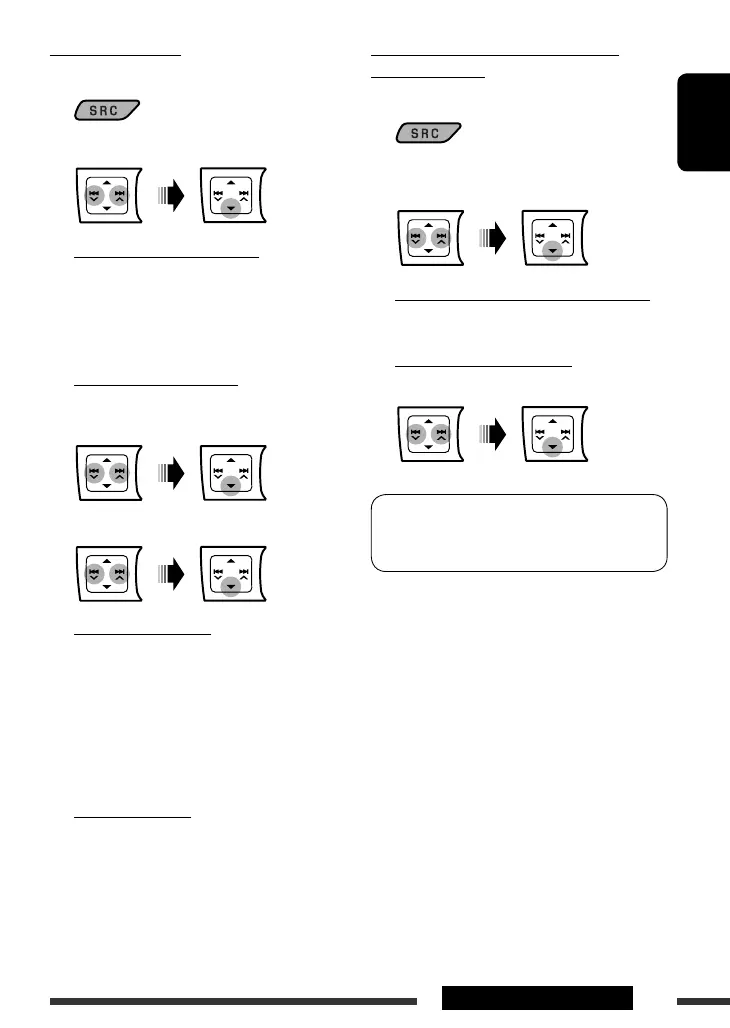
1 Select “
BT-PHONE
” or “
BT-AUDIO
.”
2 Select “NEW DEVICE.”
3 To search for available devices:
Select ”SEARCH.”
The unit searches and displays the list of the
available devices. If no available device is detected,
“UNFOUND” appears.
To connect a special device:
Select “SPECIAL.”
The unit displays the list of the preset devices.
4 Select a device you want to connect.
5 For available devices...
1 Enter the specific PIN code of the device
to the unit.
Refer to the instructions supplied with the
device to check the PIN code.
2 Use the Bluetooth device to connect.
Now connection is established and you can use
the device through the unit.
For special device...
Use “OPEN” or “SEARCH” to connect.
Connecting/disconnecting/deleting a
registered device
1 Select “
BT-PHONE
” or “
BT-AUDIO
.”
2 Select a registered device you want to
connect/disconnect/delete.
3 To connect/disconnect the selected device:
Select “CONNECT” or “DISCONNECT.”
To delete the selected device:
Select “DELETE,” then “YES.”
You can set the unit to connect the Bluetooth device
automatically when the unit is turned on. (See
“AUTO CNNCT” on page 46.)
EN20-27_KD-DV5507[EE]1.indd 27EN20-27_KD-DV5507[EE]1.indd 27 2/6/09 11:20:49 AM2/6/09 11:20:49 AM



 To Next Page