42
Changing the display color
You can select your favorite display color for each source
(or all sources).
• When is shown on the display, you can move
back to the previous screen by pressing number
button 3.
Setting the display color
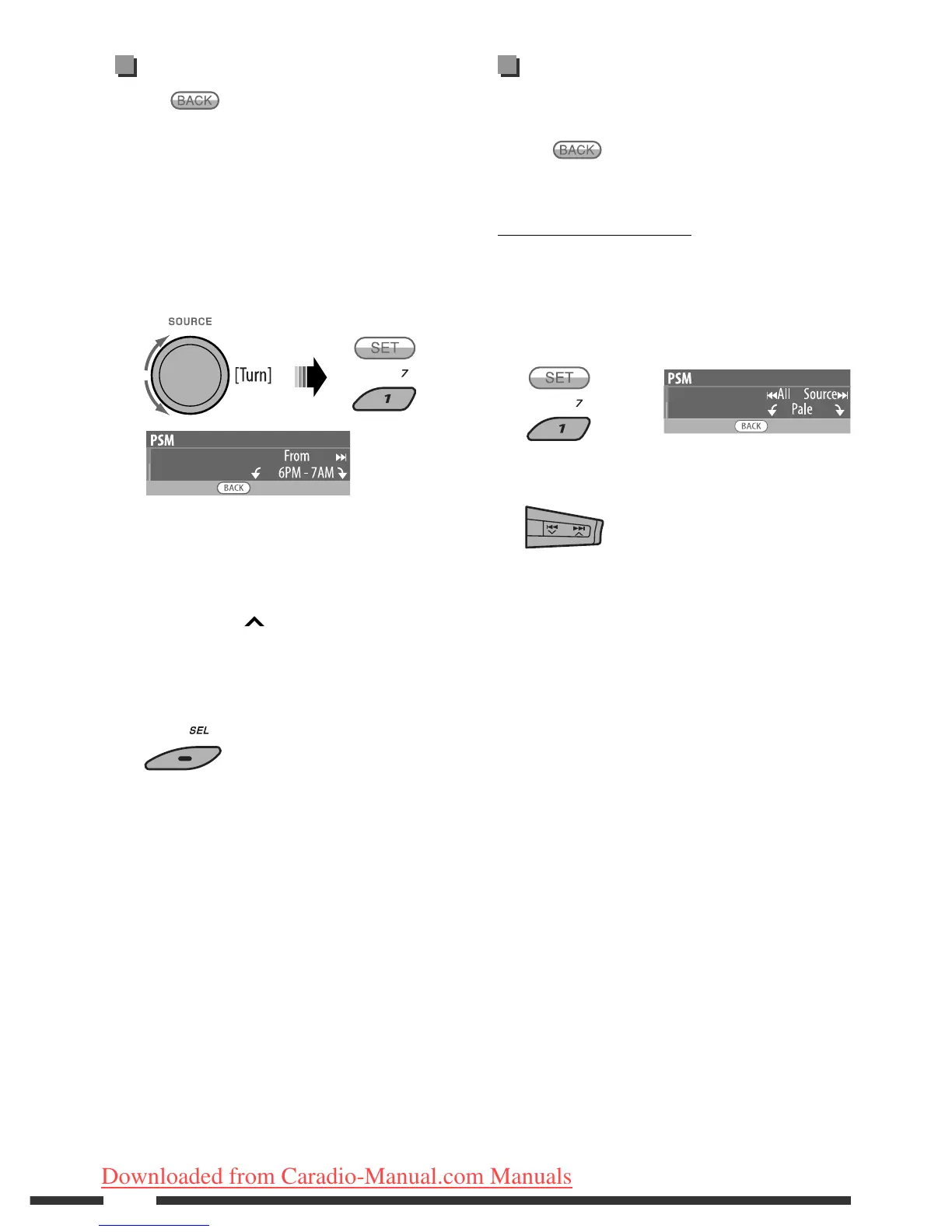
1 Follow steps 1 to 3 on page 39.
• In step 2, select “COLOR.”
• In step 3, select “Color Sel.”
2
3 Select a source.
All Source *
1
Ô Disc Ô Changer *
3
(or Ext In *
2
) Ô Line In Ô USB Ô FM Ô
AM Ô iPod *
3
Ô AV In Ô BT Audio Ô
(back to the beginning)
*
1
When you select “All Source,” you can use the
same color for all the sources.
*
2
Depends on the “Ext Input” setting, see page 41.
*
3
Displayed only when the target component is
connected.
Setting the time for dimmer
• When is shown on the display, you can move
back to the previous screen by pressing number
button 3.
1 Follow steps 1 to 3 on page 39.
• In step 2, select “DISPLAY.”
• In step 3, select “Dimmer.”
2 Select “Time Set.”
3 Adjust the dimmer start time.
1 Turn the control dial to set the dimmer start
time.
2 Press ¢ to select “To.” Then, turn the
control dial to set the dimmer end time.
4 Exit from the setting.
EN40-45_KD-DV9406_005A_1.indd 42EN40-45_KD-DV9406_005A_1.indd 42 22/4/08 4:11:08 PM22/4/08 4:11:08 PM
Downloaded from Caradio-Manual.com Manuals


 To Next Page