ENGLISH
22
SET menu operations
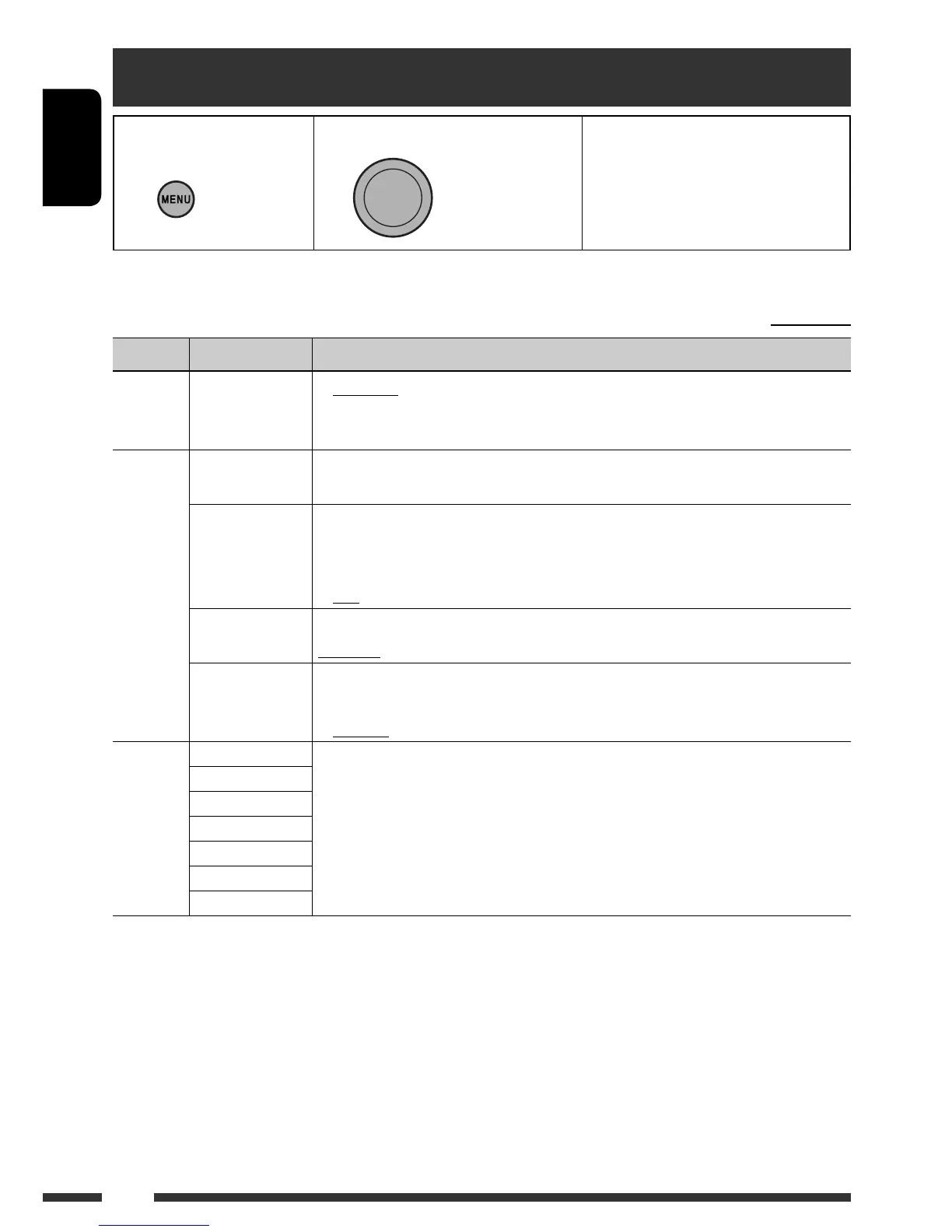
1 Call up the SET menu. 2 Select the desired item. 3 Repeat step 2 if necessary.
• To return to the previous menu,
press BACK.
• To exit from the menu, press
DISP or MENU.
[Turn] = [Press]
• If no operation is done for about 60 seconds after pressing MENU button, the operation will be canceled.
Initial: Underlined
Category Menu items Selectable settings, [reference page]
DEMO
DEMO
Display
demonstration
• DEMO ON:
• DEMO OFF:
Display demonstration will be activated automatically if no
operation is done for about 20 seconds, [4].
Cancels.
CLOCK
CLOCK SET
Clock setting
Adjust the hour, then the minute, [4].
[Initial: 1:00]
CLOCK ADJ
Clock adjustment
• AUTO:
• OFF:
The built-in clock is automatically adjusted using the clock
data provided via the Satellite Radio channel or the HD Radio
broadcast.
Cancels.
TIME ZONE *
1
Time zone
Select your residential area from one of the time zones for clock adjustment.
EASTERN, ATLANTIC, NEWFOUND, ALASKA, PACIFIC, MOUNTAIN, CENTRAL
DST *
1
Daylight savings
time
• DST ON:
• DST OFF:
Activates daylight savings time if your residential area is subject
to DST.
Cancels.
PRO EQ
SUB BASS
For settings, [20].
BASS
MID BASS
MID
MID HIGH
HIGH
ULTRA HIGH
*
1
Displayed only when “CLOCK ADJ” is set to “AUTO.”
[Hold]



 To Next Page