13ENGLISH
Menu item
Selectable setting, [Initial: Underlined]
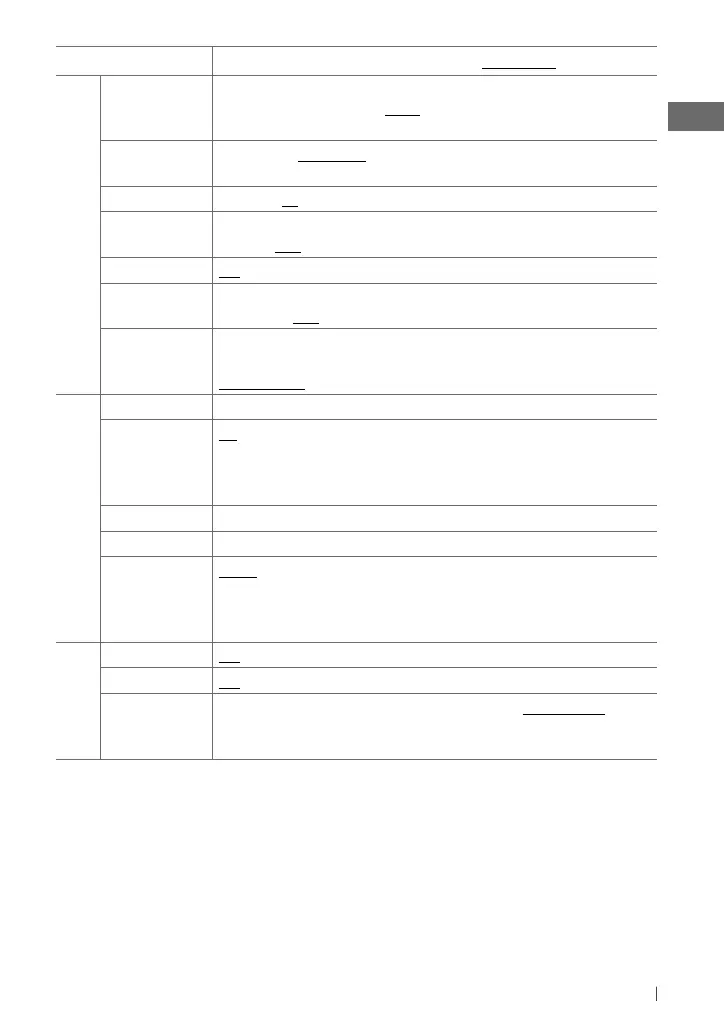
AUDIO
L/O MODE SUB.W
: Selects if the REAR/SW terminals are used for connecting a subwoofer
(through an external amplifier). /
REAR
: Selects if the REAR/SW terminals are used for
connecting the speakers (through an external amplifier).
SUB.W LPF *
5
LOW 55Hz
/
LOW 85Hz
/
LOW 120Hz
: Frequencies lower than
55 Hz/85 Hz/120 Hz are sent to the subwoofer.
SUB.W LEVEL
*
5
00 — 08
[
04
] : Adjusts the subwoofer output level.
HPF ON
: Activates the High Pass Filter. Low frequency signals are cut off from the front/rear
speakers. /
OFF
: Deactivates (all signals are sent to the front/rear speakers).
BEEP ON
/
OFF
: Activates or deactivates the keypress tone.
TEL MUTING *
6
ON
: Mutes the sounds while using the cellular phone (not connected through
KS-BTA100). /
OFF
: Cancels.
AMP GAIN *
7
LOW POWER
: VOLUME 00 – VOLUME 30 (Selects if the maximum power
of each speaker is less than 50 W to prevent damaging the speakers.) /
HIGH POWER
: VOLUME 00 – VOLUME 50
TUNER
SSM *
8
See page 8.
AREA US
: When using in North/Central/South America. AM/FM intervals are set to
10 kHz/200 kHz. /
EU
: When using in any other areas. AM/FM intervals are set to
9 kHz/50 kHz. /
SA
: When using in South American countries where FM interval is
50 kHz. AM interval is set to 10 kHz.
MONO *
8
See page 8.
BLEND HOLD *
8
See page 8.
IF BAND AUTO
: Increases the tuner selectivity to reduce interference noises between adjacent
stations. (Stereo effect may be lost.) /
WIDE
: Subject to interference noises from
adjacent stations, but sound quality will not be degraded and the stereo effect will
remain.
SRC SELECT
AM *
9
ON
/
OFF
: Enable or disable “AM” in source selection.
F-AUX *
9
ON
/
OFF
: Enable or disable “F-AUX” in source selection.
R-AUX *
9
ON
/
OFF
: Enable or disable “R-AUX” in source selection. /
BT ADAPTER
: Selects
if the rear auxiliary input jack is connected to the Bluetooth adapter, KS-BTA100 (page
10.) The source name changed to “BT AUDIO.”
*
5
Displayed only when <L/O MODE> is set to <SUB.W>.
*
6
This setting does not work if <BT ADAPTER> is selected for <R-AUX> of the <SRC SELECT>.
*
7
The volume level automatically changes to “VOLUME 30” if you change to <LOW POWER> with the volume level set
higher than “VOLUME 30.”
*
8
Displayed only when the source is “FM” or “AM.”
*
9
Displayed only when any source other than “AM/ F-AUX/ R-AUX/ BT AUDIO” is selected separately.
EN02-17_KD-HDR44[J]_f.indd 13EN02-17_KD-HDR44[J]_f.indd 13 11/23/10 11:14:34 AM11/23/10 11:14:34 AM



 To Next Page
 Loading...











