31
ENGLISH
LVT1008-001A [E/EX]
24HOUR 824HOUR12HOUR
ADJUST ON 17
ADJUST ONADJUST OFF
CLOCK ON CLOCK ON 32CLOCK OFF
PS NAME PS NAME 17FREQUENCY
14OFF
29 programme types
(See page 18.)
AF 13
OFF*
1
AF REGAF
OFF
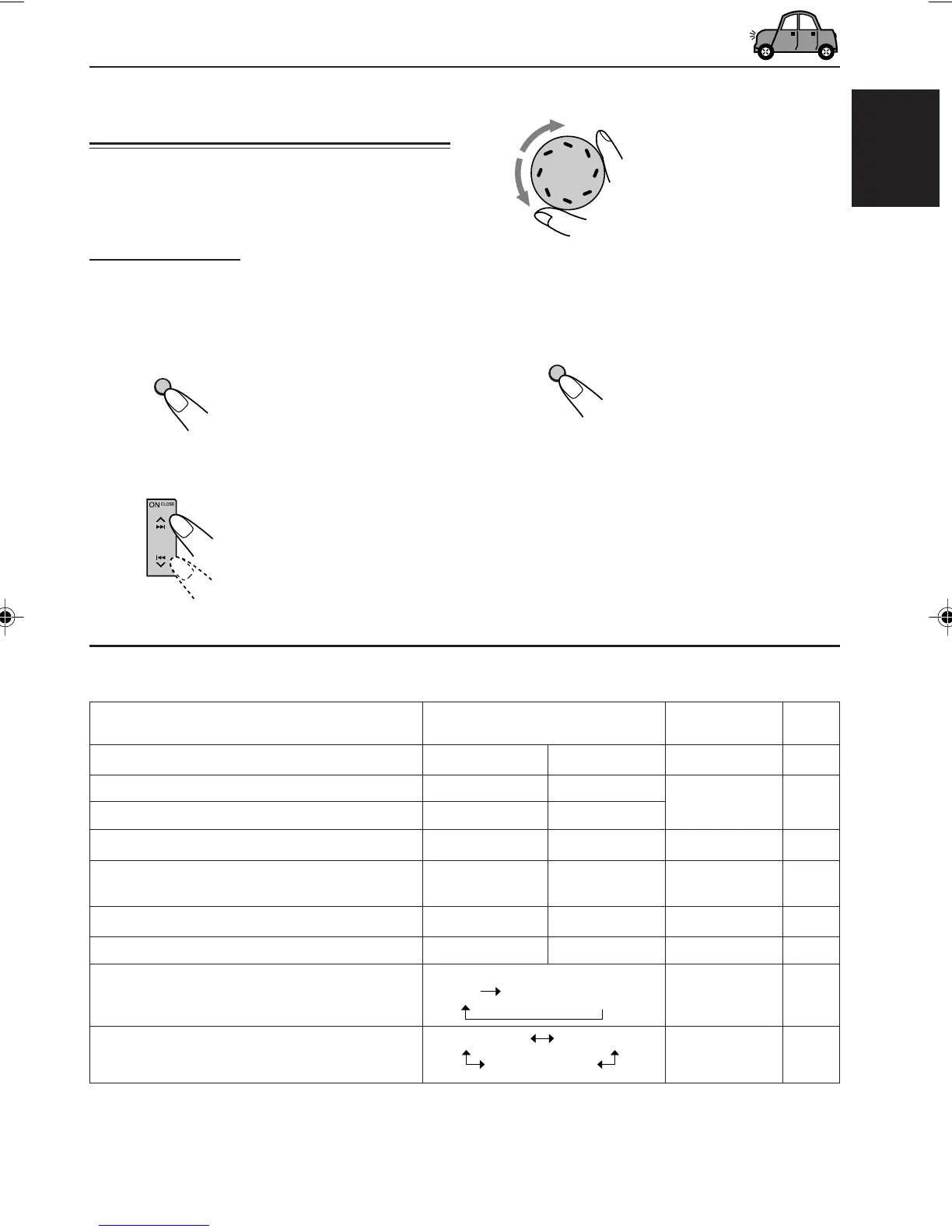
Changing the general settings
(PSM)
You can change the items listed on the next
page by using the PSM (Preferred Setting Mode)
control.
Basic Procedure
1
Press and hold SEL (S) for more
than 2 seconds so that one of the
PSM items appears on the display.
(See below.)
2
Select the PSM item you want to
adjust. (See below.)
3
Adjust the PSM item selected above.
4
Repeat steps
2
and
3
to adjust the
other PSM items if necessary.
5
Finish the setting.
OTHER MAIN FUNCTIONS
Back
Advance
Back Advance
8
0:00
Factory-preset
settings
See
page
DEMO ON 8DEMO OFF DEMO ON
Indications
DEMO MODE Demo mode
CLOCK HOUR Hour adjustment
CLOCK MIN Minute adjustment
24H/12H 24/12-hour time display
AUTO ADJ Automatic clock
adjustment
CLOCK DISP Clock display
TUNER DISP Tuner display
PTY STBY PTY standby
AF–REG Alternative frequency/
Regionalization reception
Preferred Setting Mode (PSM) items
CONTINUED ON THE NEXT PAGE
Selectable values
*
1
Displayed only when “DAB AF” is set to “OFF.”
SEL
S
EN31-37KD-LX555R[E]f.p65 02.12.11, 16:3931



 To Next Page
 Loading...