EasyManua.ls Logo

JVC KD-R618 - Listening to the Radio

JVC KD-R618
54 pages
Print Icon
To Next Page IconTo Next Page
To Previous Page IconTo Previous Page
Loading...
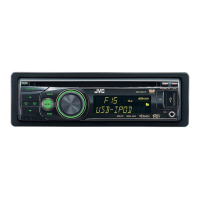
Main unit
I
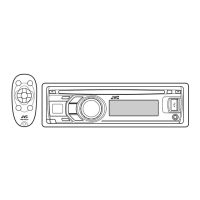
Remote I I .
t
II
I,
Genera operation
con ro er
----=-t-------t----------
-
------.
----
_ !
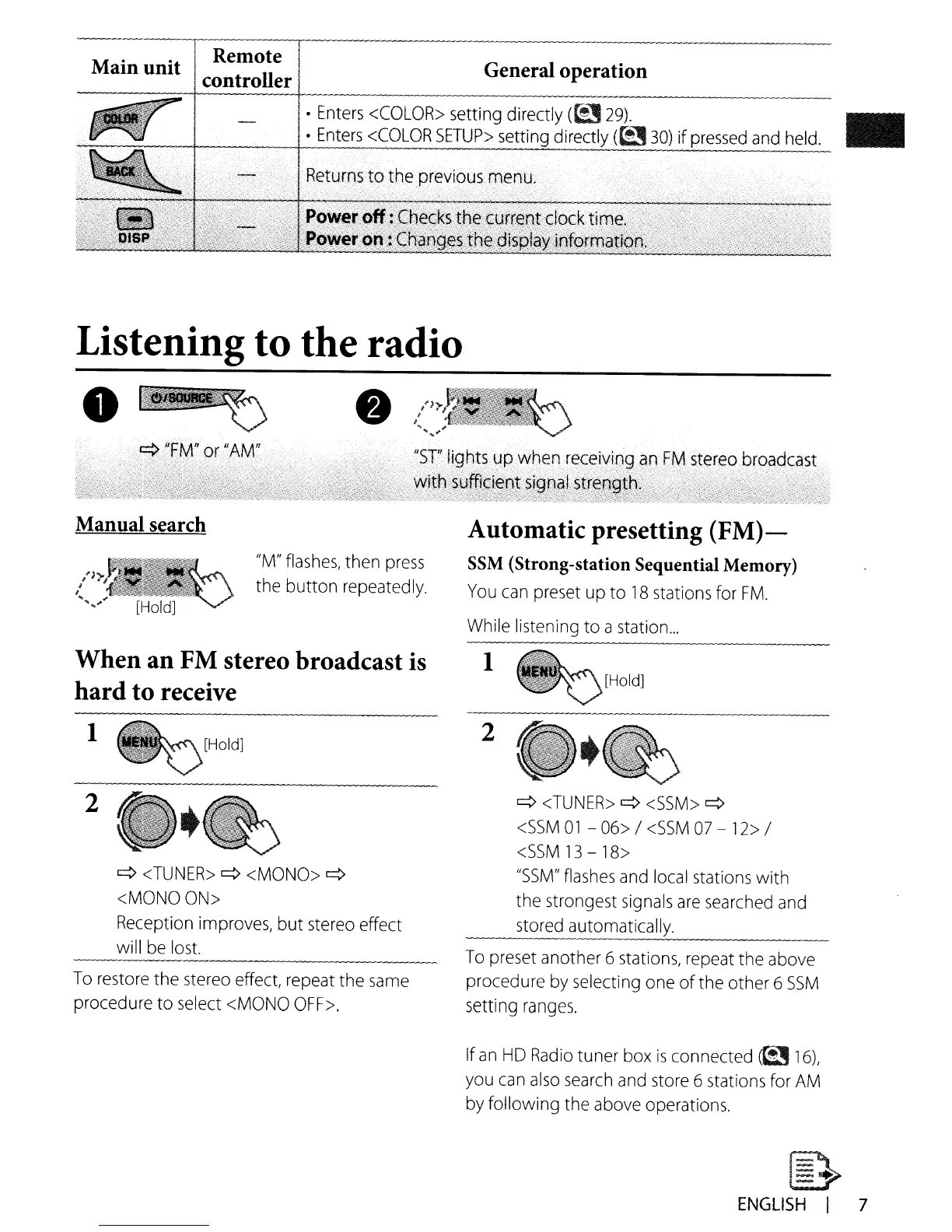
Enters
<COLOR>
setting directly
(~
29).
!
Enters
<COLOR
SETUP>
setting directly
(t!3
30)
if
pressed
and
h~~
Listening to the radio
.~
Manual search
"M"
flashes,
then
press
the button
repeatedly.
When an
FM
stereo broadcast is
hard to receive
1
2
q
<TUNER>
q
<MONO>
q
<MONO
ON>
Reception
improves, but
stereo
effect
wi
II
be
lost.
To
restore
the
stereo
effect,
repeat
the
same
procedure to
select
<MONO
OFF>.
Automatic presetting
(FM)-
SSM (Strong-station Sequential Memory)
You
can
preset
up
to
18
stations
for
FM.
While
listening to a station
...
1
2
q
<TUNER>
q
<SSM>
q
<SSM
01
-
06>
/
<SSM
07
-12>
/
<SSM
13
-
18>
"SSM"
flashes
and
local
stations with
the strongest
signals
are
searched
and
stored
automatically.
----
To
preset
another 6
stations,
repeat
the
above
procedure
by
selecting
one
of the other 6
SSM
setting
ranges.
If
an
HD
Radio
tuner
box
is
connected
(~
16),
you
can
also
search
and
store
6
stations
for
AM
by
following the
above
operations.
~
ENGLISH
I 7

Other manuals for JVC KD-R618

Related product manuals