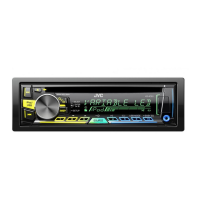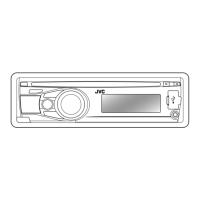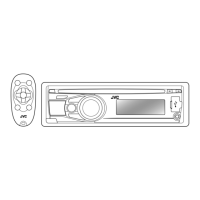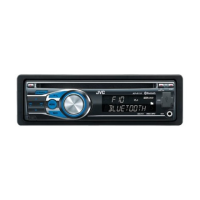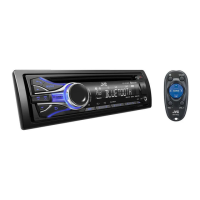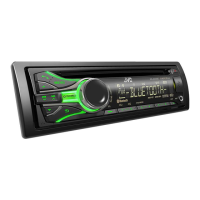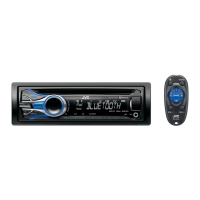

 To Next Page
C
Christina DanielsSep 9, 2025
Why is the elapsed playing time not correct on my JVC KD-R756 Car Receiver?
- MMargaret AdamsSep 9, 2025
The accuracy of the elapsed playing time depends on the recording process that was used.

Why is the elapsed playing time not correct on my JVC KD-R756 Car Receiver?
The accuracy of the elapsed playing time depends on the recording process that was used.
Pandora: What does 'NO STATIONS' mean on my JVC KD-R756 Car Receiver?
No stations are found.
Pandora: What does 'CONNECT ERR' mean on my JVC KD-R756 Car Receiver?
Communication is unstable.
Pandora: What does 'RATING ERR' mean on my JVC KD-R756 Car Receiver?
Registration of thumbs up/thumbs down has failed.
Pandora: What does 'LICENSE ERR' mean on my JVC KD-R756?
You try to access from a country which Pandora is not deliverable.
Guide to setting the current time on the JVC car audio unit.
Instructions for configuring fundamental initial settings for the JVC car receiver.
How to begin playing music from CD, USB, or iPod sources.
Instructions for connecting USB devices and iPod/iPhone to the unit.
Methods for selecting tracks, files, and folders from connected media.
How to search for and save favorite radio stations.
How to connect and play audio from a portable player via AUX.
Instructions for connecting and using a Bluetooth adapter.
Saving and adjusting custom equalizer settings for personalized sound.
Solutions for no sound, wiring errors, source selection, and disc ejection problems.
Critical safety warnings and precautions for unit installation and wiring.
Step-by-step guide for installing the unit into a vehicle's dashboard.
A summary of the fundamental steps for installing the car receiver.
Diagrams and instructions for connecting the unit's wiring harness.
Detailed guide on connecting wires to the vehicle's harness and power.
 General
| Brand | JVC |
|---|---|
| Model | KD-R756 |
| Category | Car Receiver |
| Language | English |