ENGLISH
17
Data Size: B6L (182 mm x 128 mm)
Book Size: B6L (182 mm x 128 mm)
Symptom
Remedy
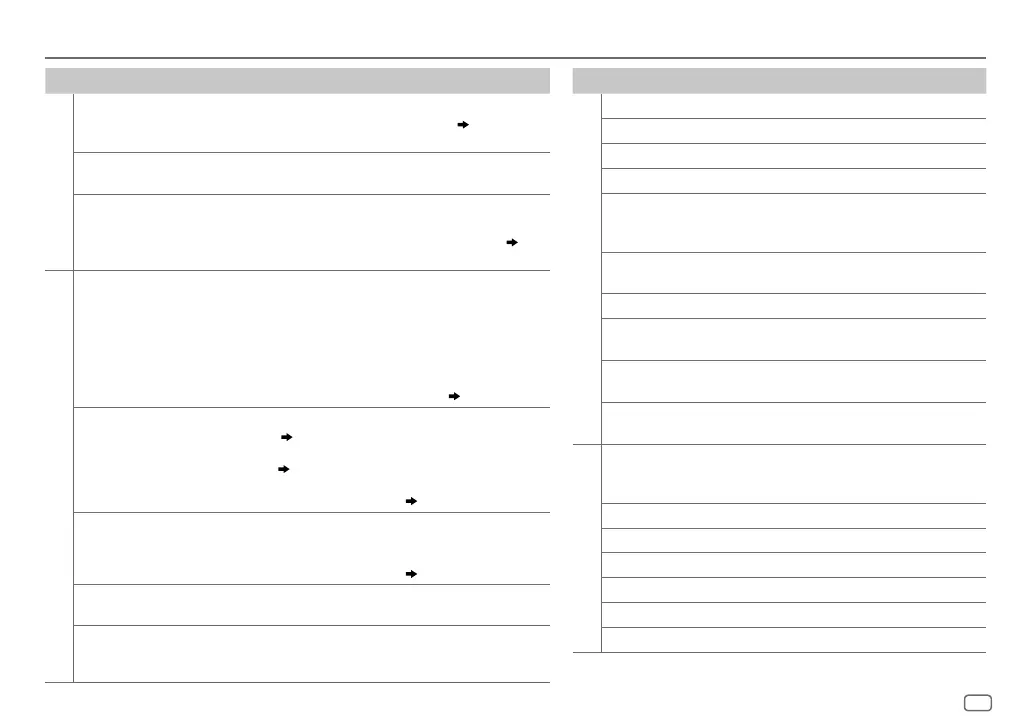
CD / USB / iPod
“CANNOT PLAY” flashes and/
or connected device cannot
be detected.
• Check whether the connected device is compatible with this unit
and ensure the files are in supported formats. (
14
,
15
)
• Reattach the device.
The iPod/iPhone does not
turn on or does not work.
• Check the connection between this unit and iPod/iPhone.
• Detach and reset the iPod/iPhone using hard reset.
Correct characters are not
displayed.
• This unit can only display uppercase letters, numbers, and a
limited number of symbols.
• Depending on the display language you have selected (
4
),
some characters may not be displayed correctly.
ANDROID
• Sound cannot be heard
during playback.
• Sound output only from
the Android device.
• Reconnect the Android device.
• If in [
AUDIO MODE
], launch any media player application on
the Android device and start playback.
• If in [
AUDIO MODE
], relaunch the current media player
application or use another media player application.
• Restart the Android device.
• If this does not solve the problem, the connected Android device
is unable to route the audio signal to unit. (
15
)
Cannot playback at [
AUTO
MODE
].
• Make sure JVC MUSIC PLAY APP is installed on the Android
device. (
7
)
• Reconnect the Android device and select the appropriate control
mode. (
8
)
• If this does not solve the problem, the connected Android device
does not support [
AUTO MODE
]. (
15
)
“NO DEVICE” or “READING”
keeps flashing.
• Switch off the developer options on the Android device.
• Reconnect the Android device.
• If this does not solve the problem, the connected Android device
does not support [
AUTO MODE
]. (
15
)
Playback is intermittent or
sound skips.
Turn off the power saving mode on the Android device.
“CANNOT PLAY” • Make sure Android device contains playable audio files.
• Reconnect the Android device.
• Restart the Android device.
TROUBLESHOOTING
Symptom Remedy
Pandora
“ADDERROR” New station creation is unsuccessful.
“CHKDEVICE” Check the Pandora application on your device.
“NOSKIPS” The skip limit has been reached.
“NOSTATIONS” No stations are found.
“STATIONLMT” The number of registered stations has reached
its limit. Retry after deleting unnecessary
stations from your device.
“UPGRADEAPP” Make sure you have installed the latest version
of the Pandora application on your device.
“CONNECT ERR” Communication is unstable.
“RATING ERR” Registration of thumbs up/thumbs down has
failed due to insufficient network connectivity.
“THUMBS N/A” Registration of thumbs up/thumbs down is not
allowed.
“LICENSE ERR” You try to access from a country which Pandora
is not deliverable.
iHeartRadio
Station cannot be selected. If “Explicit Content” in [Account Settings] is
checked in the web version of iHeartRADIO,
custom stations become unavailable.
“CREATE ERR” Custom station name creation is unsuccessful.
“SAVE ERROR” Addition to the favorite category failed.
“DISCONNCTED” Check the connection to the device.
“NOSKIPS” The skip limit has been reached. Retry later.
“NOSTATIONS” No stations are found.
“NOT CONNCTD” Link to the application is impossible.
JS_JVC_KD_SR72_K_EN_2.indd 17JS_JVC_KD_SR72_K_EN_2.indd 17 26/1/2016 2:38:59 PM26/1/2016 2:38:59 PM


 To Next Page