(No.MA606<Rev.002>)14/20
4.2.6 Version Display Mode
4.2.7 Tuner Test Mode Specification
The following display shall be indicated according to the TUNER status.
*Not applicable and no function for HD and DAB models
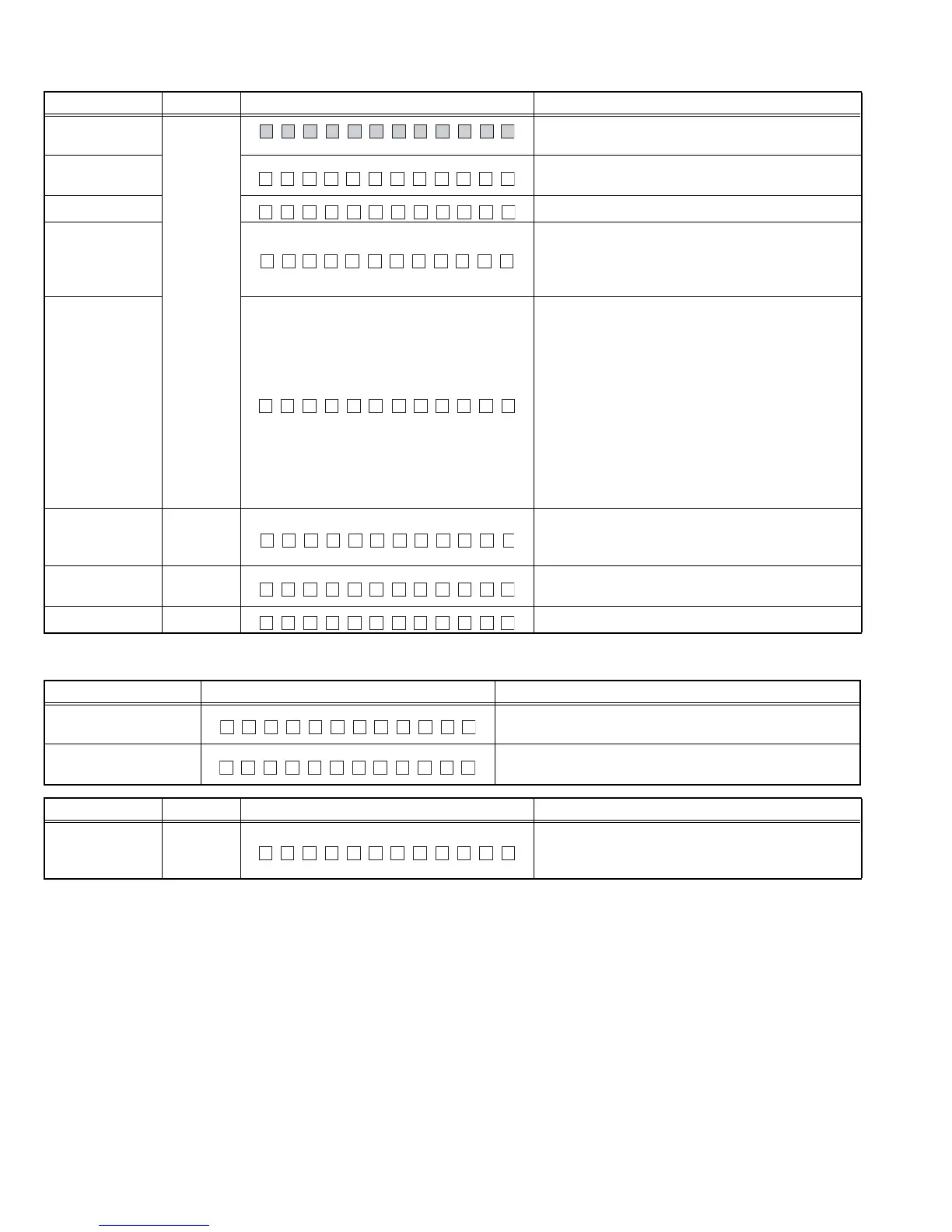
Item Operation Display content Details
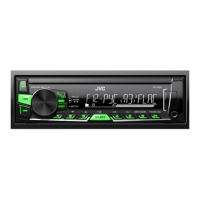
All Lights ON/
TEST
DISP
(Toggle)
All lights ON
Syscom version
display
## = File Number
@@@ = Syscon Version Number
Stage Setting ##: Stage Setting for current hardware
Serial No. display
Serial No. Display (8 digits)
Display to support ASCII characters
********: Blank
@@@@@@@@: EEPROM Read Error
iPod IC Mount
Verification Status
Display
(USB models
only)
## = Blank: Verifying
OK: IC mounted
NG: IC not mounted
**: Non iPod support model
In addition, upon entering this mode, P-CON is
turned ON.
When a result is OK, P-CON is turned off.
Upon exit, P-CON remains OFF.
When a result is NG, P-CON is kept ON condition.
Upon exit, P-CON remains ON.
Pre-out Switch
(1 Pre-out / 2 Pre-
out model only)
EQ
Switch Pre-out with toggle
Mode release
SOURCE
Transition
Return to Normal mode
Mode release RETURN
Return to Normal mode
Y–SS##@@@
TSAGE :21 ##
SN 000 00000
iPod ##
L/O SU B.W
Status Display content Details
TUNER IC
Communication Error
Communication to TUNER IC not available
(indicated unless the mode is in Clock Display Mode).
RDS/RBDS Specified
data reception
Turn OFF P-CON forcibly if PS=RDS TEST is received.
P-CON recovers with Power OFF/ON.
TUN CON NG
DRS STTE
Item Operation Display content Details
TUNER IC display EQ
Display TUNER IC version
'AT2 ********' is eg "AtomIC2 57V1B101" indicating
"AtomIC2 TEF6657V1B 1.01"
TA2********


 To Next Page
 Loading...