ENGLISH
9
Data Size: B6L (182 mm x 128 mm)
Book Size: B6L (182 mm x 128 mm)
To On the faceplate
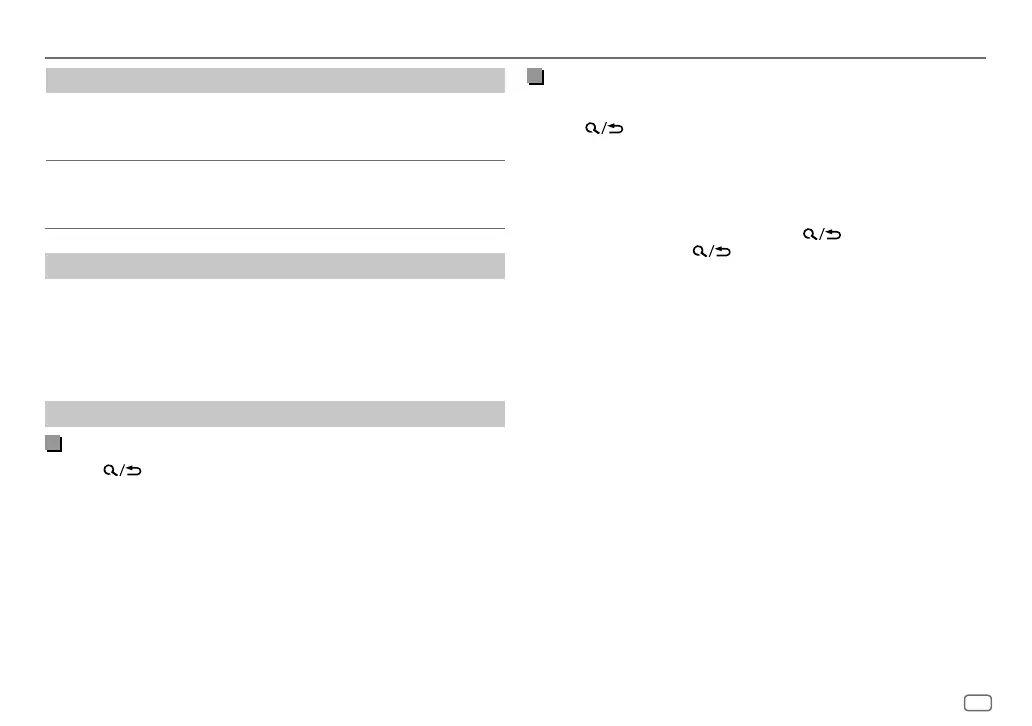
Repeat play
Press 4 repeatedly.
[TRACK REPEAT]
/
[FOLDER REPEAT]
/
[ALL REPEAT]
:
MP3/WMA/WAV/FLAC file
Random play
Press 3 repeatedly.
[FOLDERRANDOM]
/
[ALL RANDOM]
/
[RANDOM OFF]
:
MP3/WMA/WAV/FLAC file
Select music drive
While in USB source, press 5 MODE repeatedly.
Stored songs in the following drive will be played back.
• Selected internal or external memory of a smartphone (Mass Storage
Class).
• Selected drive of a multiple drive device.
Select a file to play
From a folder or list
1
Press .
2 Turn the volume knob to select a folder/list, then press the knob.
3 Turn the volume knob to select a file, then press the knob.
Selected file starts playing.
Quick search
If you have many files, you can search through them quickly.
1 Press .
2 Turn the volume knob to select a folder/list, then press the knob.
3 Turn the volume knob quickly to browse through the list quickly.
4 Turn the volume knob to select a file, then press the knob.
Selected file starts playing.
• To return to the previous setting item, press
.
• To cancel, press and hold
.
USB
JS_JVC_KD_X172M_M2_EN_3.indd 9JS_JVC_KD_X172M_M2_EN_3.indd 9 6/12/2019 12:25:48 PM6/12/2019 12:25:48 PM


 To Next Page
 Loading...