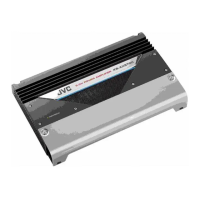
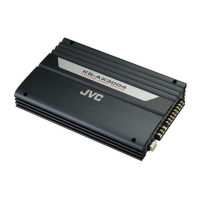
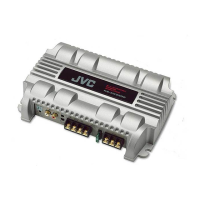
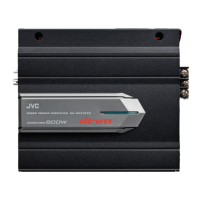
KS-AX4700
1-6
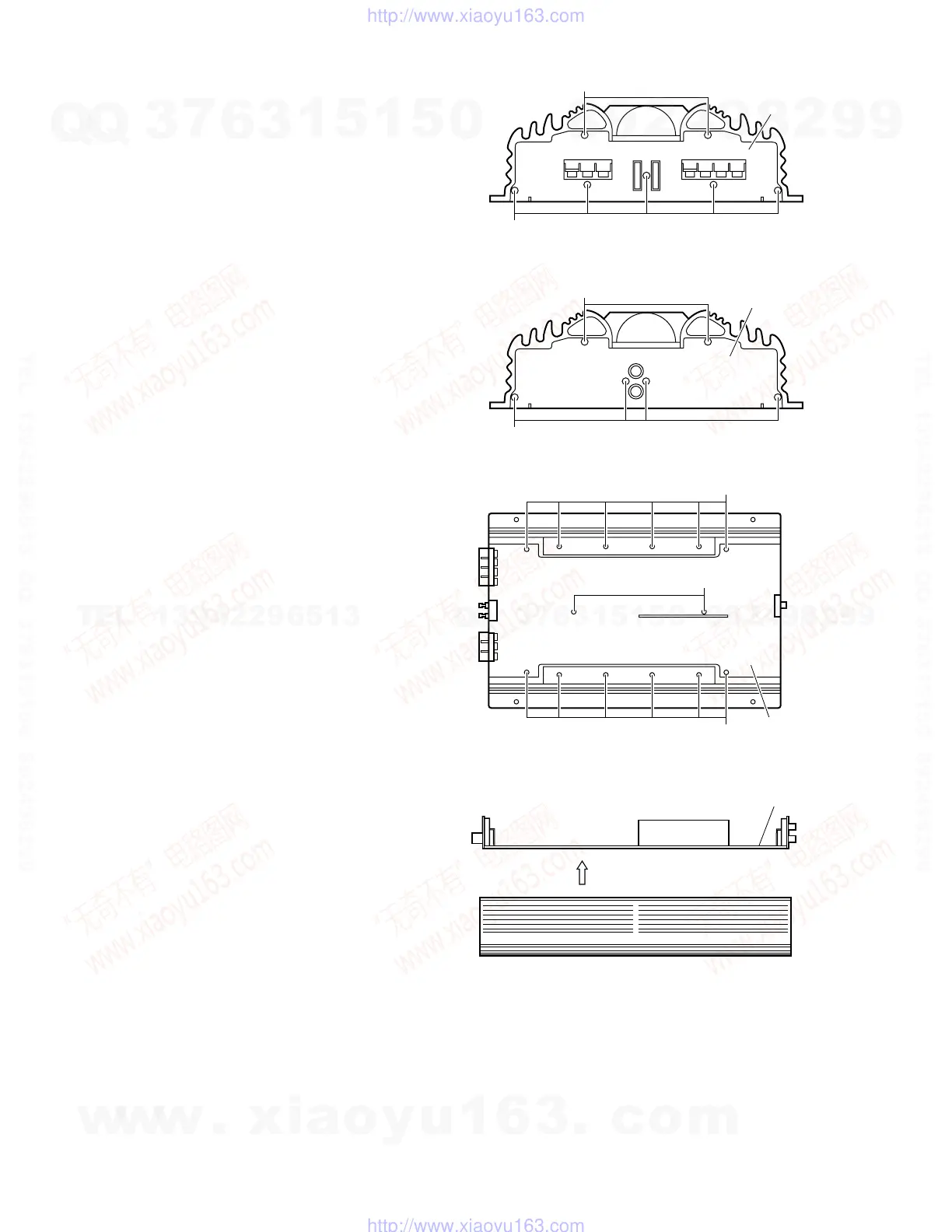
Remove the 13 screws E retaining the panels on
both sides of the main unit.
5.
Remove the MAIN PCB by lift up the arrow mark.7.
Remove the 14 screws F attaching the MAIN PCB to
the bottom of the main unit.
6.
Fig. 7
Fig. 5
Fig. 6
Front panel
Fig. 8
Rear panel
E
E
E
E
MAIN PCB
F
F
MAIN PCB
(Side view)
F
w
w
w
.
x
i
a
o
y
u
1
6
3
.
c
o
m
Q
Q
3
7
6
3
1
5
1
5
0
9
9
2
8
9
4
2
9
8
T
E
L
1
3
9
4
2
2
9
6
5
1
3
9
9
2
8
9
4
2
9
8
0
5
1
5
1
3
6
7
3
Q
Q
TEL 13942296513 QQ 376315150 892498299
TEL 13942296513 QQ 376315150 892498299
http://www.xiaoyu163.com
http://www.xiaoyu163.com


 To Next Page
 Loading...