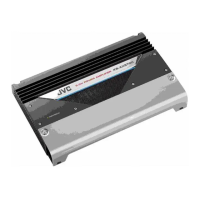
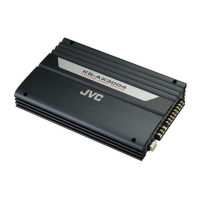
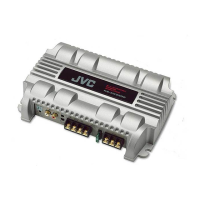
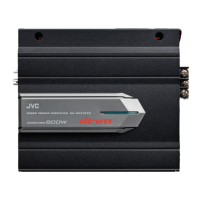
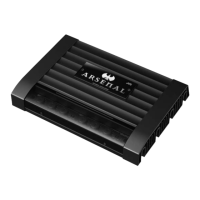
KS-AX7300
(No.49808)1-3
SECTION 2
Disassembly method
CAUTION:
If electricity is connected during disassembly, it must be a no
load current. If it is load current, be sure to attach a heat sink
to the power-amp IC. This will be damaged if the above
precautions are not followed, as it does not have a sub heat
sink attached to it.
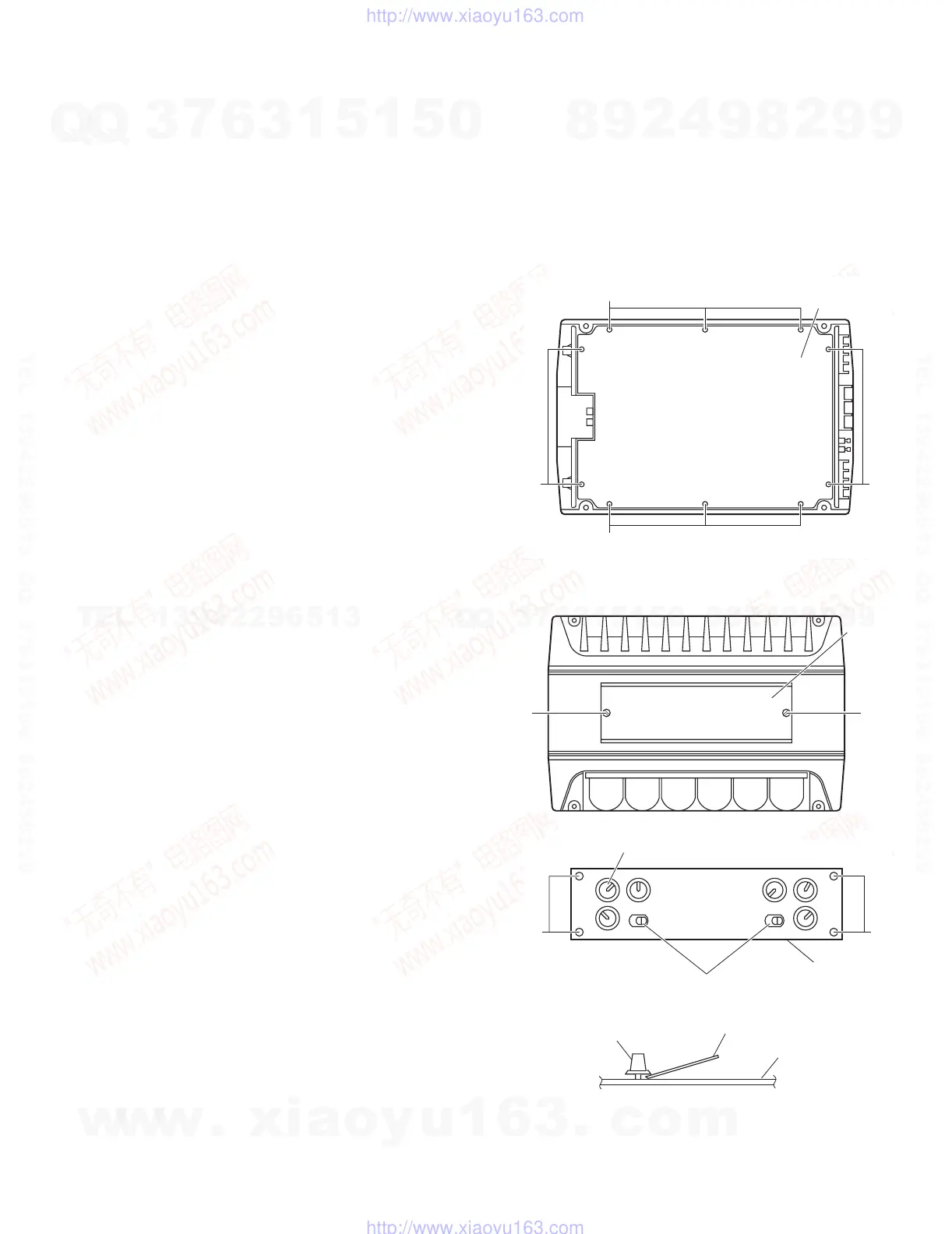
2.1 Removing the bottom cover (see Fig. 1)
(1) From the bottom side of the main unit, remove the 4 screws
A retaining the bottom cover.
(2) Then remove the 6 screws B retaining the bottom cover.
(3) Remove the bottom cover.
Fig.1
2.2 Removing the Main board (see Fig. 2 to 8)
(1) Remove the bottom cover from the main unit.
(2) Loosen and remove the 2 screws C retaining the top plate
on the main unit. (Stoppers are attached to the backs of the
C screws so that they cannot be removed easily.)
(3) Remove the 6 volume knobs on top of the control panel. If
it cannot be pulled out easily, insert a scale or suitable lever
between the base of the volume knob and the control panel
so that the volume knob is raised a little above the surface
and then remove it.
(Be careful when inserting a lever etc. not to scratch
the surface of the control panel).
(4) Remove the 4 screws D retaining the control panel. Then
detach the control panel and the switch knobs.
Fig.2
Fig.3
Fig.4
Bottom cove
B
A
B
Top plate
C
C
Volume knob
D
Switch knob
Control panel
D
(Side view)
Scale or suitable lever
Volume knob
Control panel
w
w
w
.
x
i
a
o
y
u
1
6
3
.
c
o
m
Q
Q
3
7
6
3
1
5
1
5
0
9
9
2
8
9
4
2
9
8
T
E
L
1
3
9
4
2
2
9
6
5
1
3
9
9
2
8
9
4
2
9
8
0
5
1
5
1
3
6
7
3
Q
Q
TEL 13942296513 QQ 376315150 892498299
TEL 13942296513 QQ 376315150 892498299
http://www.xiaoyu163.com
http://www.xiaoyu163.com



 To Next Page
 Loading...