Time Setting
Select Feature > Time Setting.
● Date:Showsthecurrentdate.
● Local Time:Showsthecurrenttime.
● Power On Time:SelectOntosettimeforturningonthepowerand
thenenterhour/minute.Atthepresettime,theTVwillautomatically
be tuned on.
● Power Off Time:SelectOntosettimeforturningoffthepowerand
thenenterhour/minute.Atthepresettime,theTVwillautomatically
be tuned off.
● Auto Power Off:SelectOntoturnTVoffautomaticallyforreduction
of power consumption when there is no signal.
NOTE: YourTVautomaticallysetsandupdatesthedateandtimeovertheairwhenyousuccessfullysearchdigital
channels.OtherwiseyoucansetthedateandtimemanuallyusingtheNUMBER button.
Parental Control (for the Analog Channels Only)
Select Feature > Parental Control.
Enter your PIN code.
NOTE: The default PIN code is 0000. If you have forgotten your PIN code,
please contact your local TV distributor.
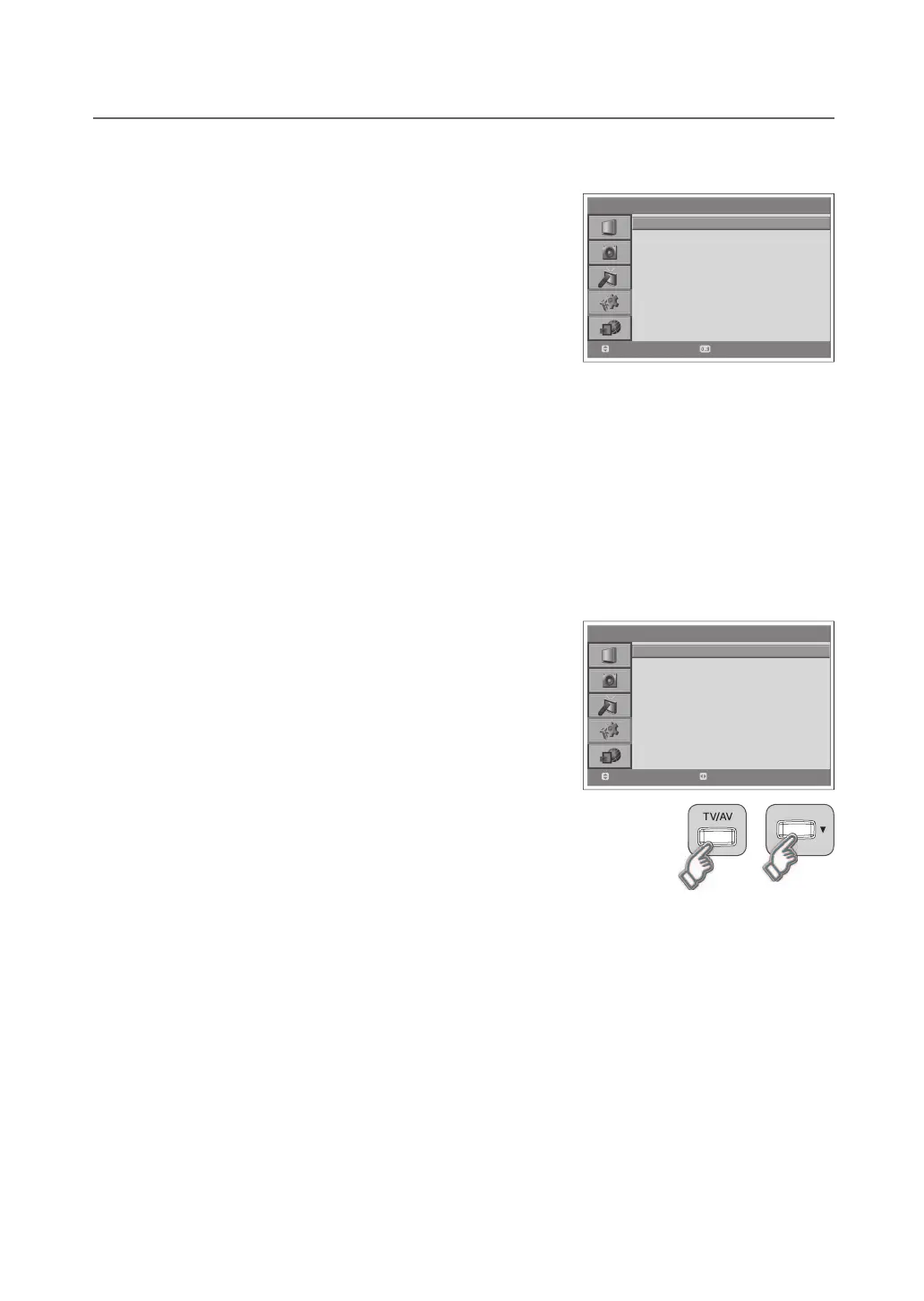
● Child Lock:SelectEnable to lock the buttons on the front panel.
NOTE: To unlock, press the TV/AV and ▼ buttons on the front panel of
the TV together for 3 seconds.
● Change PIN CODE:ChangethecurrentPINcodetoanewone.
> > T i me S e t t i n g
Date
Lo ca l Ti me
Po w e r On Time
Po w e r Off T i m e
Au to Power O ff
19.0 3 . 2 00 7
10 : 0 0
On
-- : - -
On
-- : - -
Of f
Move
Select
> > P a r e n t a l C o n t r o l
Chil d L o c k
Chan g e PI N C O D E
Disa b l e
Move
Select


 To Next Page
 Loading...