GB-28
MENU SETTINGS
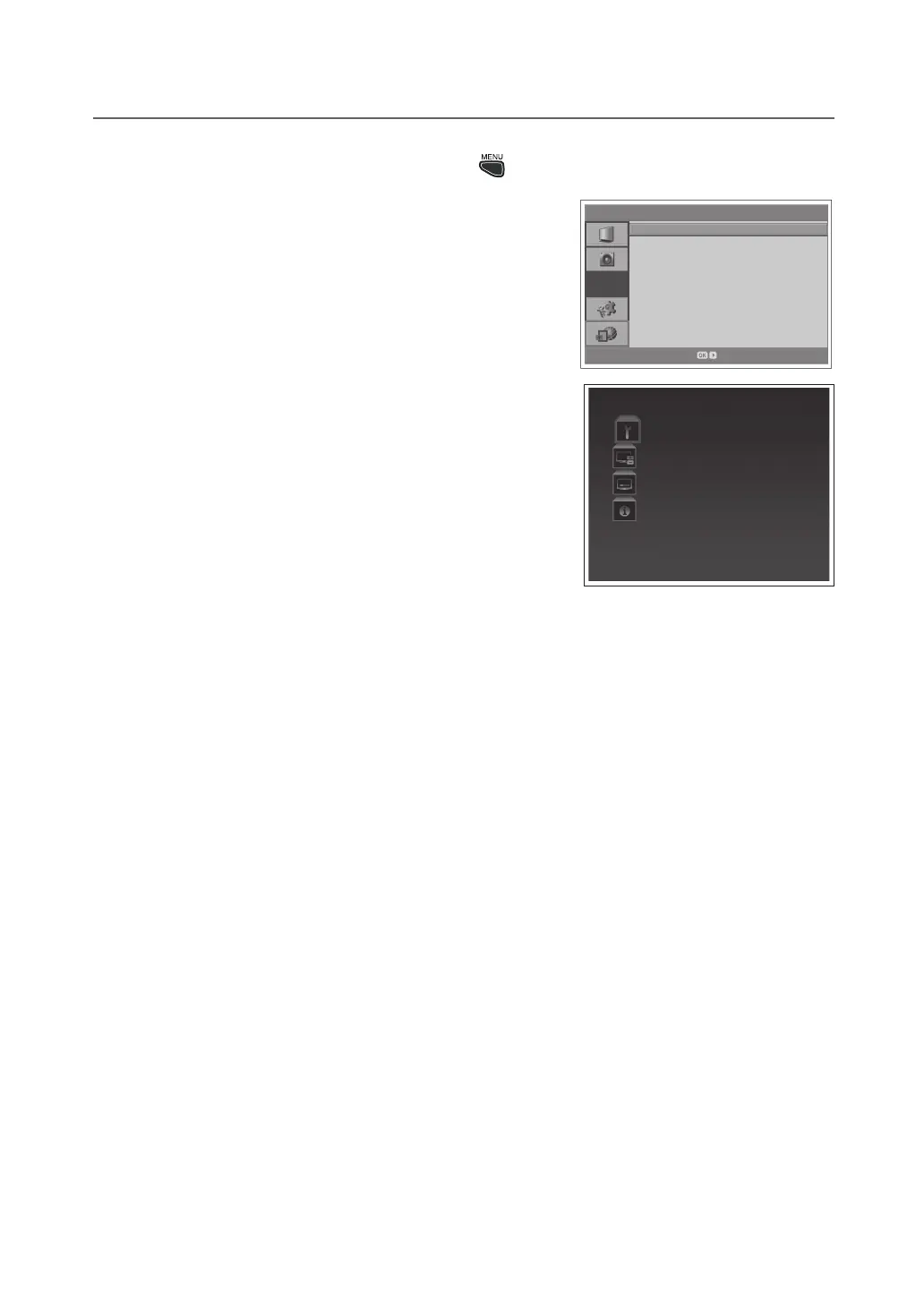
DTV Setup (In Digital TV Mode Only) : > DTV Setup
● Configuration:(Refertop.33)
● Edit Channels:(Refertop.32)
● Installation:
- Auto Search / Manual Search:(Refertop.31/32)
- Software Update:(Refertop.35)
- Default Setting:(forDigitalTVModeOnly)
Sets the current all settings of the Digital TV mode to the default
settings.
NOTE:
Please note that once you perform the Default Setting, all data such
as digital channel list, and user configured data are deleted.
After completing the default setting, the installation wizard for digital
channels will appear automatically in a few seconds.
For more information about Default Setting of the analog channels,
refer to p.26.
● System
- Status:Youcanviewsysteminformation.
- Signal Detection:Youcanviewthesignalstrengthandsignal
quality of the channel that is currently on air.
- Common Interface:YoucanviewthecurrentstatusoftheCAM
(Conditional Access Module).
NOTE: The displayed information about a Common Interface may differ depending on Common Interface type
▪
▪
▪
> D T V S e t u p
DT V S e t u p
Enter
Confi guration
Edit Channels
Installation
System


 To Next Page
 Loading...