– 5 –
English
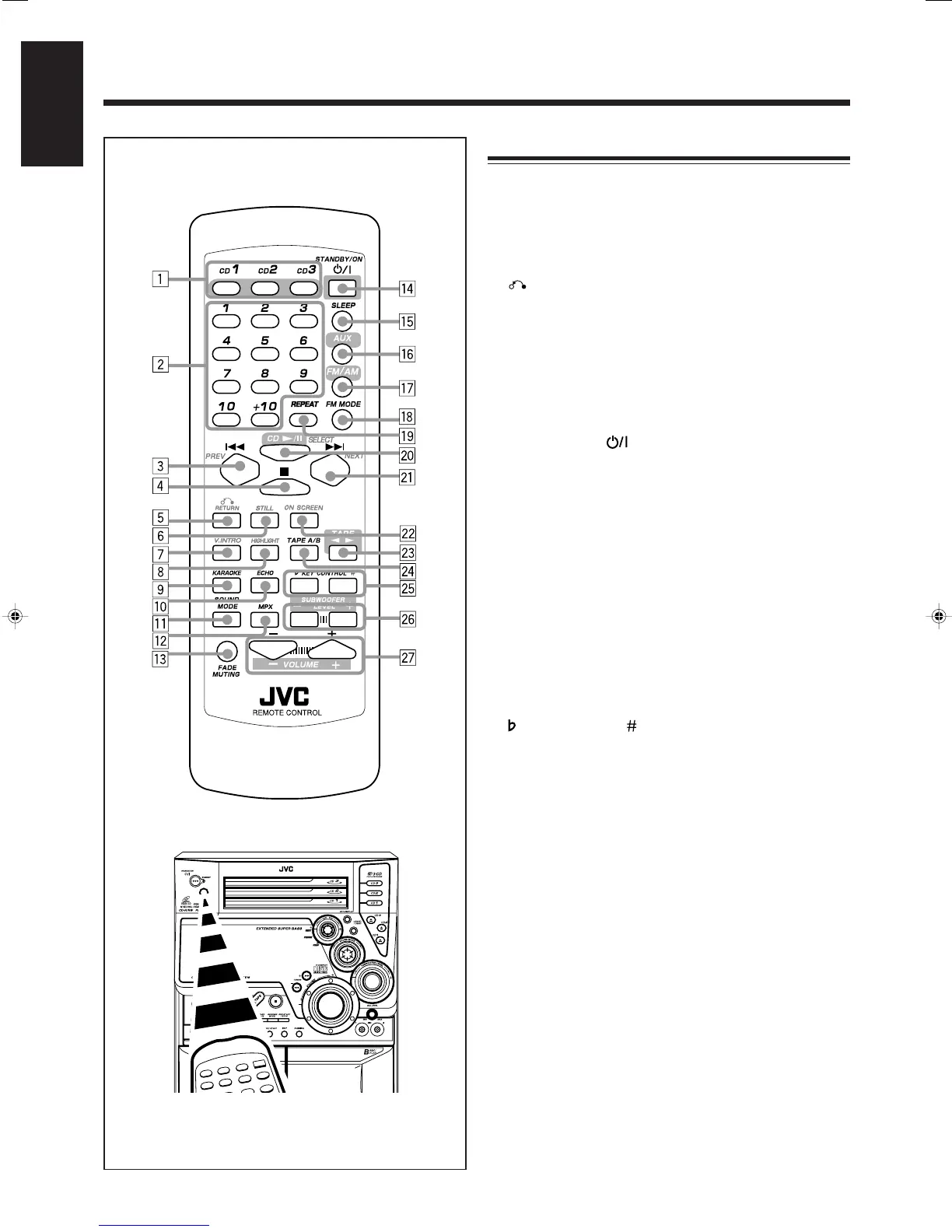
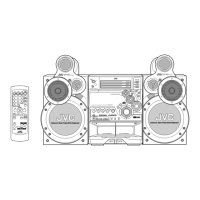
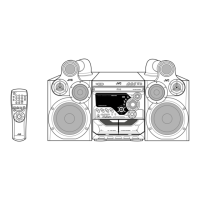
When using the remote control, point it at
the remote sensor on the front panel.
Remote Control
Remote Control
1 Disc number buttons (CD1, CD2, and CD3) (14 – 15)
Pressing one of these buttons also turns on the unit.
2 Number buttons (12, 14 – 15, 18, 20)
3 4 PREV (reverse search) button (12, 14 – 16, 18 – 19,
21)
4 7 (stop) button (14 – 21)
5
RETURN button (18)
6 STILL button (19)
7 V.INTRO button (19)
8 HIGHLIGHT button (20)
9 KARAOKE button (25)
p ECHO button (25)
q SOUND MODE button (10)
w MPX button (20, 25 – 26)
e FADE MUTING button (10)
r STANDBY/ON button (9, 28 – 29)
t SLEEP button (30)
y AUX button (9)
Pressing this button also turns on the unit.
u FM/AM button (9, 12)
Pressing this button also turns on the unit.
i FM MODE button (12)
o REPEAT button (15 – 16)
; CD 3¥8 SELECT button (9, 14, 17 – 19, 26)
Pressing this button also turns on the unit.
a ¢ NEXT (forward search) button (12, 14 – 16, 18 – 19,
21)
s ON SCREEN button (19)
d TAPE 2 3 button (9, 21 – 22)
Pressing this button also turns on the unit.
f TAPE A/B button (21)
g
KEY CONTROL button (26)
h SUBWOOFER LEVEL + / – buttons (10)
j VOLUME + / – buttons (10, 25 – 26)
EN01-12.CA-MXGT95/85/75[US,UY]2 31/07/2001, 10:36 am5


 To Next Page