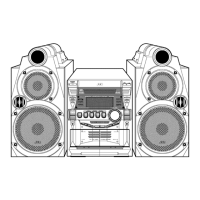
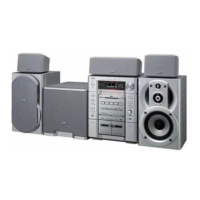
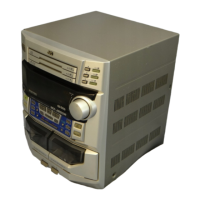
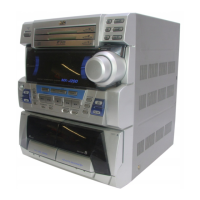
MX-GA3V
1-7
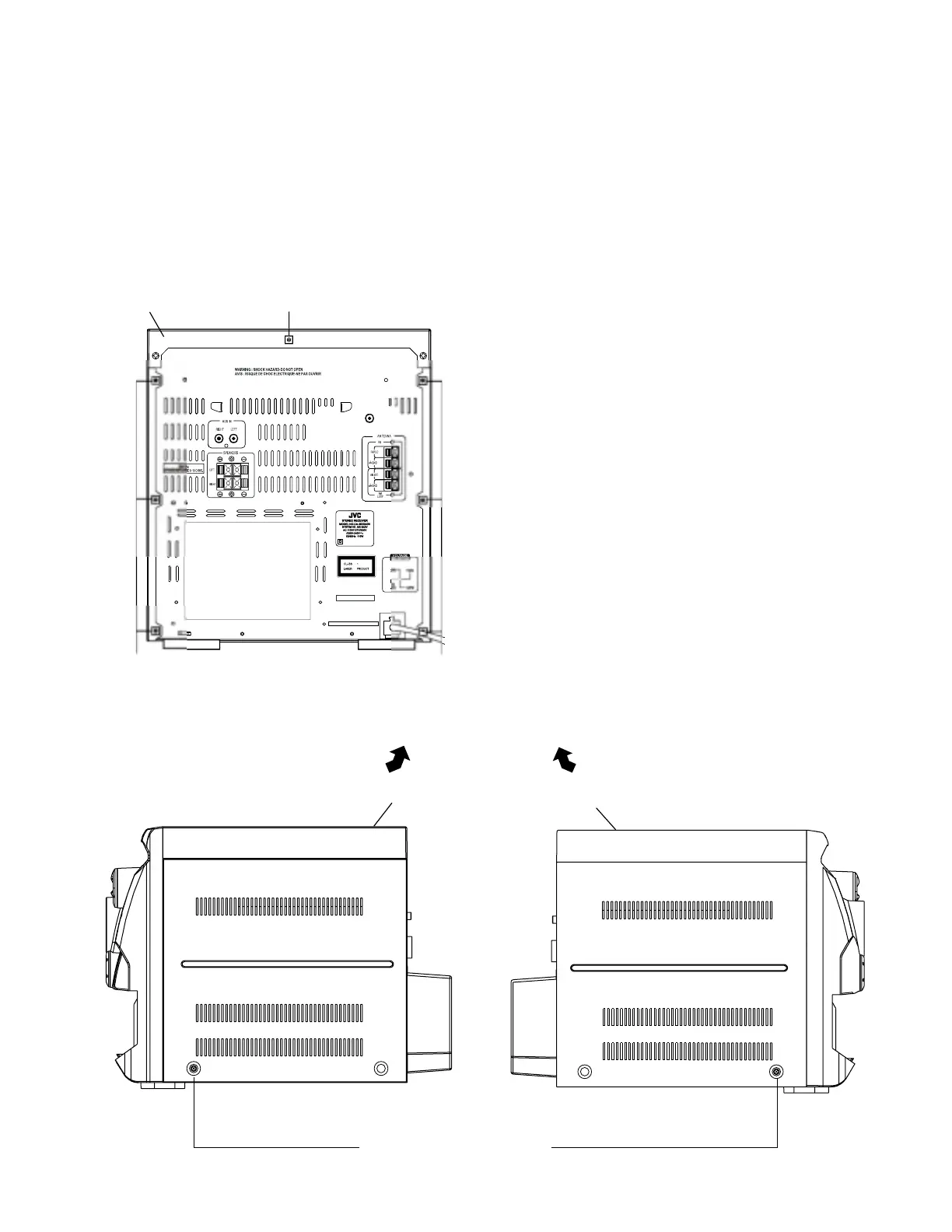
Fig.5 (A) Fig.5 (B)
Left Front panel assembly
Right Front panel assembly
Removing the top cover
(See Fig.4 and 5)
1. Remove six screws
B
that retain the top cover from
the panel rear of the body.
2.
Remove eight screws
C
and
D
that retain the top
cover from the two sides of the body.
3. Remove the top cover from the body by lifting it
toward the rear.
DD
Fig.4
Top cover
B
VIDEO OUT
2
23
-2
C
C


 To Next Page