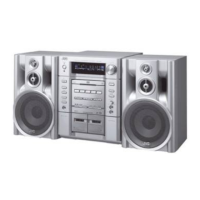
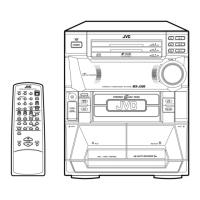
MX-J100
1-5
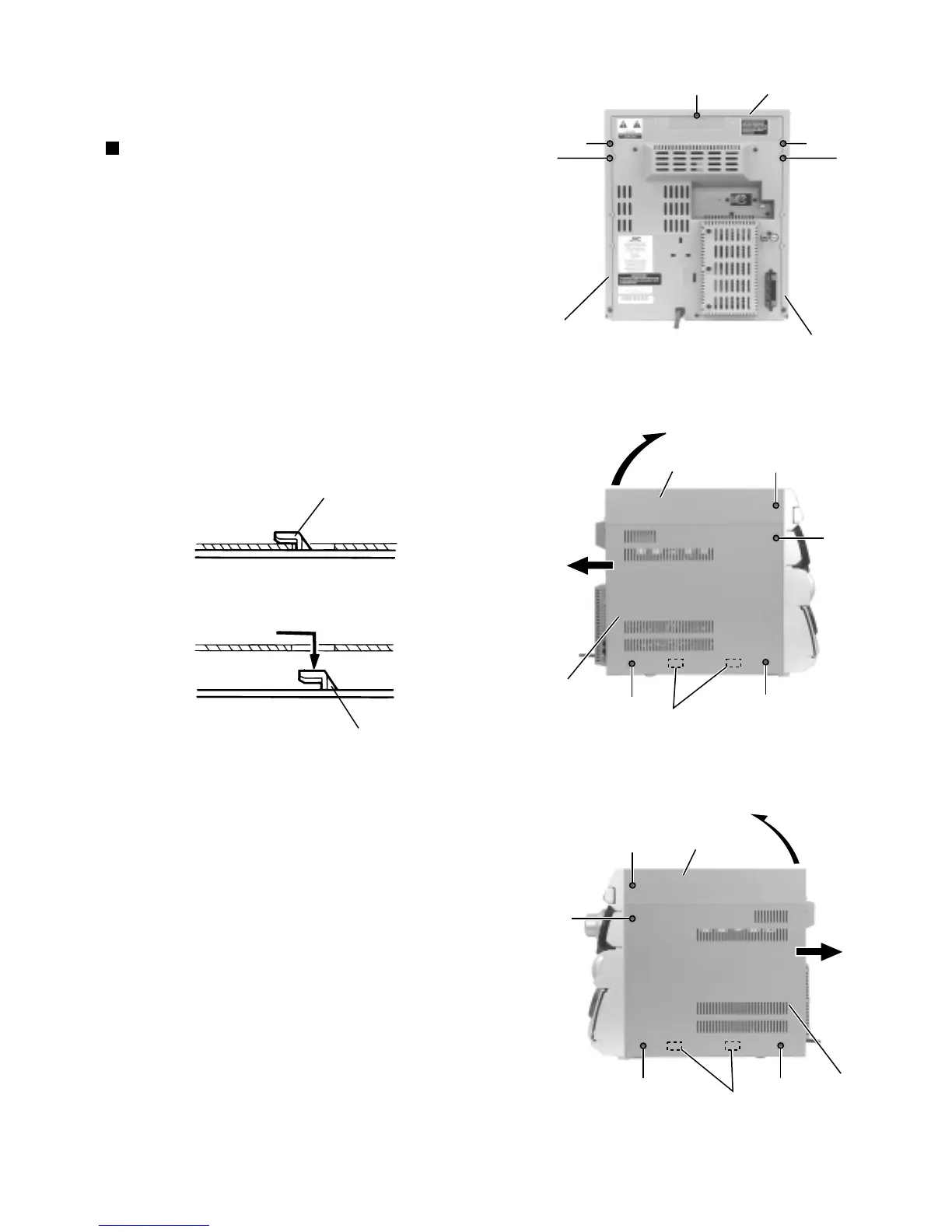
Remove the three screws A on the back of the body
and the two screws B on both sides of the body.
Remove the top cover upward from behind.
Remove the two screws C attaching the side covers
on the back of the body and the six screws D on
both sides.
Slide the right and left covers backward and unhook
the two hooks a in the lower part of the side covers
as shown in Fig.2-2.
1.
2.
3.
4.
<Main body>
Removing the top cover and the side
covers (See Fig.1 to 3)
Disassembly method
Fig.1
Fig.2Fig.2-2
Fig.3
Top cover
A
A
A
C
C
Side cover(L)
Side cover(R)
Side cover(R)
B
D
D
D
Top cover
Hooks a
Top cover
Hooks a
B
D
D
D
Side cover(L)
Hook
Hook



 To Next Page